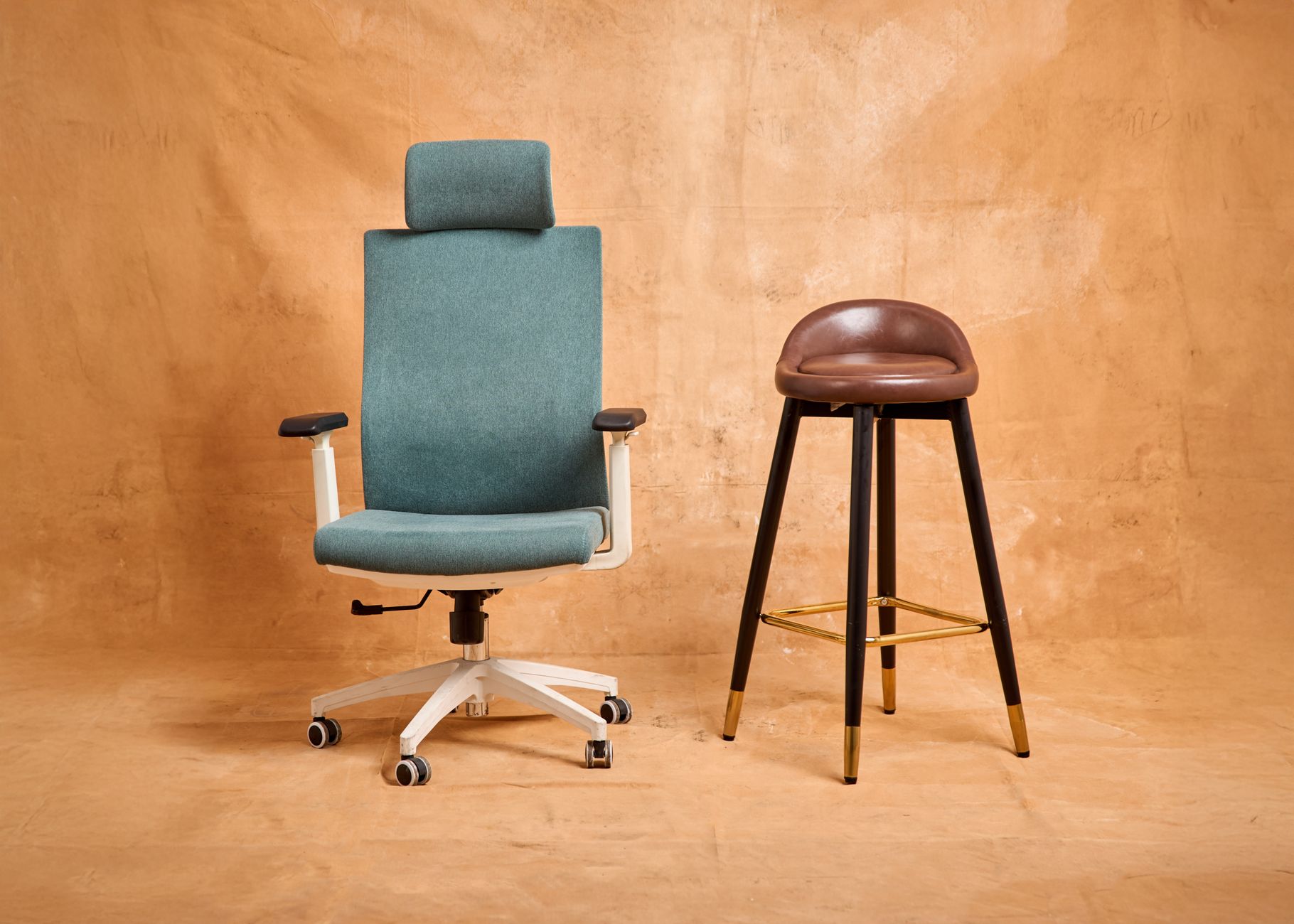
Photo by Max Vakhtbovych

Keyboard Tray Comparison: Best Under-Desk Picks for 2026

Quick Answer: Buy a keyboard tray if your elbows sit above your keyboard. The best trays drop the keyboard 1 to 3 inches below elbow height and tilt the front edge down 10 to 15 degrees. Look for at least 4 inches of height travel, 19 to 30 inches of platform width, and a 5-year or lifetime warranty. Desk height is fixed. Your body is not. That mismatch is the most common reason a home office hurts, and a keyboard tray is the cheapest way to fix it without replacing furniture. When your keyboard sits on top of a 29-inch desk, your shoulders creep upward and your wrists bend backward to reach the keys. OSHA’s ergonomics guidance puts the keyboard at or slightly below elbow height, with wrists straight and shoulders relaxed rather than shrugged. A tray drops the keys 1 to 3 inches below the desktop and adds negative tilt, the front-edge-down angle that keeps your wrists flat instead of cocked back. If you are rebuilding a workspace from scratch, start with our how to set up an ergonomic workstation guide, then come back here for the tray itself. ...
September 16, 2026 · 18 min · Jarrod Gravison
Photo by Alpha En

UPLIFT Desk ASR Error: Causes, Fixes, and Repair Options

Quick Answer: An ASR error on a UPLIFT desk means the anti-collision system sensed resistance and reversed the desktop. Clear the area under the desk, unplug the power supply for 60 seconds, then hold the down button until the desk reaches its lowest point and keeps holding for 10 to 15 seconds to recalibrate. Your UPLIFT desk beeps, jerks a few inches, then stops and reverses. The keypad reads ASR. Nothing is under the desk. You press up again and the same sequence plays out. This is one of the most common complaints from standing desk owners, and it is almost never a sign that the desk is dead. ASR is a safety response, not a crash. The control box sensed unexpected resistance during travel and cut the motors before something bent or someone got pinched. Knowing what the box is reacting to tells you whether you need a two-minute reset or a replacement part. ...

September 16, 2026 · 16 min · Jarrod Gravison
Photo by Alpha En

Grovemade Desk Review: Is the Wood Desk System Worth It?

Quick Answer: Grovemade builds the desk shelf, monitor stand, keyboard tray, and desk pad you see in every styled home office photo. The wood and leather look is real, and the ergonomics are sound if you get the height right. Buy it for the shelf and pad. Skip the keyboard tray if you already use a monitor arm. Grovemade is a Portland workshop that turned a walnut desk shelf into one of the most photographed objects in the home office world. Search for a desk setup on any social platform and the same silhouette shows up: a solid wood shelf raised on slim legs, a monitor sitting on top, a keyboard tucked underneath in a shallow drawer, and a strip of wool felt or vegetable-tanned leather running the width of the desk. It looks calm. It looks expensive. The real question for anyone building a workstation is whether that silhouette holds up when you measure it against ergonomic guidelines. In most cases it does, with one or two caveats you need to plan for before you spend. Start with our how to set up an ergonomic workstation guide if you want the measurements first. ...

September 15, 2026 · 16 min · Jarrod Gravison
Photo by McFollis

Best Uplift Desk Accessories for Ergonomic Workstations

Quick Answer: The best Uplift Desk accessories depend on your workstation gaps. Start with an adjustable keyboard tray and a monitor arm if you have neck or wrist strain. Add a bamboo Motion-X board for active standing and a wire management tray to reduce clutter. Budget about $250 to $350 for a full accessory upgrade. Uplift Desk makes height adjustable standing desks, but the desking surface is only one part of the workstation equation. Accessories such as keyboard trays, monitor arms, and cable managers determine whether your neck, wrists, and lower back remain neutral throughout the day. Uplift Desk accessories are built to fit Uplift frames precisely, though many of them mount to standard desktops as well. This matters because a poorly positioned monitor can force forward head posture, and a keyboard sitting on top of a fixed desk can keep shoulders elevated. The Canadian Centre for Occupational Health and Safety advises that input devices and display screens should be positioned to reduce static loading and awkward postures. If you are building a new office around an Uplift desk, our best standing desks 2026 guide will help you pick the right base before accessorizing. ...

September 12, 2026 · 13 min · Jarrod Gravison
Photo by Alpha En

Best Standing Desk Treadmills 2026: A Complete Comparison

Quick Answer: The best standing desk treadmill for most people is the WalkingPad C2. It folds flat, fits under a standard standing desk, and reaches 3.72 mph. Runners or taller users should choose the LifeSpan TR1200-DT3 for its larger belt and higher weight capacity. Budget buyers can start with the Goplus 2 in 1. Sitting all day is a proven risk factor for back pain, stiff hips, and reduced energy. A standing desk treadmill offers an alternative: a slow walking surface that fits under your desk and lets you move while you work. The Canadian Centre for Occupational Health and Safety recommends changing postures often. Walking at 1 to 2 mph is enough to increase blood flow without making your hands bounce. This category has grown from bulky commercial units to slim folding pads that fit under small electric desks. Before you buy, check our back pain from sitting guide to understand why movement matters. ...

September 11, 2026 · 12 min · Jarrod Gravison
Photo by Minh Phuc

What Is a Riser Desk? 5 Best Sit-Stand Options Compared

Quick Answer: A riser desk is a height-adjustable platform that sits on top of your existing desk, letting you alternate between sitting and standing without replacing the desk. The best options keep monitors and keyboards stable at standing height. Our top picks include the VariDesk Pro Plus 36 for stability and the FlexiSpot M2B for budget. A riser desk, often called a standing desk converter or sit-stand riser, sits on top of a standard desk and raises your monitors, keyboard, and mouse to standing height. It lets you keep the desk you already own. That matters because replacing an entire desk costs more, takes more space, and often creates waste. OSHA (Ergonomics) recommends varying postures throughout the workday instead of remaining seated for hours. A riser desk makes that shift faster because you lift a platform rather than rearrange your workspace. Many desk workers buy one after noticing neck, shoulder, or lower back stiffness during long afternoons. ...

September 11, 2026 · 11 min · Jarrod Gravison
Photo by Alpha En

Best Gaming Desks 2026: Ergonomic Options for Long Sessions

Quick Answer: The best gaming desk for most people is a height-adjustable model with at least 25 inches of depth and a sturdy steel frame. Look for a 27 to 47 inch height range, monitor space for dual screens, and built-in cable management. Our top pick is the Secretlab Magnus Pro for its integrated power and clean cable tray. A gaming desk looks like a regular desk until you spend six hours at one. Most budget models force your keyboard to a fixed height, push your monitor into your neck, and leave cables in a knot. The result is shoulder blade pain, forearm fatigue, and lower back stiffness that has nothing to do with your chair. At ErgonomicOffice we treat the desk as the foundation of a neutral working posture, whether you are grinding ranked matches or writing code. Our baseline guidance comes from OSHA ergonomics recommendations for reducing awkward postures at computer workstations. A desk that cannot adjust forces your body to adapt, and that adaptation usually means strain. ...

September 10, 2026 · 14 min · Jarrod Gravison
Photo by Pawan Bhandari

Autonomous Desk Comparison: 5 Models for Ergonomic Workstations

Quick Answer: The best Autonomous desk for most people is the SmartDesk Pro. It balances a 310 lb lift capacity, 26 to 52 inch height range, quiet dual motors, and a five-year frame warranty for around $499. Budget-focused buyers should look at the SmartDesk Core. Larger workspaces will get more from the SmartDesk Corner. Autonomous desks have become a default answer for home office upgrades. The brand splits its lineup into Core, Pro, Corner, and Connect models, each with different height ranges, lift capacities, and desktop sizes. You do not need to guess which one fits your body and gear. The wrong desk height range leaves tall users stooping and short users reaching. Both situations create upper back and neck strain. OSHA recommends workstations that fit the worker, not the other way around. I tested the major Autonomous sit-stand desks and compared specs that actually matter: adjustability, motor strength, stability, warranty, and price. This comparison skips marketing fluff and focuses on measurable performance. ...

September 8, 2026 · 14 min · Jarrod Gravison
Photo by Alpha En

Standing Desk Cable Management: 5 Solutions Compared

Quick Answer: The best standing desk cable management depends on your desk type. Under-desk steel trays handle power strips and long runs. Cable spines flex with sit-stand movement. Adhesive clips and raceways suit rental or budget setups. Plan for cable slack at maximum standing height, and secure power strips off the floor. When a standing desk rises from 28 inches to 46 inches, every cable that was loosely coiled under the desk becomes a moving hazard. The monitor cable that cleared the floor while sitting can snag a chair, yank a display, or swing into your knee. The power strip that lived against the wall may now dangle from the frame. This is not just clutter. It is a real ergonomic problem. The OSHA ergonomics guidance makes clear that workplace layout should reduce awkward postures, reaching, and obstacles. A cable tangle under a sit-stand desk creates all three. You bend, twist, and kick cords out of the way. Over a workday, that adds up. ...

September 8, 2026 · 12 min · Jarrod Gravison
Photo by Alpha En

Fully Jarvis Standing Desk Comparison: 5 Models Rated

Quick Answer: The Fully Jarvis Bamboo 48 by 27 inch desk is the best overall pick for most people. It adjusts from 24.5 to 50 inches, lifts 350 pounds, and carries a 7-year warranty. Choose Laminate to save money, the 60 by 30 inch bamboo for more surface, L-Shaped for corners, or Frame Only for a custom top. Fully Jarvis desks have become a default answer for workers who want a reliable sit-stand workstation without paying Herman Miller or Steelcase premium prices. The brand, now part of Herman Miller, builds the Jarvis around twin motors, a 350-pound lift capacity, and a 24.5 to 50 inch height range. I see dozens of desks a year, and the Jarvis still holds up because it balances stability, warranty length, and price. If you are setting up a home office in 2026, the sit-stand decision matters. The OSHA ergonomics guidance makes clear that staying in one posture all day creates risk. A desk that moves with you reduces that risk. ...

September 8, 2026 · 11 min · Jarrod Gravison
Best Standing Desk Mats 2026: Top 5 Anti-Fatigue Compared

Best Standing Desk Mats 2026: Top 5 Anti-Fatigue Compared

Quick Answer: The best standing desk mat overall is the Ergodriven Topo for its calculated terrain zones that promote subtle foot movement. Budget-focused shoppers should look at the Gorilla Grip Original. Choose a mat at least 0.75 inch thick on hard floors, with beveled edges to prevent tripping. A standing desk fixes one problem but can create another. Standing on a hard floor for two hours moves discomfort from your hips to your feet, knees, and lower back. Cornell University Ergonomics Web notes that anti-fatigue mats reduce lower-limb discomfort on hard surfaces, but they are a supplement, not a replacement for movement. The right mat should cushion pressure points and encourage small shifts in foot position. I reviewed five popular mats used with the best standing desks 2026 to separate real support from thick foam. For most desk workers, that support layer is the missing piece. ...

September 6, 2026 · 11 min · Jarrod Gravison
Best Ergonomic Chairs Under $500 in 2026: Budget Picks That Support

Best Ergonomic Chairs Under $500 in 2026: Budget Picks That Support

Quick Answer: The best ergonomic chairs under $500 in 2026 combine adjustable lumbar support, seat depth or height range, and armrest movement. Our top picks include the Ticova Ergonomic Chair for tight budgets and the Nouhaus Ergo3D for arm adjustability. Always check return windows and weight capacity before buying. The sub-$500 ergonomic chair category has changed. A few years ago, spending less than $500 often meant a stiff seat pan, a lumbar pad that did nothing, and armrests that only moved up and down. In 2026, the value has shifted. Manufacturers now pack adjustable lumbar systems, breathable mesh, and serious armrest movement into chairs that cost less than a standing desk converter. The OSHA Ergonomics guidance still says that a chair should fit the worker, not the other way around. That means you need controls that change seat height, back angle, and support position. We used that standard to filter dozens of chairs. ...

August 16, 2026 · 12 min · Jarrod Gravison
Best Ergonomic Office Chairs 2026: Tested and Ranked Across Budgets

Best Ergonomic Office Chairs 2026: Tested and Ranked Across Budgets

Quick Answer: After three weeks of testing, the Herman Miller Aeron Chair is our top high-end pick for all-day mesh support. The Branch Verve Chair wins for value under $600. Budget buyers should look at the Sihoo M57 or Ticova for adjustable lumbar support under $300. Lumbar depth and seat depth matter more than armrest extras. Spending eight hours in a cheap kitchen chair does more than make your legs numb. By month three, you may feel stiffness in your lower back, tightness in your hips, and numbness in your hamstrings. The OSHA ergonomics guidance points out that a chair must fit the worker, not the other way around. That simple rule is why we retested the best ergonomic office chairs in 2026 across a wide price range. We wanted to see which seats hold up under real deadlines, long video calls, and messy hybrid schedules. If you already have pain, read our back pain from sitting guide before you shop. It explains why your current chair might be feeding the problem. ...

August 16, 2026 · 13 min · Jarrod Gravison