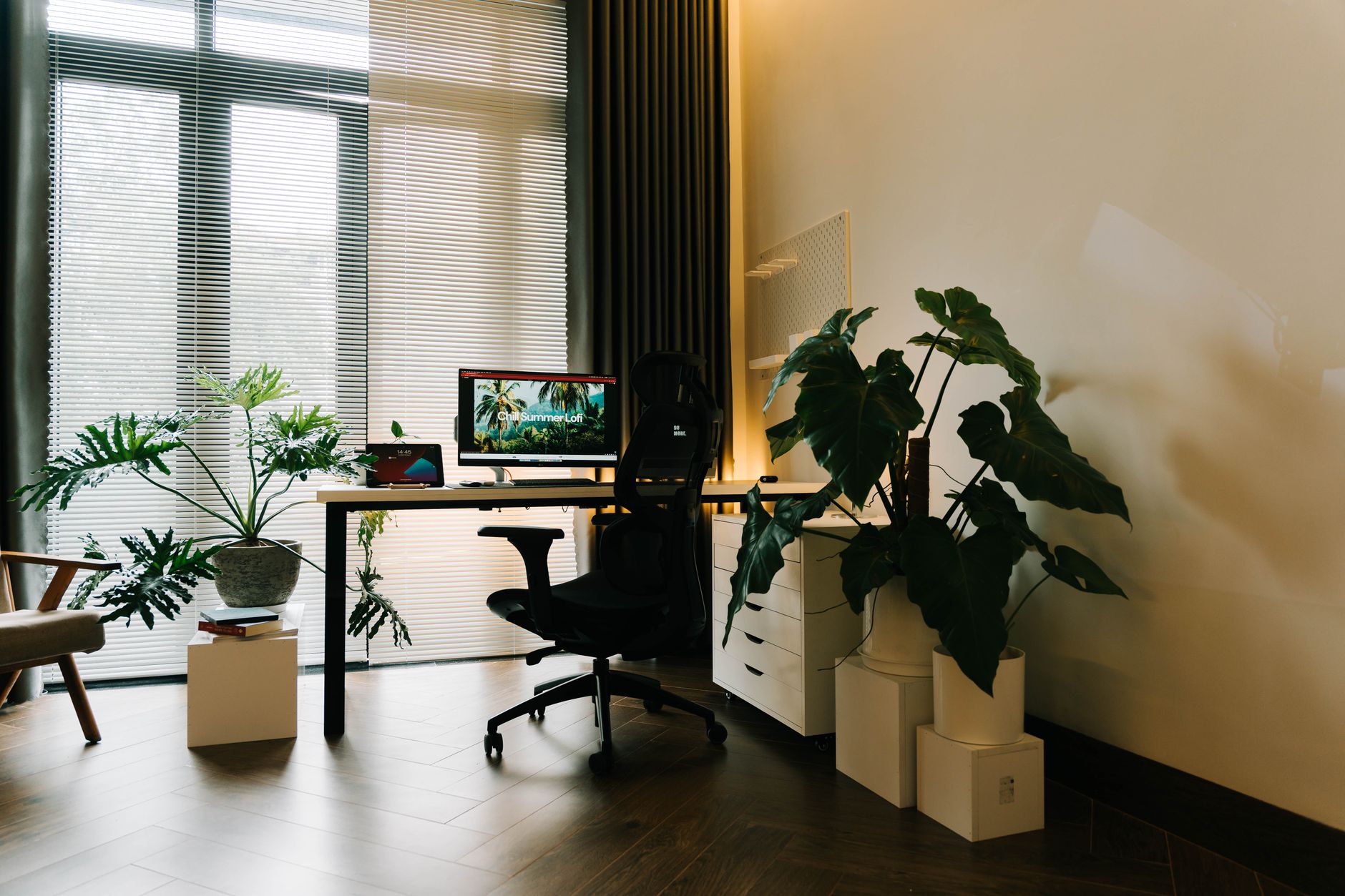
The pitch is simple. You already stand at a desk for part of the day, or you plan to. Instead of standing still for two hours, you walk at 1 to 2 mph while answering email and sitting in on calls. A walking pad sits under the desk frame, and because it has no handrails, it stays clear of your keyboard, monitor, and chair. Cornell University’s Ergonomics Web has spent years measuring what desk workers actually do, and its guidance breaks each half hour into roughly 20 minutes sitting, 8 minutes standing, and 2 minutes moving. A walking pad is the easiest way to hit that last slice. Before you buy anything, read our guide to setting up a standing desk correctly, because deck height decides whether walking at work feels natural or miserable.
Two changes made these pads practical. Brushless DC motors got thin enough to hide under a 4 to 5 inch deck while staying quiet, so a pad no longer sounds like a blender on your morning call. Remote controls and foot-pressure sensors also removed the need for a console bolted to a handrail. OSHA’s ergonomics guidance never tells anyone to walk at work, but it does push employers and workers to break up static postures and cut the time spent locked in one position. Walking is the most direct way to do that. If you are still choosing the desk itself, our roundup of the best standing desks covers height ranges and stability ratings.
Walking pads are not treadmills. They top out near 3 to 4 mph, most have no incline control, and the belts run shorter than gym equipment. That is deliberate. A pad you can actually work on has to be slow enough that your hands stay steady and your screen stops bobbing. The trade is that a walking pad will not get you fit by itself. What it does is add a few thousand low-intensity steps to a day that would otherwise be spent seated, which is the pattern tied to lower back discomfort in our guide to back pain from sitting. If you currently walk almost zero steps between 9 and 5, that is a real change.
We compared these five pads on speed range, belt dimensions, weight capacity, motor type, folded thickness, and warranty length. Warranty separates them faster than any other spec. One unit here carries a lifetime frame warranty and a 3-year motor warranty, and the other four carry 12 months of coverage. We also weighed the practical details that spec sheets skip: how loud the deck is at 2 mph, whether assembly is required, and how much floor space the pad claims when it is not in use. A walking pad also changes what you stand on. If you keep a chair nearby for the seated half of your day, a desk mat under your feet matters more once you start switching between walking and sitting several times a day.
How Do the Top Options Compare?
| Walking pad | Best for | Speed range | Weight capacity | Warranty | Price |
|---|---|---|---|---|---|
| LifeSpan TR1200-DT3 | Heavy daily use | 0.4 to 4.0 mph | 350 lb | Lifetime frame, 3-year motor | Check price |
| WalkingPad A1 Pro | Small spaces | 0.3 to 3.7 mph | 220 lb | 1 year | Check price |
| UREVO SpaceWalk E2 | First-time buyers | 0.6 to 3.8 mph | 265 lb | 1 year | Check price |
| Egofit Walker Pro M1 | Tiny footprints | 0.6 to 3.1 mph | 265 lb | 1 year | Check price |
| Sperax Walking Pad | Quiet operation | 0.6 to 3.8 mph | 265 lb | 1 year | Check price |
Prices and bundles change often, so the table links to live listings instead of quoting numbers. Warranty terms are listed as published by each manufacturer and should be confirmed on the product page before you order. Weight capacity figures refer to the walker’s body weight only, not to any load carried on the belt.
1. LifeSpan TR1200-DT3 , Best for Heavy Daily Use
The TR1200-DT3 is the pad I point people to when walking is going to be a daily habit instead of a novelty. LifeSpan builds it around a 2.25 HP continuous-duty motor that runs from 0.4 to 4.0 mph, so it holds speed under a heavier walker without the belt stuttering mid-stride. The belt measures 20 by 56 inches, wider and longer than almost every folding pad on this list, and the deck is rated for 350 lb. That rating is the highest here by a wide margin.
Warranty is where it pulls away from the field. LifeSpan covers the frame for life, the motor for 3 years, parts for 2 years, and labor for 1 year. Nothing else in this comparison comes close. Two built-in features also matter in a real office. Intelli-Guard cuts the belt power roughly 20 seconds after you step off, and Intelli-Step logs your daily step count so you can see whether you actually used the machine or just walked past it. Check the LifeSpan TR1200-DT3 on Amazon to see current bundle options.
The trade-offs are physical, and they are not small. The unit weighs about 122 lb and does not fold, so it stays where you put it. It wants a dedicated outlet and enough room behind the desk for the deck to sit flat on the floor. The desktop console also occupies work surface, which is a genuine annoyance if you run a laptop and two monitors on the same desk.
If you walk for two hours a day, this is the pad that will still be running in year five with the fewest repairs. Buy it once and stop thinking about it.
Key strengths:
- ✅ Handles 350 lb, the highest weight capacity in this comparison.
- ✅ A 20 by 56 inch belt gives a full walking stride rather than a shuffle.
- ✅ Lifetime frame warranty plus 3 years on the motor and 2 years on parts.
- ✅ Intelli-Guard stops the belt about 20 seconds after you step off.
- ✅ The 2.25 HP continuous-duty motor holds speed at 4.0 mph without fading.
- ❌ About 122 lb with no folding mechanism, so moving it is a two-person job.
- ❌ Claims permanent floor space and needs a dedicated outlet near the desk.
- ❌ The desktop console eats work surface most home offices cannot spare.
Who it’s for: Buy this if you walk every workday, you weigh close to or above 250 lb, and the pad can live in one spot permanently.
2. WalkingPad A1 Pro , Best for Small Spaces
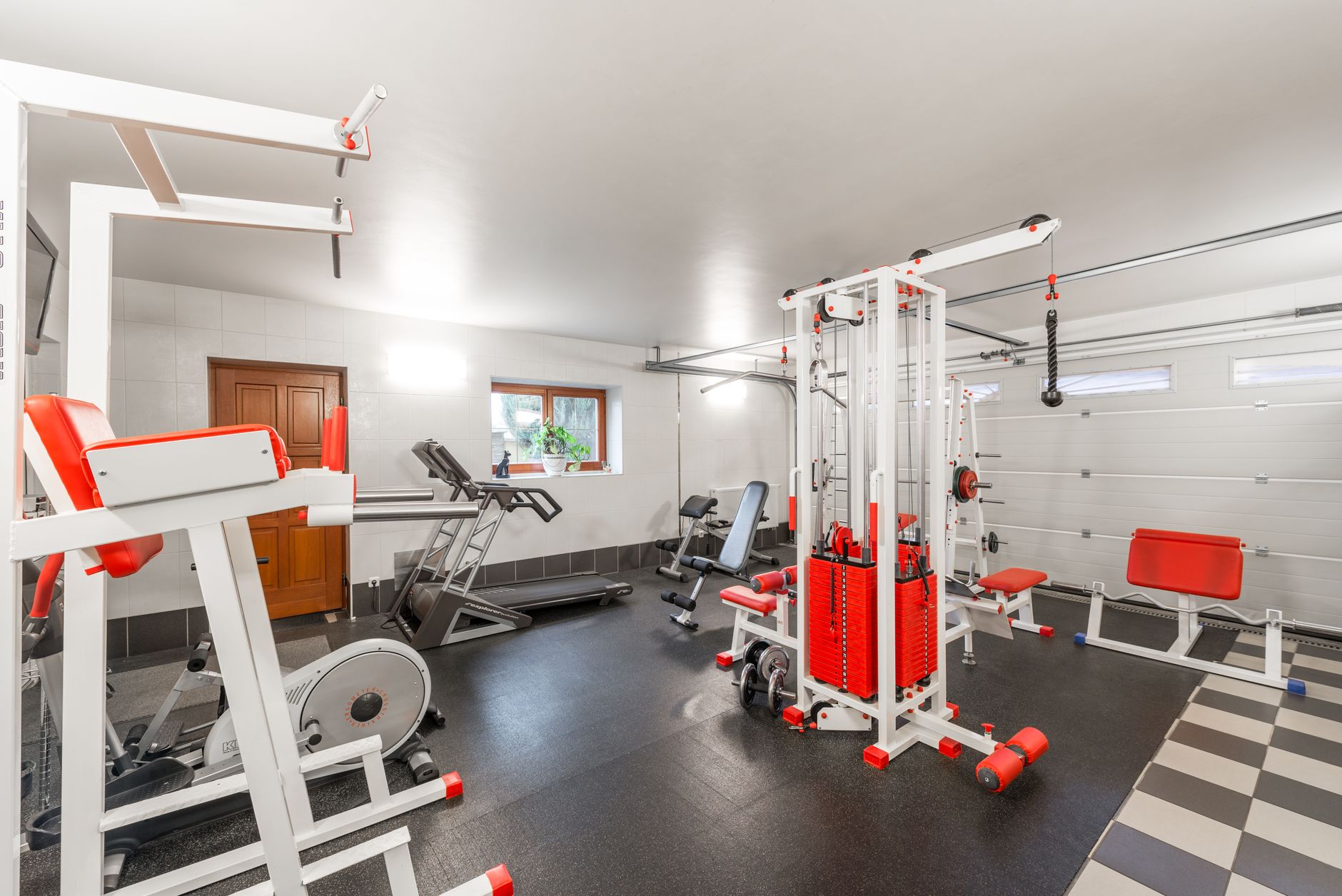
WalkingPad built its reputation on the folding trick, and the A1 Pro still does it better than the copies. The deck folds 180 degrees at the middle and ends up about 5.1 inches thick, so it slides under a sofa, a bed, or a low shelf when the workday ends. Unfolded, the belt runs 15.7 inches wide and 47.2 inches long, which is enough for a normal stride if you are under about 6 feet tall. Check the WalkingPad A1 Pro on Amazon to compare the color and bundle versions.
Speed range is 0.3 to 3.7 mph, controlled by a small remote or by the phone app. Auto mode uses foot pressure to start and stop the belt, which sounds like a gimmick until you try it while carrying a coffee across the room. Capacity is 220 lb, and the brushless motor stays quiet enough that a normal video call sounds fine on the other end.
Here is what you give up. That 220 lb ceiling is the lowest on this list, so heavier walkers should look at the LifeSpan or the UREVO instead. There is no incline and no handrail, which means balance is entirely on you for the first week or two. The narrow 15.7 inch belt also punishes anyone who drifts sideways while reading email on a second screen.
For apartment dwellers and anyone who shares a living room with their office, that trade is usually worth it. Measure your desk clearance before ordering. WalkingPad recommends leaving a couple of inches behind the deck so the folded unit clears the baseboard and the wall.
Key strengths:
- ✅ Folds 180 degrees to roughly 5.1 inches thick for storage under furniture.
- ✅ A 47.2 inch belt supports a full stride for walkers under about 6 feet.
- ✅ Auto mode starts and stops the belt from foot pressure alone.
- ✅ The brushless motor stays quiet during calls and video meetings.
- ✅ Remote and phone app both control speed without a mounted console.
- ❌ The 220 lb capacity is the lowest of the five pads here.
- ❌ No incline and no handrail, so balance is entirely on the walker.
- ❌ The 15.7 inch belt is narrow for anyone with a wide gait.
Who it’s for: Pick the A1 Pro if you live in an apartment or share a room with your desk and you weigh under 220 lb.
3. UREVO SpaceWalk E2 , Best for First-Time Buyers
UREVO’s SpaceWalk line is where most people should start. The E2 runs a 2.25 HP motor from 0.6 to 3.8 mph and carries up to 265 lb, and it arrives fully assembled. You open the box, plug it in, and walk. No bolts, no Allen key, no 40-minute video tutorial before your first step. Check the UREVO SpaceWalk E2 on Amazon to see the current deck and belt options.
The deck sits under five inches tall and uses a five-layer belt with shock absorption built into the frame. That damping matters more than the marketing suggests. Hard decks transmit every footfall into your knees and lower back after about an hour, which is how people quit walking pads in month two. Noise stays low enough that a speakerphone call still sounds normal from the other end of the line.
What you give up is ceiling. The 3.8 mph top speed makes this a walking pad, not a jogging pad. If you want to run at lunch, buy a 2-in-1 with a handrail instead. The remote takes a coin battery and there is no app, so your step data lives only on the small built-in display until you reset it.
Plan the seated half of your day too. If you still sit for four hours, a footrest keeps your feet supported and stops your hips from sliding forward, which is the posture mistake that shows up in most home office photos. The E2 is a walking pad, not a complete workstation, and it works best as one part of a setup you actually adjust through the day.
Key strengths:
- ✅ Arrives fully assembled, with no bolts or tools required.
- ✅ A 2.25 HP motor runs from 0.6 to 3.8 mph with a 265 lb capacity.
- ✅ The deck sits under five inches tall, so it clears most desk frames.
- ✅ Five-layer belt with frame shock absorption reduces impact on knees.
- ✅ Quiet enough at walking speeds for speakerphone calls.
- ❌ The 3.8 mph top speed rules out jogging entirely.
- ❌ No app and a coin-cell remote, so step data stays on the deck display.
- ❌ No incline adjustment at any speed.
Who it’s for: Choose the SpaceWalk E2 if you want a dependable pad for up to an hour a day and you do not want to assemble anything.
4. Egofit Walker Pro M1 , Best for Tiny Footprints
Egofit sells the smallest under-desk treadmill in this group. It runs from 0.6 to 3.1 mph and carries 265 lb in a frame that fits where full-size pads simply will not, including under a compact desk pressed against a bedroom wall. If your only free floor space is the strip directly beneath your desk, this is the pad that respects that limit.
The Walker Pro M1 has a fixed incline of roughly 2 to 3 percent. That slight angle recruits more calf and glute work than a flat belt at the same speed, and it breaks the flat-footed shuffle people fall into at 1 mph. The low top speed suits typing. You cannot outrun your keyboard on this machine, and that is the entire point.
Two honest complaints. The short deck is unforgiving for tall walkers. If you are over 6 feet tall, your stride will feel cramped and you will unconsciously shorten your gait to stay on the belt. The incline is also not adjustable, so the calf load is constant whether you want it that day or not.
One more thing worth repeating. A walking pad does not replace your chair. You still need a properly fitted seat for the sitting portion of the day, and the best ergonomic chairs guide covers seat depth, lumbar height, and armrest position in detail. The pad handles movement, the chair handles recovery.
Key strengths:
- ✅ The smallest footprint here, built for tight rooms and compact desks.
- ✅ A fixed 2 to 3 percent incline adds calf and glute work at low speeds.
- ✅ Carries 265 lb despite the small frame.
- ✅ The 3.1 mph ceiling keeps typing steady and screen bounce minimal.
- ✅ Low deck height makes it easy to slide in and out of position.
- ❌ The short deck cramps walkers over about 6 feet tall.
- ❌ Incline is fixed and cannot be flattened for casual walking.
- ❌ The 3.1 mph top speed is the lowest of the five pads here.
Who it’s for: This is for small rooms, short daily walks, and anyone who wants gentle incline work without buying a full treadmill.
5. Sperax Walking Pad , Best for Quiet Operation
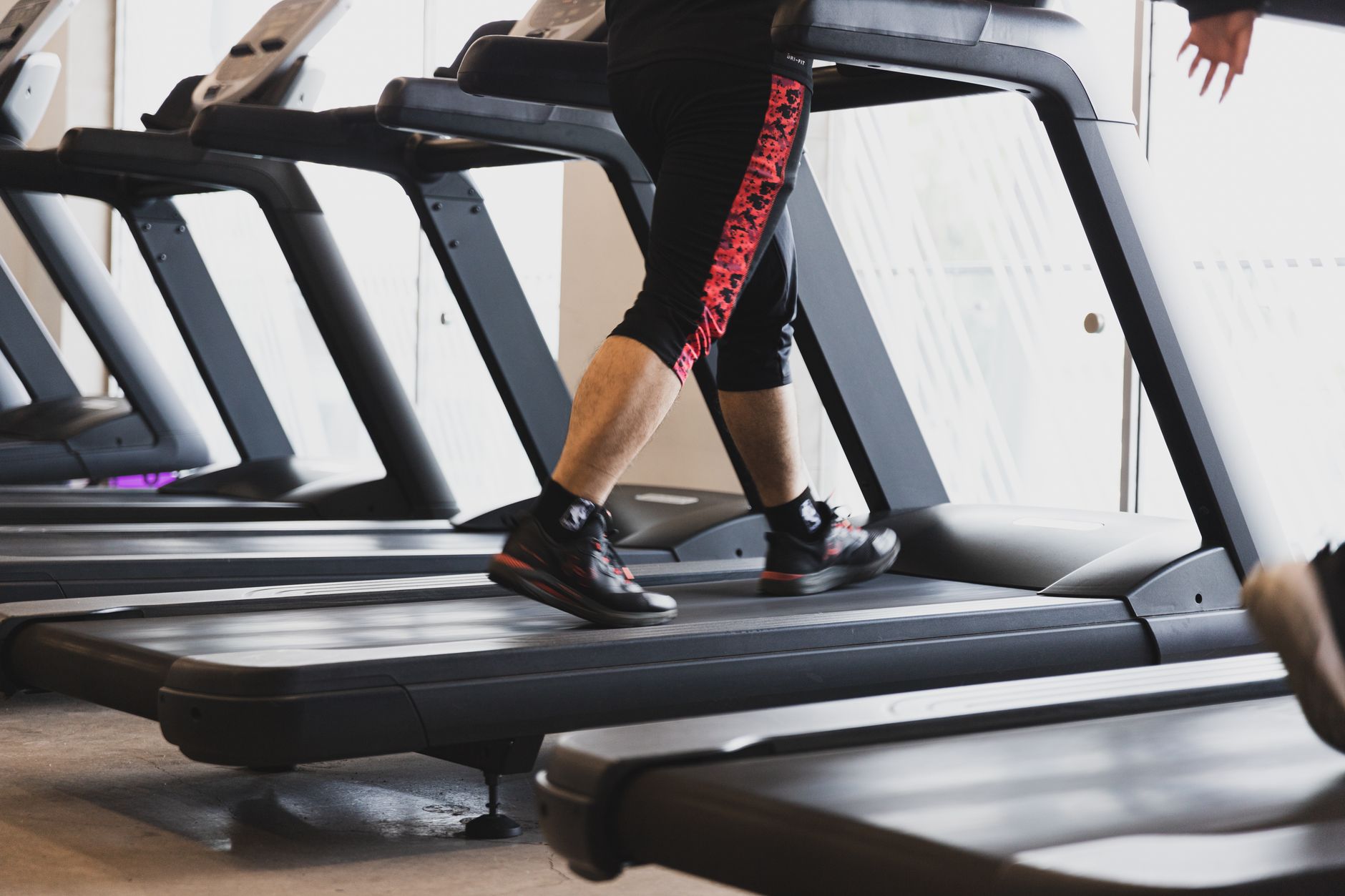
Sperax is the pad most people end up with after comparing spec sheets side by side. It pairs a 2.5 HP motor with a 0.6 to 3.8 mph range and a 265 lb capacity, and the deck stands about 4.9 inches tall. Under the belt sit eight silicone shock pads and a five-layer belt, which is more damping hardware than this class of pad usually includes.
That damping shows up as noise. Sperax rates the pad under 45 dB, and in a room with a rug and curtains that is quiet enough to take a call without muting yourself. The LED display sits at the front of the deck and the remote handles start, stop, and speed without bending down mid-stride.
Nothing here is premium. The handrail-free design means the same balance adjustment as every other pad, and the 1-year warranty is standard at this level but four times shorter than the coverage LifeSpan gives you on the motor. The 265 lb capacity also excludes heavier users who would benefit most from low-impact walking.
Treat it as a first walking pad. If you use it daily for a year and the habit sticks, upgrade to something with a longer belt and better warranty support. If the habit does not stick, you spent less finding that out.
Key strengths:
- ✅ A 2.5 HP motor with a 0.6 to 3.8 mph range and 265 lb capacity.
- ✅ Eight silicone shock pads and a five-layer belt absorb footfall impact.
- ✅ Rated under 45 dB, quiet enough for calls and shared rooms.
- ✅ The deck is about 4.9 inches tall, so it slides under most desks.
- ✅ Remote control handles speed and start and stop from a standing position.
- ❌ A 1-year warranty is the shortest standard coverage on this list.
- ❌ No incline and no handrail for balance support or upper body work.
- ❌ The 265 lb cap excludes heavier walkers who need low-impact movement most.
Who it’s for: Buy the Sperax if you want the quietest ride with real shock absorption and you are not yet sure whether walking at work will stick.
Frequently Asked Questions
Can you really type while walking on a walking pad?
Yes, at 1 to 2 mph. Above roughly 2.5 mph your hands start to bounce and typing accuracy drops. Most people settle near 1.5 mph for email and writing, then bump to 2.5 or 3 mph for calls, reading, and video meetings.
What speed should I start at?
Start at 0.6 to 1 mph for the first week even if it feels almost too slow. Your hips and lower back need time to adjust to the constant small balance corrections. Add 0.2 mph only when the current speed starts to feel boring.
How much space do I need behind my desk for a walking pad?
Plan for 2 to 3 inches of clearance between the back of the pad and the wall. Also check that your desk legs or crossbar do not hit the deck when you lower the desk to sitting height. A folding pad around 5 inches thick needs at least that much room underneath.
Are walking pads hard on your knees?
Slow walking is generally easier on knees than running, and cushioned decks with silicone shock pads reduce impact further. If you have an existing knee or hip injury, talk to a clinician before adding an hour of daily walking to your routine.
How long should I walk each day on a walking pad?
Twenty to thirty minutes at a time is a realistic starting point, split into two sessions. Cornell University’s sit-stand research points to a couple of minutes of movement every half hour, so short and frequent beats one long march.
Will a walking pad fit under any standing desk?
Most pads are 4 to 6 inches tall and 20 to 26 inches wide, so they fit under standard two-leg desks. Check cable trays, center support beams, and full-width foot bars first. A desk with a low crossbar leaves no room for a pad.
What Should You Remember?
- Match capacity to your weight plus a margin. A pad rated at 220 lb will wear faster under a 210 lb walker, so buy one tier above your body weight.
- Speed tops out around 4 mph. Every pad here stops between 3.1 and 4.0 mph, which is the working range for typing, not the range for jogging.
- Warranty is the clearest quality signal. One pad on this list carries a lifetime frame and 3-year motor warranty while the rest carry 12 months.
- Folding beats motor size in small rooms. A deck that folds to about 5 inches thick can live under a sofa when you are done with it.
- Start at 1 mph for 20 minutes. Building the habit matters more than hitting a step goal in week one.
- A walking pad does not replace your chair. You still need proper seated support for the hours you are not moving.
- Leave 2 to 3 inches behind the desk. Clearance prevents the belt from grinding into a wall and keeps cables out of the deck.
This article is for general information only and is not medical advice. Ergonomic guidance varies by body type and underlying conditions. Consult a physician or physical therapist for persistent pain before changing your workstation.