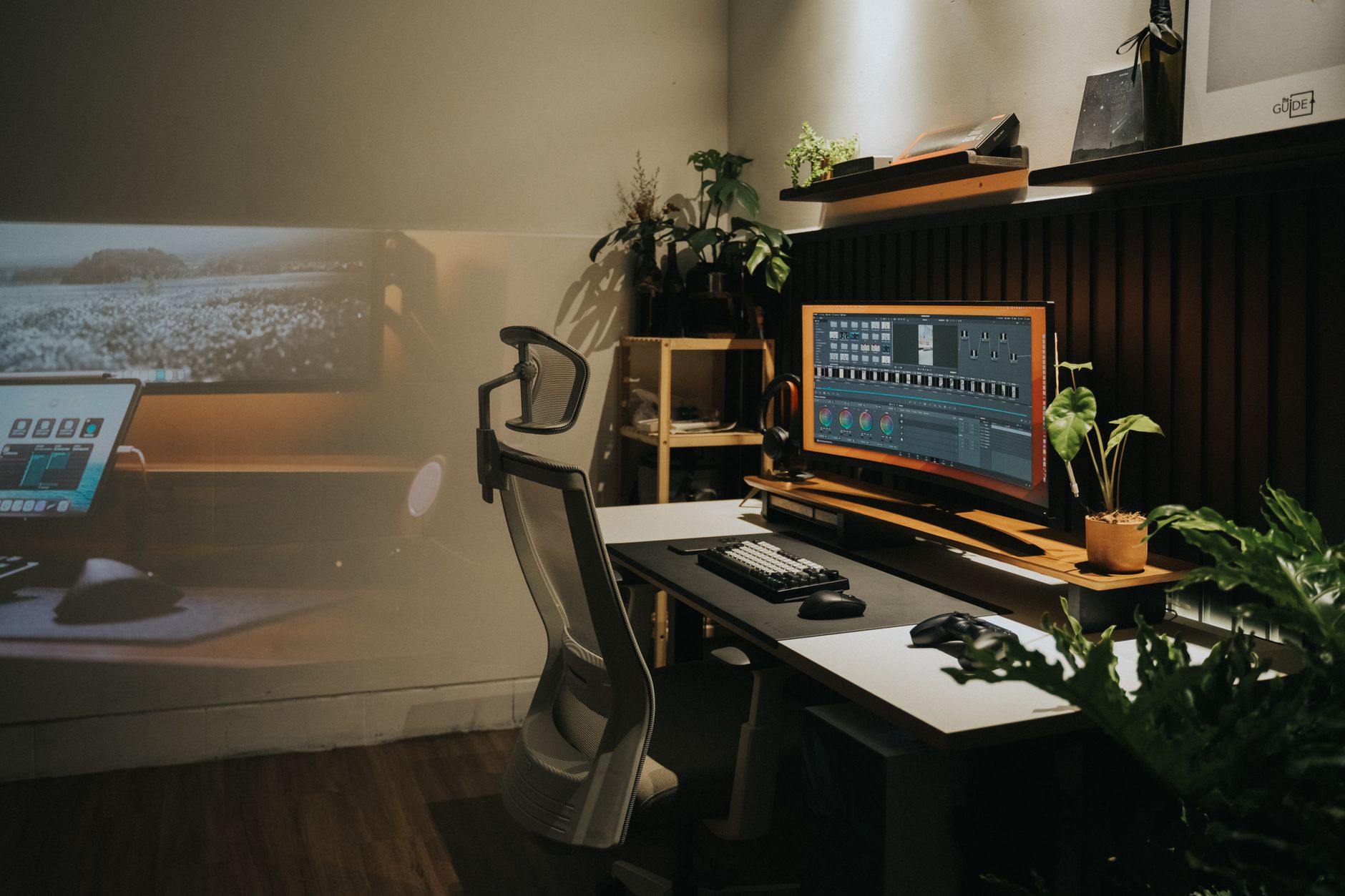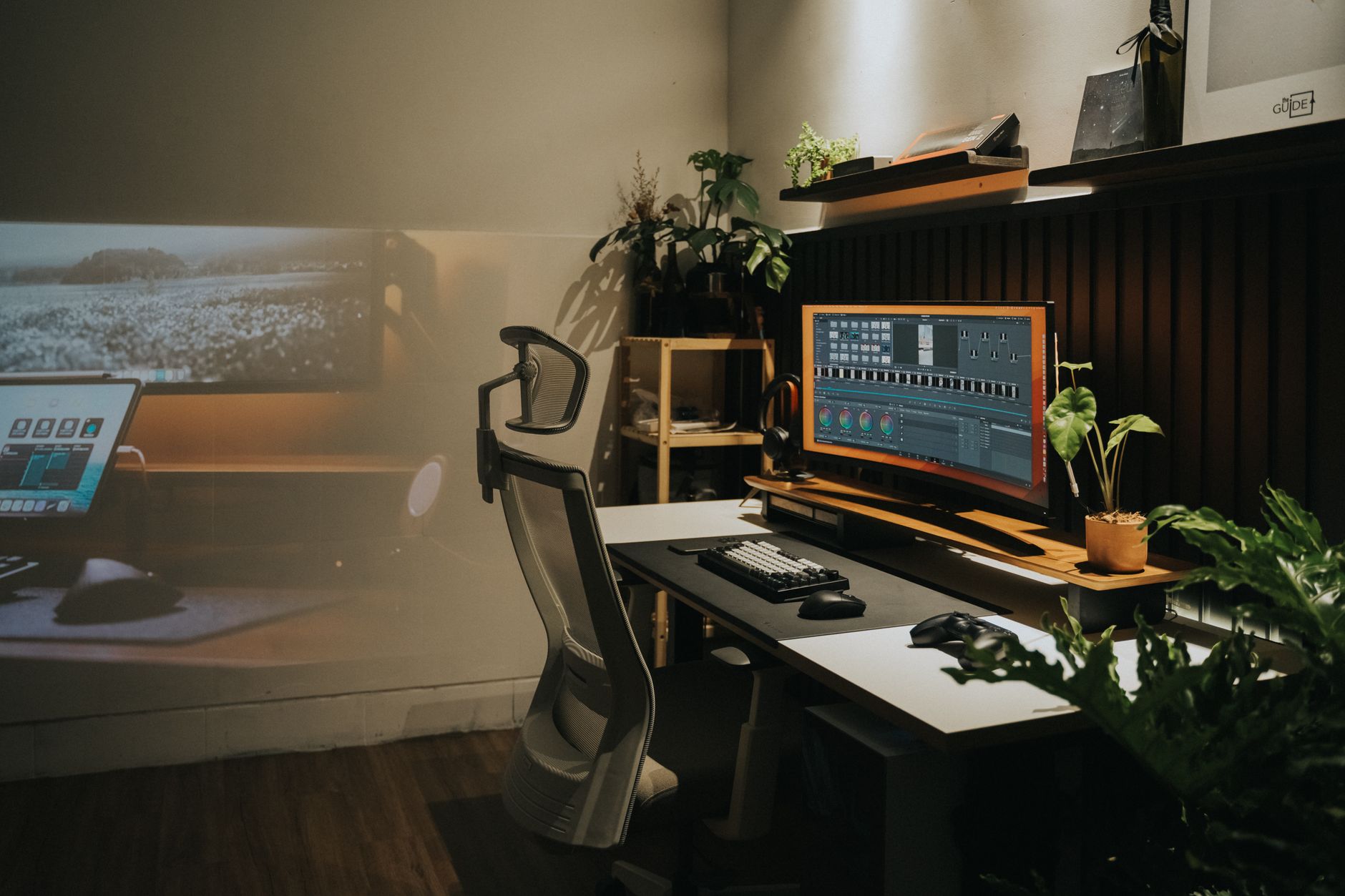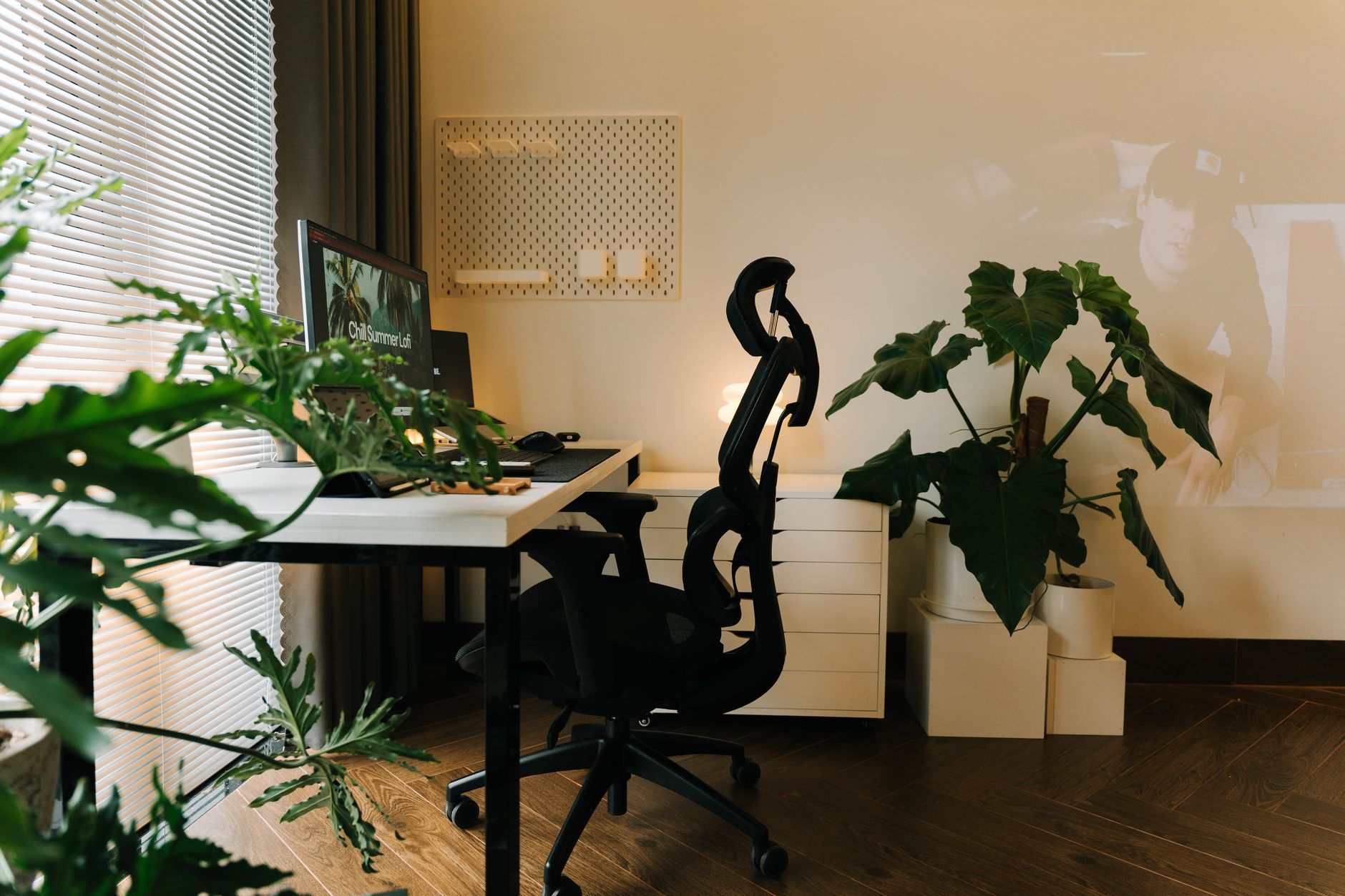
Fully Jarvis desks have become a default answer for workers who want a reliable sit-stand workstation without paying Herman Miller or Steelcase premium prices. The brand, now part of Herman Miller, builds the Jarvis around twin motors, a 350-pound lift capacity, and a 24.5 to 50 inch height range. I see dozens of desks a year, and the Jarvis still holds up because it balances stability, warranty length, and price. If you are setting up a home office in 2026, the sit-stand decision matters. The OSHA ergonomics guidance makes clear that staying in one posture all day creates risk. A desk that moves with you reduces that risk.
Methodology matters when you compare five versions of the same desk. I looked at adjustability range, desktop material, stability under load, warranty terms, and real price points. I also applied the sit-stand guidance from the Cornell University Ergonomics Web for monitor height and elbow angle. A desk is only useful if it drops low enough for your height and lifts high enough for standing elbows bent at 90 degrees. The Jarvis line covers most people from about 5 feet 0 inches to 6 feet 6 inches depending on your proportions. That range alone makes it a safer default than cheap desks with narrow 28 to 44 inch ranges. We also checked return policies and real user complaints.
Fully is now owned by Herman Miller, but the Jarvis line still carries its own identity. The desk starts around $500 USD and climbs past $900 with larger tops and upgraded programmable handsets. The frame holds 350 pounds, which means a dual monitor arm, laptop, and desk mat sit comfortably within spec. I compared the Bamboo 48 by 27, Laminate 48 by 27, Bamboo 60 by 30, L-Shaped, and Frame Only options. Each has a different strength, and the wrong choice often comes down to desktop material or footprint. For a broader look at the category, see our best standing desks 2026 list.
Before you order, take the desk setup seriously. A standing desk that is too high or too low creates wrist and neck strain quickly. Use our how to set up a standing desk correctly guide to get monitor height, keyboard position, and foot stance right. The Jarvis models below share the same frame and motor system, so most differences come down to top material, shape, and size. That means you can focus on what changes: price, looks, and how you will use the surface. If you need a chair to pair with your Jarvis, keep that in mind too.
How Do the Top Options Compare?
| Model | Best For | Height Range | Weight Capacity | Warranty | Price |
|---|---|---|---|---|---|
| Fully Jarvis Bamboo 48 x 27 in | Best overall compact bamboo | 24.5 to 50 in | 350 lb | 7 years | Check price |
| Fully Jarvis Laminate 48 x 27 in | Best budget Jarvis top | 24.5 to 50 in | 350 lb | 7 years | Check price |
| Fully Jarvis Bamboo 60 x 30 in | Best large surface for dual monitors | 24.5 to 50 in | 350 lb | 7 years | Check price |
| Fully Jarvis L-Shaped Standing Desk | Best for corner workstations | 24.5 to 50 in | 350 lb | 7 years | Check price |
| Fully Jarvis Frame Only | Best for custom desktops | 24.5 to 50 in | 350 lb | 7 years | Check price |
Prices change often and depend on top size and accessories. Amazon links are affiliate links.
1. Fully Jarvis Bamboo 48 x 27 in Standing Desk , Best overall compact bamboo
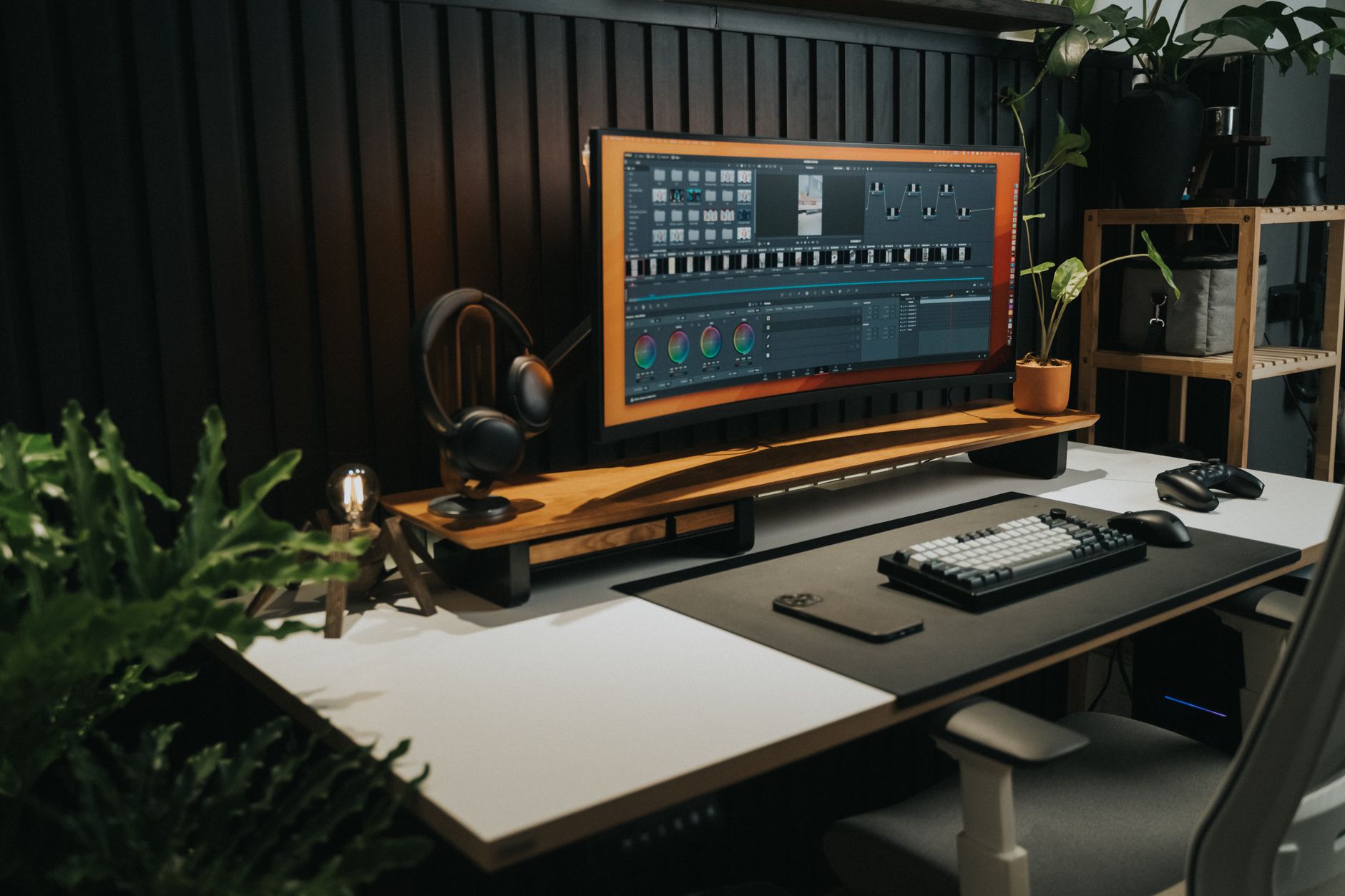
Most workers should buy the Jarvis Bamboo before overthinking the decision. The bamboo surface is harder and more scratch-resistant than laminate, and it gives the desk a warm, non-industrial look. I have used bamboo desks for years, and they hold up better than cheap particleboard. The Jarvis frame moves from 24.5 to 50 inches, so shorter and taller users can find a neutral elbow position. Check the how to set up an ergonomic workstation guide to see why desk height anchors the rest of the setup.
You get a 350-pound lift capacity. That is enough for a 49-inch ultrawide monitor, a desktop PC, a monitor arm, and a stack of books. The dual motors are quiet, and the programmable handset stores four heights. No more fine-tuning every time you switch from sitting to standing.
The main downside is price. Bamboo adds about $100 over the laminate version. But if you want a desk that looks less like a cubicle and more like furniture, this is the sweet spot. Check the Fully Jarvis Bamboo on Amazon.
Key strengths:
- ✅ Hard bamboo surface resists scratches better than laminate
- ✅ 350-pound capacity handles heavy monitor and PC setups
- ✅ 24.5 to 50 inch height range fits most users
- ✅ Programmable handset stores four heights
- ✅ Clean, furniture-grade look for home offices
- ❌ Costs more than laminate Jarvis
- ❌ Bamboo can vary in color grain between samples
- ❌ Large sizes create a heavy, awkward move without help
Who it’s for: Choose this if you want the best all-around Jarvis with a durable, warm bamboo top and do not mind paying extra.
2. Fully Jarvis Laminate 48 x 27 in Standing Desk , Best budget Jarvis top
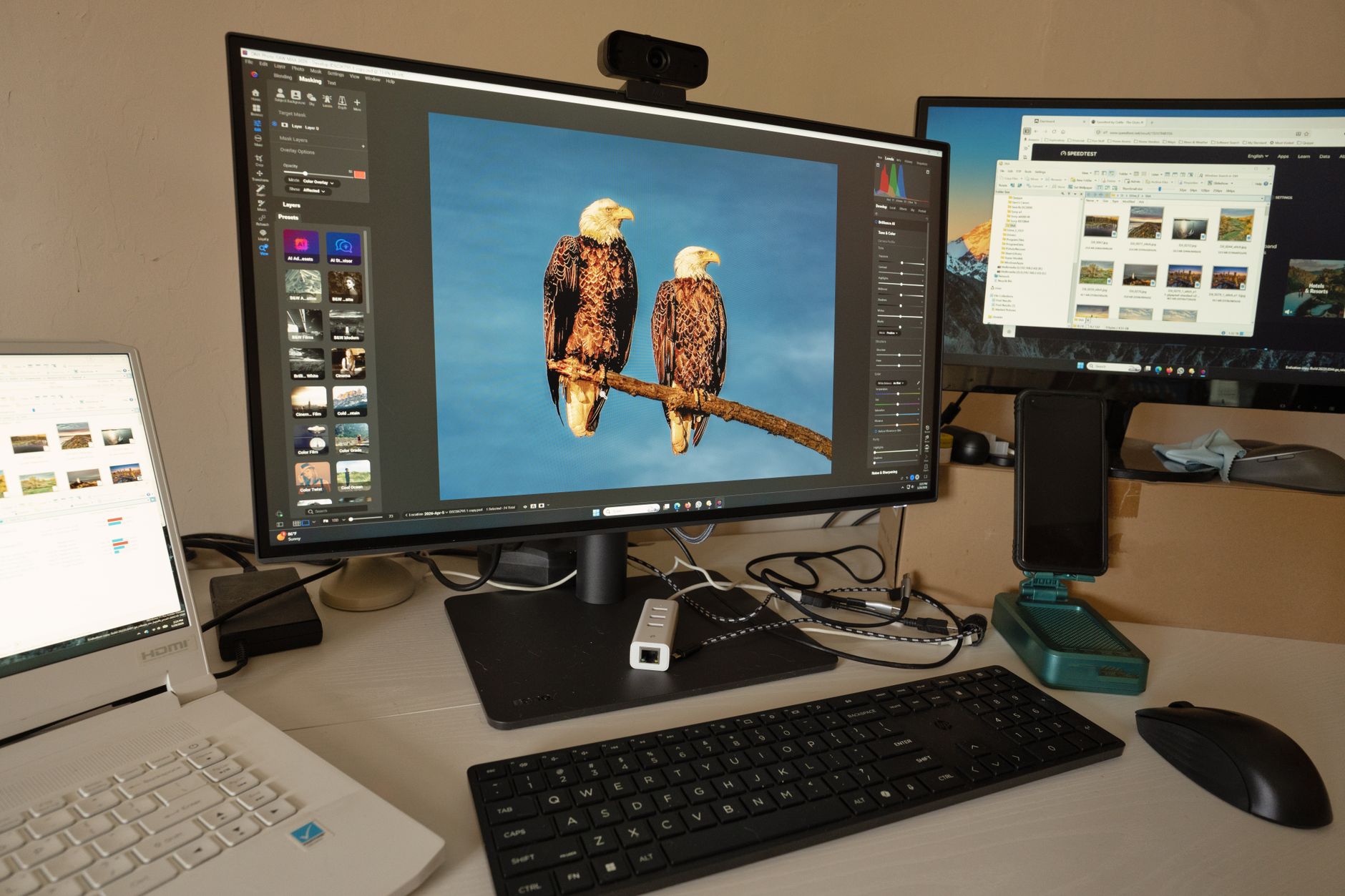
The laminate Jarvis keeps the same frame, motors, and 7-year warranty but swaps bamboo for a high-pressure laminate top. That cuts the price meaningfully and gives you the same 24.5 to 50 inch height range. Laminate is easier to wipe down after coffee spills, and it comes in colors that bamboo does not offer. If your office is more functional than decorative, this is the rational pick.
The 350-pound frame capacity does not change. Your monitor, laptop stand, and desk accessories ride on the same stable base. The downside is long-term edge wear. Laminate tops can chip at corners if hit hard, and they show scratches more easily on dark colors. Still, the savings often pay for a standing desk converter if you also need a secondary workstation.
This model works best in shared offices, schools, or budget-conscious home setups. You lose some furniture warmth but keep the core Jarvis performance. Check the Fully Jarvis Laminate on Amazon.
Key strengths:
- ✅ Lower price than bamboo while keeping the same frame
- ✅ Laminate surface cleans spills quickly
- ✅ Same 350-pound lift and 7-year warranty
- ✅ More color choices than bamboo
- ❌ Dark laminate shows scratches easier
- ❌ Edges can chip if hit with hard objects
- ❌ Looks less high-end than bamboo
Who it’s for: Choose this if you want genuine Jarvis stability at the lowest possible price and do not mind a utilitarian top.
3. Fully Jarvis Bamboo 60 x 30 in Standing Desk , Best large surface for dual monitors
The 60 by 30 inch bamboo Jarvis is the version I recommend to people who run a laptop plus an external monitor or a dual monitor arm. The extra depth gives your forearms more support, and the width keeps your speakers and desk mat from crowding the keyboard. It shares the same 350-pound capacity and 24.5 to 50 inch height range as the smaller Jarvis.
Larger desks can expose an ergonomic mistake: people push the monitor too far back. Keep the screen at arm’s length, and use a desk mat to mark where your chair rolls. The bamboo top looks even more impressive at this size and hides minor scratches well. Check the how to set up an ergonomic workstation guide if you are unsure about monitor distance.
The downside is space and price. A 60 by 30 desk eats more room than most people expect. Measure your doorways, because the top is heavy. If you have the square footage, this is the most comfortable Jarvis for long workdays. Check the Fully Jarvis Bamboo 60-inch on Amazon.
Key strengths:
- ✅ Large 60 by 30 inch surface reduces forearm pressure
- ✅ Bamboo top hides scratches and looks premium
- ✅ 350-pound capacity supports dual monitor arms
- ✅ Same height range and seven-year warranty
- ❌ Requires a large room and wide doorways
- ❌ Higher price than 48-inch bamboo Jarvis
- ❌ Heavy top makes assembly and moving harder
Who it’s for: Choose this if you need a deep, wide desk for dual monitors and have enough floor space.
4. Fully Jarvis L-Shaped Standing Desk , Best for corner workstations and dual task areas
The L-shaped Jarvis gives you two work surfaces in one footprint. One side can hold your monitor and keyboard while the other handles paperwork, a laptop, or a second monitor. That layout fits corner offices and larger rooms. The frame still moves through 24.5 to 50 inches and carries 350 pounds across the whole surface.
Corner desks solve a real ergonomic problem. Many workers twist to reach paper or a second screen. A well-placed L-shaped surface keeps everything within your neutral reach zone. Pair the desk with a good ergonomic chair so you do not offset the benefit of standing.
The obvious downside is footprint. You need a room that can handle the desk in both directions, and assembly takes longer. The price also jumps because you are buying a larger top and more frame hardware. But for the right room, it beats two separate desks.
Key strengths:
- ✅ Two work surfaces reduce twisting and reaching
- ✅ Same 350-pound capacity and height range
- ✅ Fits corner spaces efficiently
- ✅ Great for dual monitor plus paper workflow
- ❌ Larger footprint requires a bigger room
- ❌ Higher price than rectangular Jarvis models
- ❌ Assembly is more involved
Who it’s for: Choose this if you work in a corner or need distinct zones for computer and paper tasks.
5. Fully Jarvis Frame Only , Best for custom desktops and DIY builds
The Jarvis frame only is for people who already have a desktop or want a custom wood slab. You keep the same dual-motor base, 350-pound capacity, 24.5 to 50 inch height range, and 7-year warranty. You supply the top. That gives you total control over size, finish, and character.
This route often saves money if you already own a solid wood top or can source one locally. I have seen butcher block from a hardware store paired with a Jarvis frame produce a desk that looks far more expensive than it is. The frame itself handles drilled holes with standard spacing, so installation is straightforward with a drill and screwdriver.
The downside is effort. You have to finish, drill, and align the top yourself. If you measure wrong, the desk feels unbalanced. For most buyers, a complete Jarvis desk makes more sense. But tinkerers and woodworkers should not ignore this option.
Key strengths:
- ✅ Use any desktop you want for a custom look
- ✅ Same Jarvis motor, capacity, and warranty
- ✅ Often cheaper if you already own a top
- ✅ Lets you build a desk larger than stock sizes
- ❌ Requires drilling and basic DIY skills
- ❌ Top quality is entirely your responsibility
- ❌ No finished desktop surface included
Who it’s for: Choose this if you already have a desktop or want to build a custom Jarvis setup from scratch.
Frequently Asked Questions
Is the Fully Jarvis standing desk worth the price?
For most desk workers, yes. The 350-pound lift capacity, 24.5 to 50 inch height range, and seven-year warranty justify the cost compared with cheaper desks that struggle at standing height.
What is the height range of the Fully Jarvis desk?
The Jarvis frame adjusts from 24.5 inches to 50 inches. This supports most users between roughly 5 feet and 6 feet 6 inches, depending on torso and arm length.
How much weight can a Fully Jarvis desk hold?
The Jarvis is rated for 350 pounds. That includes the desktop, monitors, arms, computer, and everyday accessories, though it is best to keep the load centered.
How long is the Fully Jarvis warranty?
Fully offers a 7-year warranty on Jarvis desk frames and motors. Desktop surfaces generally carry separate coverage, but the frame warranty is the key long-term protection.
What is the difference between bamboo and laminate Jarvis tops?
Bamboo is harder and more furniture-like but costs more and shows natural grain variation. Laminate is cheaper, easier to clean, and available in more colors but can chip at edges.
Can I put my own desktop on a Jarvis frame?
Yes. The Jarvis frame only option lets you attach a custom desktop, butcher block, or existing surface using standard screws and pre-drilled holes.
What Should You Remember?
- Height range spans 24.5 to 50 inches, which fits most sitting and standing positions.
- 350-pound lift capacity handles dual monitors, a desktop PC, and accessories without motor strain.
- Seven-year warranty on the Jarvis frame reduces the risk of motor or control failures.
- Bamboo top offers a harder, warmer surface that resists scratches better than laminate.
- Laminate top costs less and cleans spills easily but may show edge wear sooner.
- Custom desktop option lets you pair the Jarvis frame with a butcher block or existing top.
This article is for general information only and is not medical advice. Ergonomic guidance varies by body type and underlying conditions. Consult a physician or physical therapist for persistent pain before changing your workstation.