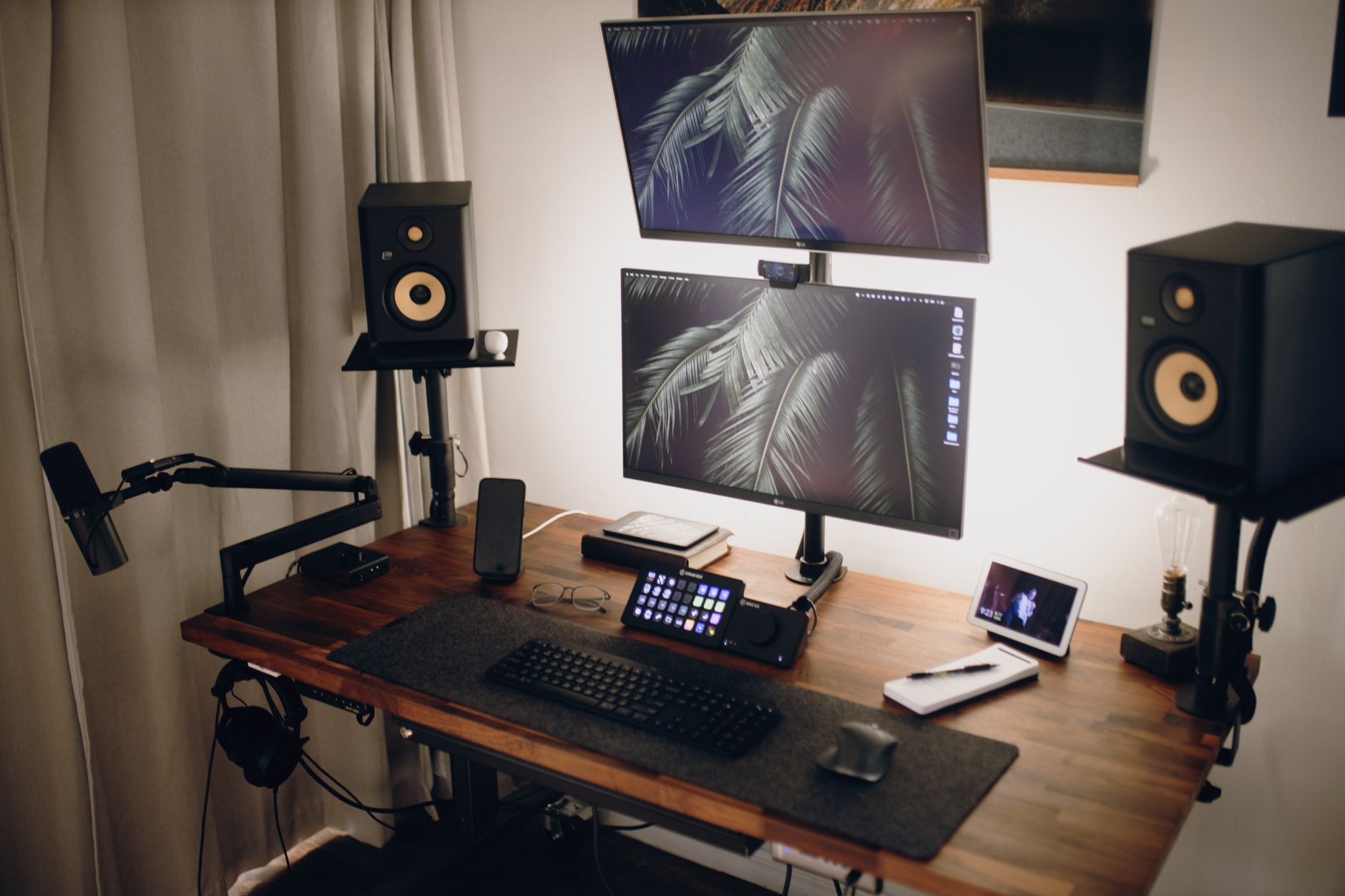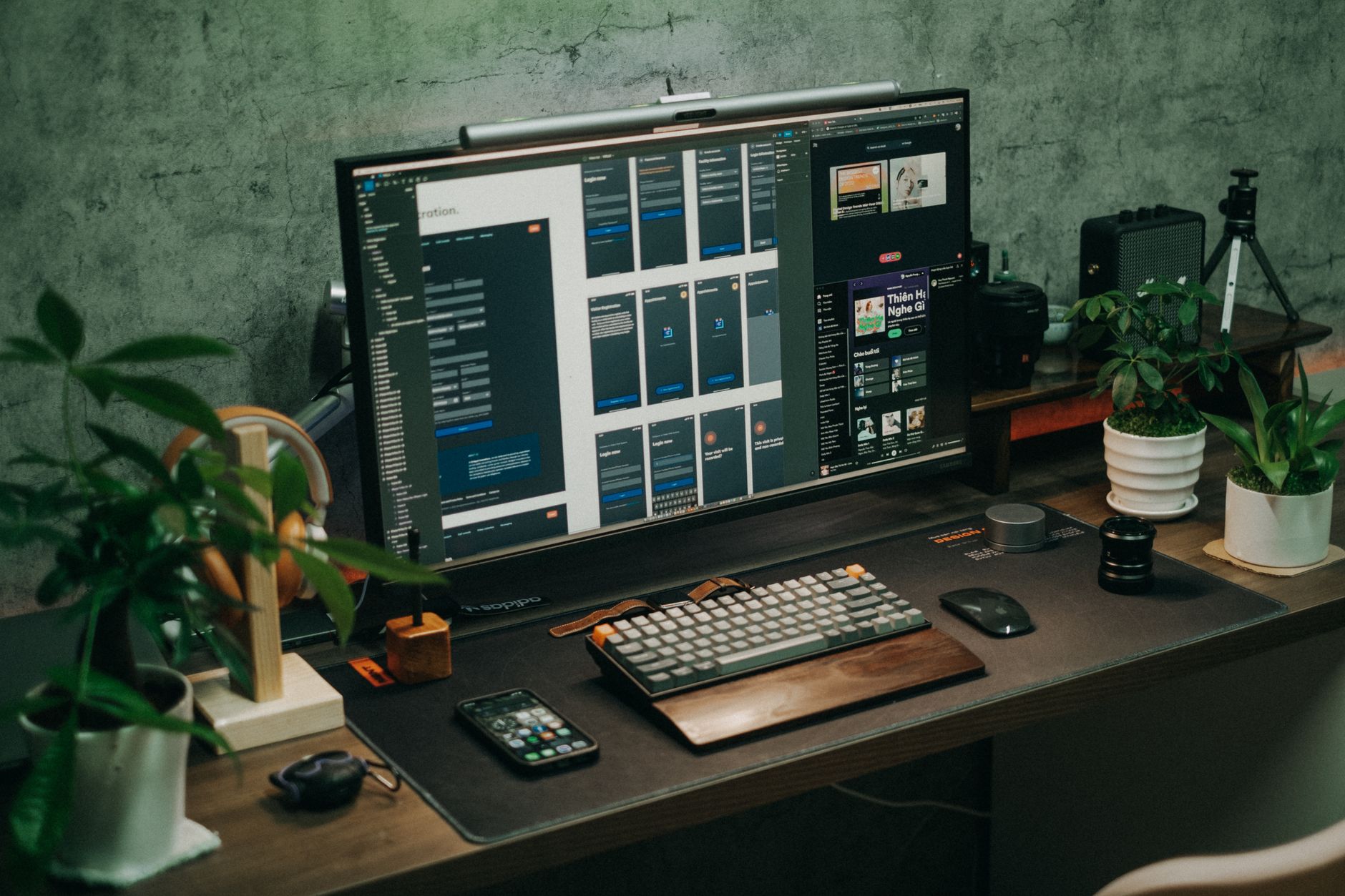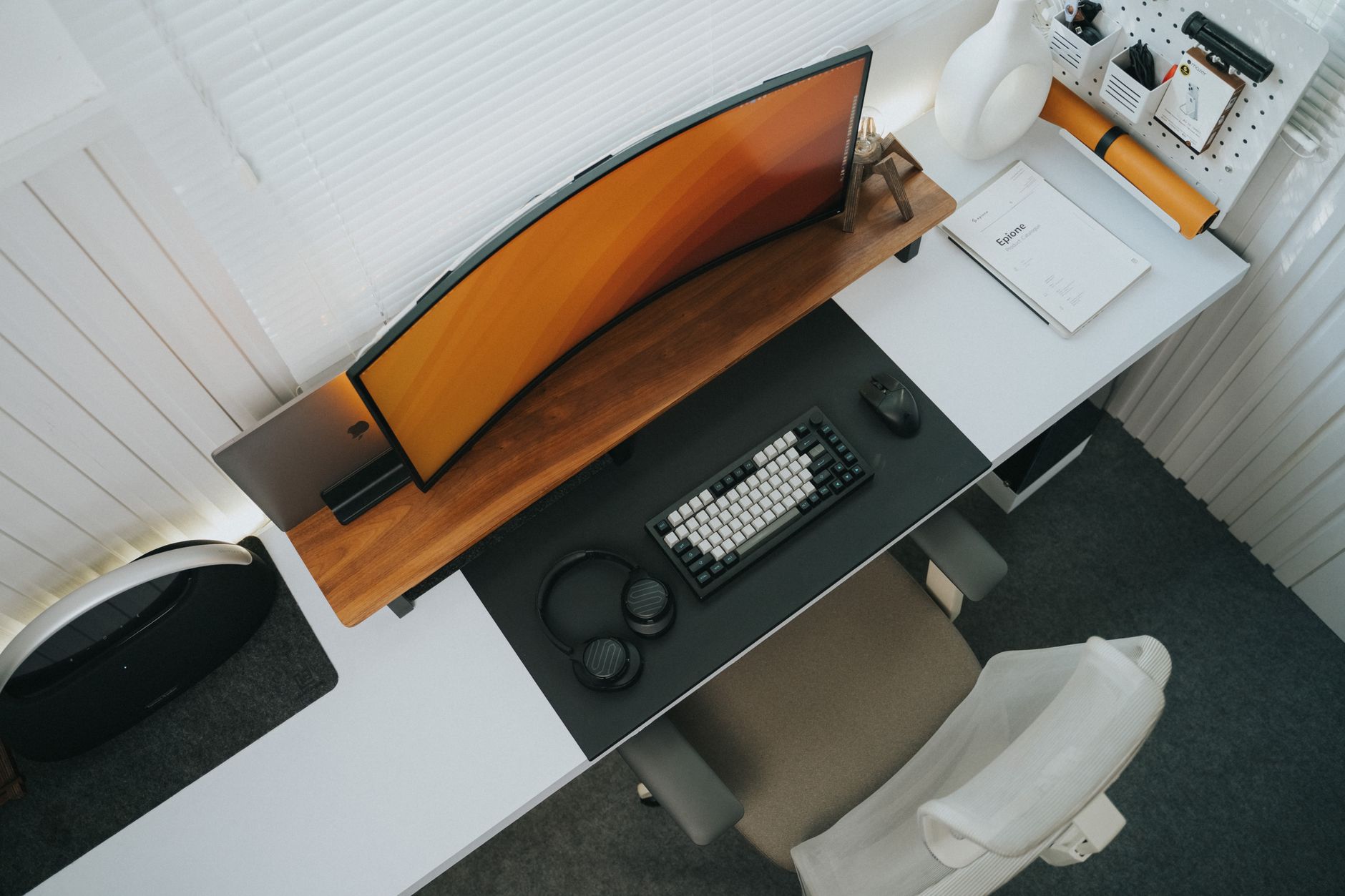
Uplift Desk makes height adjustable standing desks, but the desking surface is only one part of the workstation equation. Accessories such as keyboard trays, monitor arms, and cable managers determine whether your neck, wrists, and lower back remain neutral throughout the day. Uplift Desk accessories are built to fit Uplift frames precisely, though many of them mount to standard desktops as well. This matters because a poorly positioned monitor can force forward head posture, and a keyboard sitting on top of a fixed desk can keep shoulders elevated. The Canadian Centre for Occupational Health and Safety advises that input devices and display screens should be positioned to reduce static loading and awkward postures. If you are building a new office around an Uplift desk, our best standing desks 2026 guide will help you pick the right base before accessorizing.
We selected these accessories based on adjustability range, material quality, warranty, installation difficulty, and real use at an active workstation. The goal was not to list every Uplift branded add-on. We focused on the accessories that correct the most common ergonomic failures: monitors that sit too low, keyboards that force wrist extension, cables that create foot hazards, and fixed standing postures that tire the legs. Each recommendation includes specific measurements and load ratings. We prioritized products that work with both Uplift frames and many third party desking surfaces. Our how to set up an ergonomic workstation guide provides the baseline measurements we reference throughout this comparison.
Uplift Desk has expanded beyond standing desk frames. Their accessory catalog now includes monitor arms, keyboard trays, balance boards, wire management, and CPU holders. Some of these products compete directly with aftermarket accessories from Ergotron, Humanscale, and 3M. The advantage of buying Uplift branded accessories is fitment. Uplift desks often have predrilled inserts and cable cutouts that match their trays and arms. The disadvantage is that some accessories are priced slightly higher than generic alternatives. OSHA’s ergonomics guidance emphasizes fitting the workstation to the worker, not the worker to the workstation. That philosophy drives our rankings below.
Before you order, think about the order of corrections. Start with keyboard and monitor positioning, because those changes give the fastest relief for neck, shoulder, and wrist pain. Then add movement tools such as a balance board. Finish with cable management and a CPU holder if clutter and tower access are problems. This order matters. If you have not yet added a sit stand converter to an existing fixed desk, our best standing desk converter 2026 sit-stand on a budget guide covers simpler builds. In a full Uplift setup, the accessories below work together without fighting for under desk space.
How Do the Top Options Compare?
| Accessory | Best For | Key Spec | Price |
|---|---|---|---|
| Uplift Desk Advanced Comfort Keyboard Tray | Under-desk keyboard adjustability | 27 in platform, -15 deg tilt, 22 in track | Check price |
| Uplift Desk Single Monitor Arm | Freeing desk space and monitor height | 20 lb capacity, 13 in height, VESA 75/100 | Check price |
| Uplift Desk Bamboo Motion-X Board | Active standing and leg relief | 26.5 x 12 in, 350 lb capacity | Check price |
| Uplift Desk Wire Management Tray | Controlling cable clutter | 51 in long, 4.5 in deep | Check price |
| Uplift Desk CPU Holder | Keeping a tower off the floor | 3.5 to 8.25 in width, 60 lb capacity | Check price |
Prices are approximate street prices at publication and change often. Uplift Desk also sells bundles, so check the manufacturer site before ordering.
1. Uplift Desk Advanced Comfort Keyboard Tray , Under-desk keyboard adjustability
The Advanced Comfort Keyboard Tray solves a problem that nearly every fixed desk has: the typing surface is too high for shorter users and too far forward for taller users. This tray drops below the desktop and slides out on a steel track. The key number is the negative tilt range. The platform adjusts from plus 5 degrees down to minus 15 degrees. Negative tilt reduces wrist extension, which is a common trigger for forearm fatigue. The main platform measures 27 inches by 10 inches and includes a foam palm rest. The tray mounts to the underside of the desktop with a 22 inch track. If you are shopping for a more compact input setup, see our best ergonomic keyboards 2026 recommendations. Check the Uplift Desk Advanced Comfort Keyboard Tray on Amazon.
Installation requires drilling into the bottom of the desktop. Uplift desks have some predrilled holes, but generic desks often do not. That said, the steel track feels tight and does not sag under heavy typing. The height range is about 4.5 inches below the desktop, and the track can be locked in place. The tray does not include a mouse platform, so a separate mouse surface or a slim pad may be necessary. A vertical mouse or trackball can fit next to a compact keyboard on the main platform, but space will be tight.
The included palm rest is soft but can attract dust and oils. Cleaning it with mild soap keeps it from breaking down. This tray is not a good fit if you use a full size keyboard with a separate number pad and want the mouse on the same tray. The trade off is compactness and shoulder neutral posture.
Key strengths:
- ✅ Negative tilt down to minus 15 degrees reduces wrist extension
- ✅ 27 inch platform fits compact and tenkeyless keyboards
- ✅ Solid steel 22 inch slide track
- ✅ Uplift offers a 5 year accessory warranty
- ✅ Can be locked to stay in the pulled out position
- ❌ Requires drilling on most desktops
- ❌ No built in mouse platform
- ❌ Palm rest material picks up dust quickly
Who it’s for: Desk workers with wrist strain who want a keyboard below desktop height without buying a new desk.
2. Uplift Desk Single Monitor Arm , Monitor height correction and desk space

Most monitor stands out of the box keep the screen too low. That forces a slight forward head tilt. The Cornell University Ergonomics Web notes that the top of the screen should sit near eye level for seated and standing work. The Uplift Desk Single Monitor Arm gets you there with a clamp or grommet mount and a gas spring. It holds monitors from 4.4 to 20 pounds with VESA 75x75 or 100x100 patterns. The vertical lift range is 13 inches. That is enough for a shorter user to raise the screen and a taller user to lower it. For alternatives, see our best monitor arm 2026 guide. Check the Uplift Desk Single Monitor Arm on Amazon.
The clamp fits desktops up to 3.5 inches thick. A grommet mount is included for desks with a center hole. The gas spring mechanism makes repositioning fast, which is useful if you alternate between sitting and standing. Cable clips on the arm keep display and power wires from dangling. This arm is not designed for ultra heavy monitors. A 34 inch ultrawide often weighs more than 20 pounds without its stand, so check the monitor’s weight before buying.
This arm works on both Uplift desks and many standard desktops. The installation is reversible, but a clamp will leave small pressure marks on soft wood. Tighten the clamp slowly and use the included rubber pad. For active sit stand users, the arm removes monitor rise from the desktop and keeps the screen stable when moving the desk up and down.
Key strengths:
- ✅ Holds up to 20 pounds with a 13 inch lift range
- ✅ VESA 75x75 and 100x100 compatibility
- ✅ Clamp and grommet mounts included
- ✅ Cable clips reduce dangling wires
- ✅ 5 year warranty on Uplift branded arms
- ❌ Not suitable for heavy ultrawide monitors
- ❌ Clamp may mark soft wood desktops
- ❌ Single arm only, dual screens require a second purchase
Who it’s for: Sit stand desk users who need quick monitor height changes and more desk space.
3. Uplift Desk Bamboo Motion-X Board , Active standing without leaving the desk

Standing still is not the same as moving. The Bamboo Motion-X Board gives your legs and core gentle instability while you work. It is not a treadmill or a full balance trainer. It is a curved board that rocks side to side and front to back just enough to keep your calf muscles active. The board measures 26.5 inches long by 12 inches wide and supports up to 350 pounds. The top is bamboo, and the underside has a slip resistant base. Pair it with a quality anti fatigue surface using our best desk mats 2026 guide. Check the Uplift Desk Bamboo Motion-X Board on Amazon.
Using a balance board at a standing desk changes your posture. You will not stand still. The instability forces small adjustments in your ankles, knees, and lower back. That can reduce the static loading that comes from long standing. Start with 20 minute sessions. Standing on a rocking board all day is exhausting and can make typing less precise. The board is also useful for mini stretch breaks when you are on a phone call.
The Bamboo Motion-X Board has a fairly aggressive curve. Users with weak ankles or balance problems should hold the desk when stepping on. The board is not a substitute for an anti fatigue mat. It works best on a hard floor with a mat underneath. For active movement, make sure your standing desk frame has enough mass to stay stable when you shift your weight.
Key strengths:
- ✅ Bamboo surface supports 350 pounds
- ✅ Gentle rocking engages calves and core
- ✅ Slip resistant underside stays put
- ✅ Easy to move aside with your foot
- ✅ Works for sitting desk users as a foot rocker
- ❌ Not an anti fatigue mat replacement
- ❌ Can reduce typing accuracy until you adapt
- ❌ Stepping on and off demands attention
Who it’s for: Standing desk users who feel fatigued from static standing and want small movement without a walking treadmill.
4. Uplift Desk Wire Management Tray , Removing under desk cable clutter
Under desk cables are a distraction and a tripping hazard. The Uplift Desk Wire Management Tray is a long steel basket that attaches below the rear edge of the desktop. It measures 51 inches long and about 4.5 inches deep. That is enough for a power strip, several adapters, and a pile of cables. The tray keeps pressure off connectors and lifts cables off the floor. This matters when you raise and lower a standing desk. Without cable management, the up down motion can pull plugs loose.
Installation is straightforward. The tray uses four screws along the back edge of the desktop. Uplift desks often include pre drilled holes, but generic desks require a drill. The open top makes it easy to drop cables in, but it also means dust will settle in the tray. If you want a cleaner look, you can add adhesive cable clips inside the tray. This is not a weight bearing shelf. Do not place a laptop or small tower inside it.
The Wire Management Tray is less exciting than a monitor arm, but it has a big impact on reliability. A power strip kept off the floor survives vacuuming and foot traffic better. It also frees the space under your desk for a footrest. Cleared floor space is easier to keep clean and gives you more room to move your chair in and out.
Key strengths:
- ✅ 51 inch tray holds multiple power bricks
- ✅ Powder coated steel resists dents
- ✅ Keeps cables from pulling loose during desk height changes
- ✅ Four screw installation is simple
- ✅ Frees floor space under the desk
- ❌ Open tray collects dust easily
- ❌ Screws required on desks without predrilled holes
- ❌ Not intended for heavy electronics
Who it’s for: Anyone with a power strip and multiple cables under a height adjustable desk.
5. Uplift Desk CPU Holder , Mounting a tower under the desk
Floor mounted towers collect dust and make cable access a hassle. The Uplift Desk CPU Holder raises the computer off the floor and keeps it attached to the desk frame. It has an adjustable width from 3.5 to 8.25 inches and a height range from 14 to 23 inches. The unit swivels 360 degrees, so you can point the ports toward the front or rear. The load rating is 60 pounds. That covers most mid tower and small form factor builds. A large custom water cooled tower might exceed that, so measure first.
Bending down to reach a floor tower is hard on the lower back. The CPU holder keeps ports within reach and improves airflow by lifting the case away from carpet dust. Installation uses a bracket that clamps around the bottom of the tower. It takes about 20 minutes with a screwdriver. The main downside is knee room. If your desk is only 24 inches deep, the tower may crowd your legs when sitting. Leave at least 18 inches of clear knee space under the desk.
This holder is one of the heaviest Uplift accessories. It ships flat and requires assembly. The steel arms are strong but have some sharp edges, so handle carefully. Once installed, it keeps the tower stable as the desk moves. Do not use it as a step or footrest.
Key strengths:
- ✅ Supports up to 60 pounds
- ✅ Adjustable width and height fit most towers
- ✅ 360 degree rotation allows front or rear port access
- ✅ Frees floor area for cleaning
- ✅ Lifts case away from carpet dust
- ❌ Can reduce knee room on shallow desks
- ❌ Needs time to assemble
- ❌ Steel edges can be sharp during installation
Who it’s for: Sit stand desk owners with a mid tower or small form factor PC who want the tower off the floor.
Frequently Asked Questions
Are Uplift Desk accessories only compatible with Uplift desks?
Many Uplift accessories work with standard desktops, but fitment is best on Uplift frames. Monitor arms clamp to desktops up to 3.5 inches thick, and keyboard trays can be drilled into most wood or laminate surfaces. Check the specific accessory before buying.
Do I need a keyboard tray if my desk is height adjustable?
A keyboard tray can still help. If you are shorter, the desktop may not go low enough for a neutral elbow angle. A negative tilt tray drops below the desktop and reduces wrist extension.
How much weight can the Uplift Bamboo Motion-X Board hold?
The Bamboo Motion-X Board is rated for up to 350 pounds. That covers most users. The limiting factor is balance, not weight, so step on slowly.
Does the Uplift Single Monitor Arm require a drill?
No. The single monitor arm uses a clamp or included grommet mount. No drilling is required on most desktops. The clamp fits desktops up to 3.5 inches thick.
What is the warranty on Uplift Desk accessories?
Uplift Desk typically offers a 5 year warranty on branded accessories. Check the specific product page because exclusions may apply to moving parts or finish wear.
Can the Uplift CPU Holder fit a small form factor PC?
Yes. The width adjusts from 3.5 to 8.25 inches and height from 14 to 23 inches. Small form factor cases usually fit within that range, but confirm case dimensions first.
What Should You Remember?
- Keyboard tray: Negative tilt down to minus 15 degrees reduces wrist extension on fixed and height adjustable desks.
- Monitor arm: A 13 inch lift range and 20 pound capacity help set the screen top near eye level.
- Motion-X board: Gentle rocking keeps calves and core active during standing sessions, but start with 20 minutes.
- Cable tray: The 51 inch powder coated steel tray prevents power strips and wires from hitting the floor.
- CPU holder: A 60 pound holder protects a tower from carpet dust and keeps ports within reach.
- Compatibility: Uplift accessories fit best on Uplift desks but many work with standard desktops.
- Order: Fix keyboard and monitor position first, then add movement and cable management.
This article is for general information only and is not medical advice. Ergonomic guidance varies by body type and underlying conditions. Consult a physician or physical therapist for persistent pain before changing your workstation.