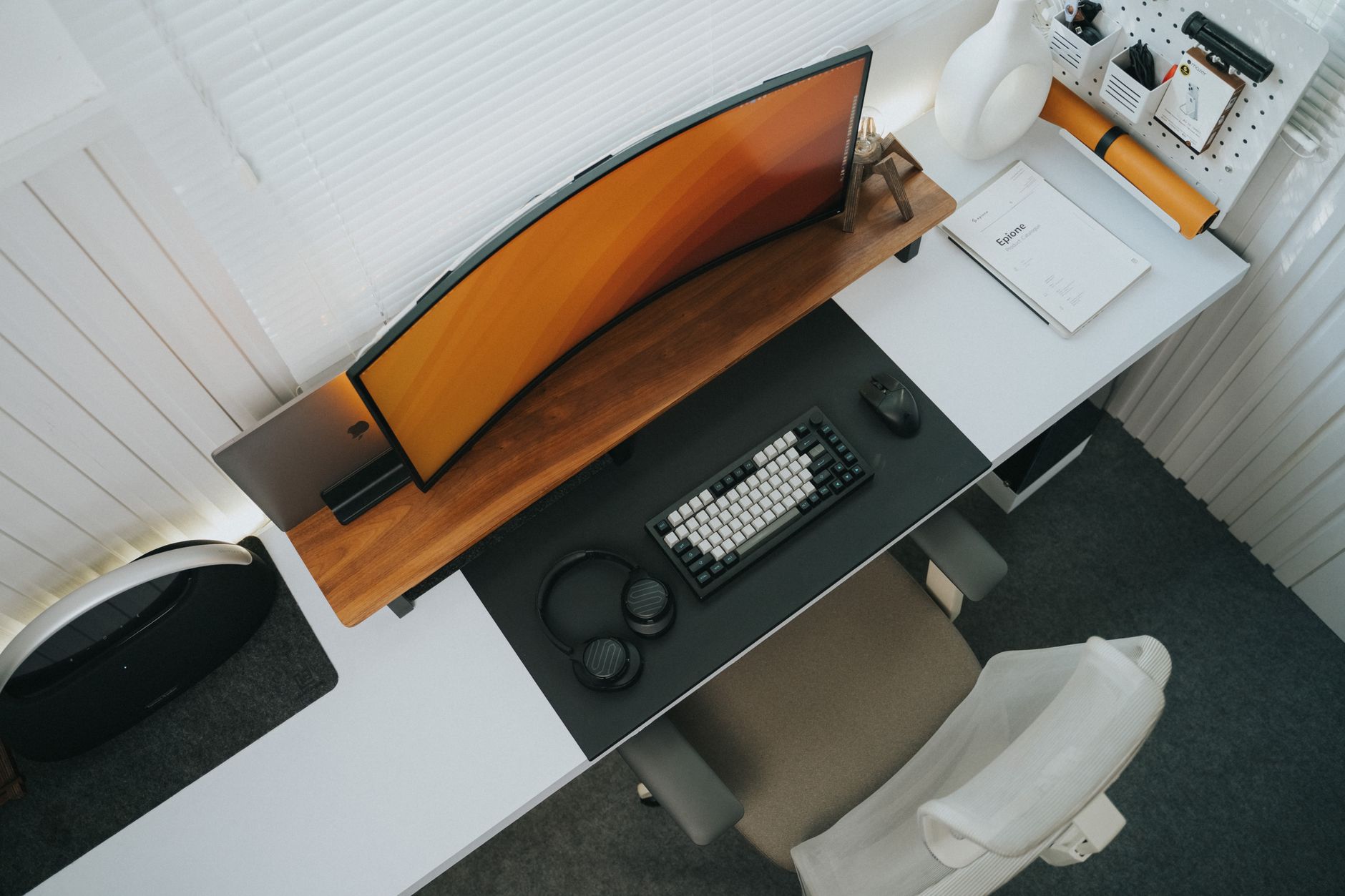
A riser desk, often called a standing desk converter or sit-stand riser, sits on top of a standard desk and raises your monitors, keyboard, and mouse to standing height. It lets you keep the desk you already own. That matters because replacing an entire desk costs more, takes more space, and often creates waste. OSHA (Ergonomics) recommends varying postures throughout the workday instead of remaining seated for hours. A riser desk makes that shift faster because you lift a platform rather than rearrange your workspace. Many desk workers buy one after noticing neck, shoulder, or lower back stiffness during long afternoons.
For this comparison, I evaluated five popular riser desks on four factors that matter most in daily use. I looked at lift range, desktop surface area, weight capacity, and stability at standing height. I also checked warranty length and real-world ease of assembly. These are not full standing desks with motorized frames. They are desktop risers for people who want a simple sit-stand upgrade. Before choosing, read our guide on how to set up a standing desk correctly. It explains monitor height, keyboard placement, and posture cues that make any riser safer to use.
Sitting for eight or nine hours has clear physical downsides. The Cornell University Ergonomics Web notes that static sitting loads the spine and reduces circulation in the legs. A riser desk is not a cure for back pain, but it interrupts that static load. If you already have back discomfort from long seated days, see our back pain from sitting guide. The best riser desk is the one you will actually use several times per day. Look for a model that moves smoothly enough to make the sitting-to-standing switch feel routine.
Budget converters can wobble, flex, or lack keyboard space. That is why I prioritized stability and usable desk area over purely low price. Some riser desks work better for dual monitors, some for laptops, and some for compact cubicles. I selected the five below to cover different needs. You may also want to compare our budget standing desk converter picks if you want more options that sit on an existing desk. For this article, each pick works on a standard desk and includes the lift range, footprint, and warranty details you need.
How Do the Top Options Compare?
| Model | Best For | Lift Range | Desktop Size | Price |
|---|---|---|---|---|
| VariDesk Pro Plus 36 | Overall stability | 0 to 17.5 in | 36" W x 29.75" D | Check Price |
| FlexiSpot M2B | Budget pick | 4.7 to 19.7 in | 35" W x 23.2" D | Check Price |
| Ergotron WorkFit-T | Heavy gear and tall users | 0 to 20 in | 35.5" W x 23" D | Check Price |
| Fellowes Lotus RT | Compact single-monitor setups | 4.8 to 16.75 in | 29.3" W x 18.4" D | Check Price |
| VIVO Height Adjustable Desk Converter | Simple light setups | 5 to 19 in | 32" W x 16" D | Check Price |
Prices are not listed in this comparison. Amazon links say Check Price. Verify current pricing, desktop size, and weight capacity before purchasing.
1. VariDesk Pro Plus 36 , Overall stability and dual monitors
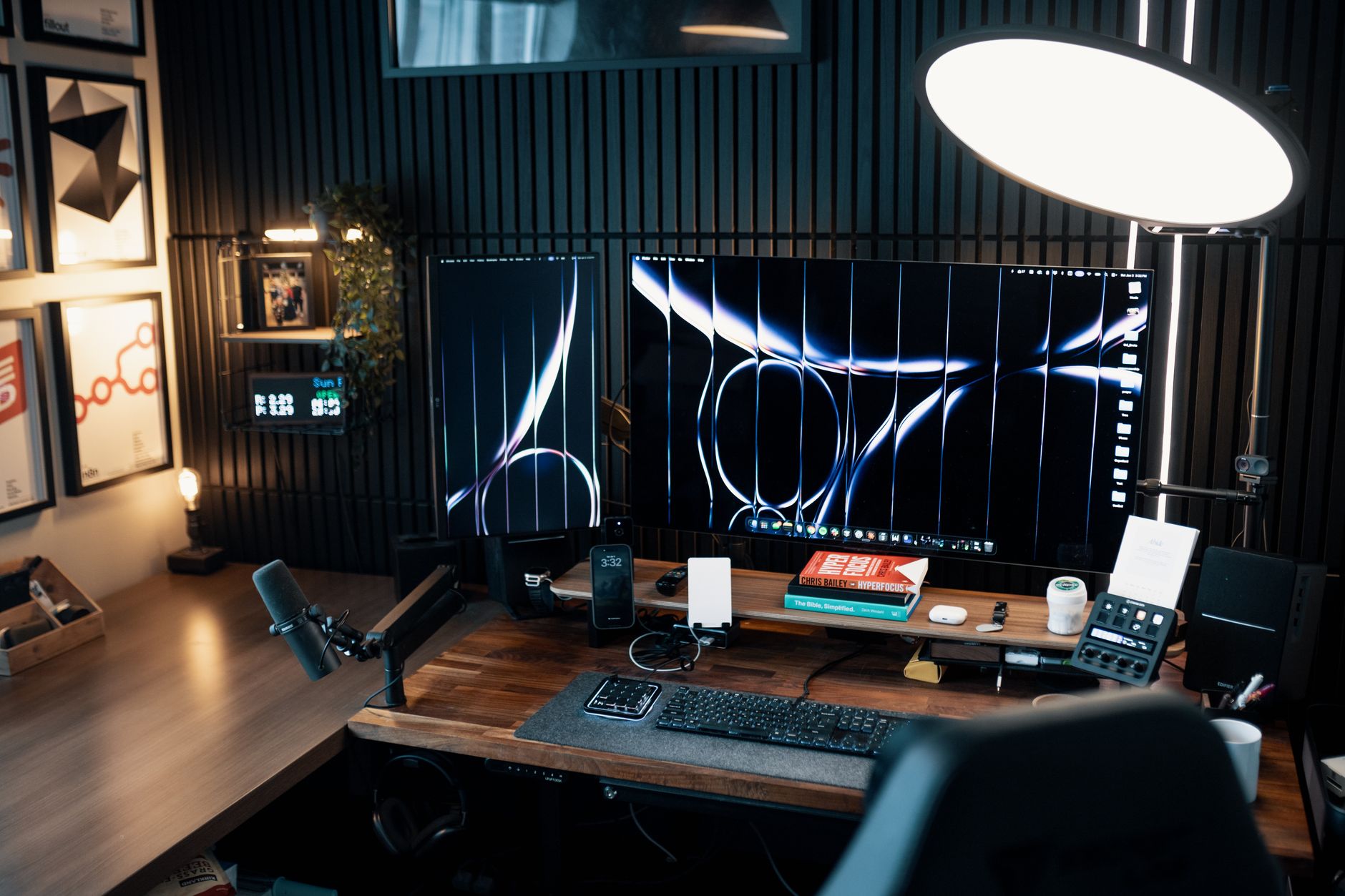
The VariDesk Pro Plus 36 is the reference point for desktop risers. You can Check the VariDesk Pro Plus 36 on Amazon. It uses a spring-assisted lift that raises the upper deck from 0 to 17.5 inches. The keyboard tray sits lower than the monitor deck, which helps keep your wrists flat while the screen stays near eye level. The 36-inch wide upper surface is large enough for two 24-inch monitors plus a keyboard tray. A steel frame keeps the unit planted, and it weighs 52 pounds. That weight is heavy, but it also reduces wobble.
The VariDesk has 11 height positions, so you can fine-tune standing height instead of landing between two settings. The lift feels smooth, but lowering the deck requires a slight press. The main downside is the footprint. The base is 29.75 inches deep, which can crowd a small desk. The keyboard tray does not tilt independently, and the unit is not built for laptops only. If you have a dual-monitor setup with a full-size keyboard and mouse, this is the most stable option. For seated support, pair it with a chair from our best ergonomic chairs 2026 list.
Key strengths:
- ✅ Extremely stable at full standing height
- ✅ 11 height positions from 0 to 17.5 inches
- ✅ 36-inch deck fits dual 24-inch monitors
- ✅ Steel frame and 52-pound base reduce wobble
- ✅ Spring-assisted lift raises without straining
- ❌ Takes up 29.75 inches of desk depth
- ❌ Heavier than most risers at 52 pounds
- ❌ Keyboard tray does not tilt independently
Who it’s for: Desk workers with dual monitors who want the most stable sit-stand riser and can handle a heavy unit.
2. FlexiSpot M2B Standing Desk Converter , Budget-friendly sit-stand upgrade
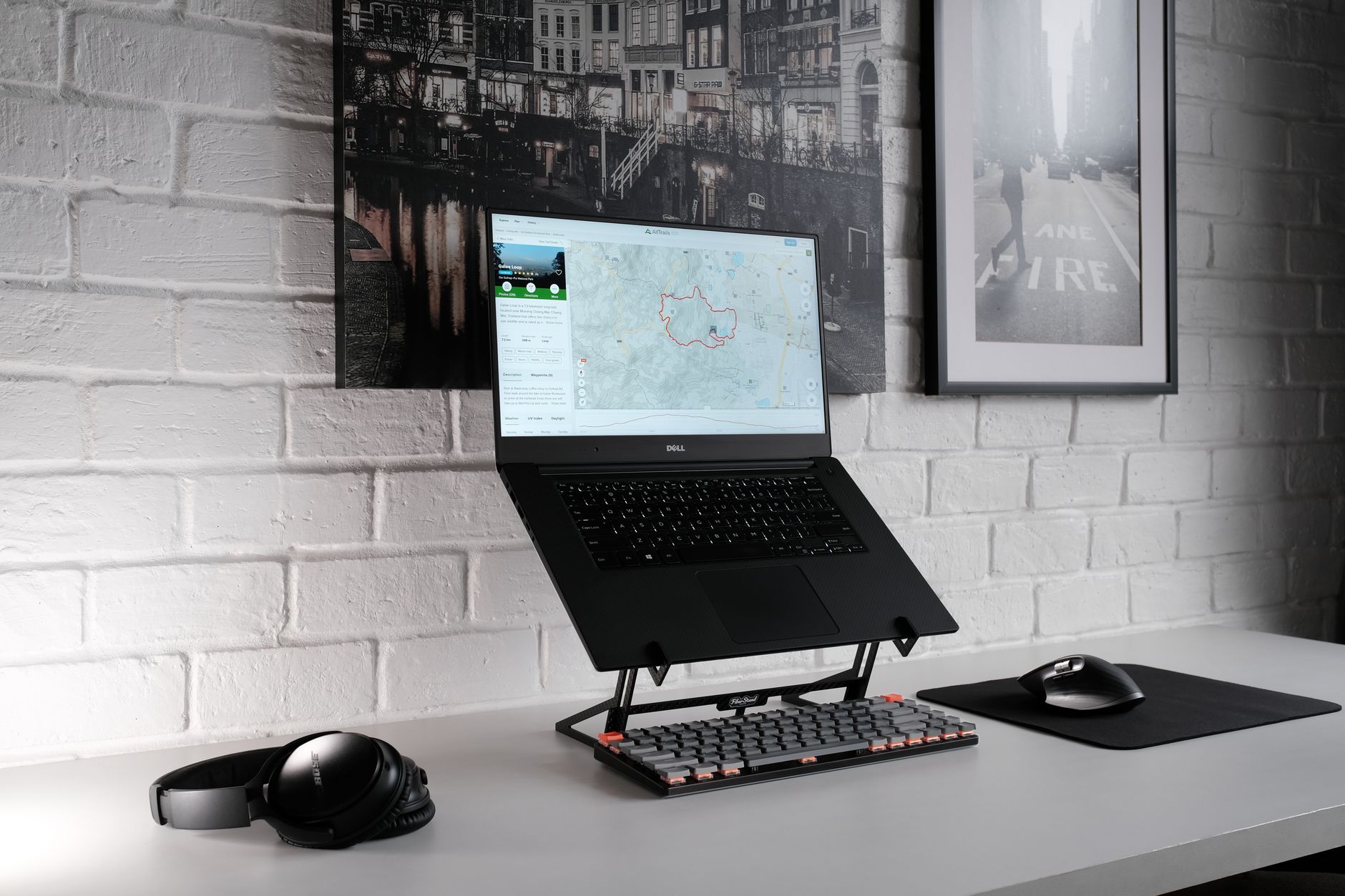
The FlexiSpot M2B is a budget pick that still gets the ergonomic basics right. You can Check the FlexiSpot M2B on Amazon. It uses a gas spring lift that raises the upper desktop from 4.7 to 19.7 inches with light pressure. The 35-inch wide top holds a monitor and laptop. The keyboard tray measures 35 inches wide, enough for a full-size keyboard and mouse. I like that the M2B includes a groove on the upper deck for a tablet or phone, so small items stay visible while you stand.
Stability is acceptable, not exceptional. At full height, a heavy dual-monitor setup may move slightly while typing. That is normal for a budget riser. The 33-pound weight capacity is plenty for one monitor, a laptop, and peripherals, but not for a heavy all-in-one desktop. Warranty is 5 years, which is strong at this price range. The M2B also has a simple clamp-free design, so you place it on the desk without installation. If you prefer a full motorized frame, see our best standing desks 2026 guide.
Key strengths:
- ✅ Strong value without sacrificing height range
- ✅ Gas spring lift needs light pressure
- ✅ 35-inch keyboard tray fits full-size keyboards
- ✅ 5-year warranty covers mechanical parts
- ✅ No clamp installation required
- ❌ Some wobble at maximum standing height
- ❌ 33-pound weight limit rules out heavy desktops
- ❌ Plastic side brackets feel less premium
Who it’s for: Budget-conscious workers with a single monitor or laptop who want smooth height adjustment without overspending.
3. Ergotron WorkFit-T Standing Desk Converter , Heavy gear and tall users
Ergotron builds commercial workstation equipment, and the WorkFit-T reflects that. It adjusts from 0 to 20 inches, giving taller users more standing room than many risers. The 35.5-inch wide surface is built for a monitor and keyboard. The lift uses a counterbalance system that holds its position even when you rest your hands on the keyboard. This model is common in offices and healthcare settings where it gets daily use.
The WorkFit-T is heavy and expensive compared with budget risers. It weighs over 50 pounds and may require help to position. The base is 23 inches deep, which eats desk space. In return, you get commercial-grade steel and a 5-year warranty. If you have dual monitors and want minimal shake, the WorkFit-T is a serious option. For placement advice, see our best ergonomic setup for dual monitors guide.
Key strengths:
- ✅ 20-inch lift range suits tall users
- ✅ Counterbalance lift holds position without drift
- ✅ Commercial-grade steel construction
- ✅ 35.5-inch surface supports dual screens
- ✅ 5-year warranty
- ❌ Heavy unit at over 50 pounds
- ❌ Large footprint may overwhelm small desks
- ❌ Costs more than basic risers
Who it’s for: Taller users or anyone with heavier monitors who needs commercial-level stability and will keep the riser on one desk.
4. Fellowes Lotus RT Sit-Stand Workstation , Compact single-monitor setups
The Fellowes Lotus RT is a compact riser for small desks, cubicles, or tight home office corners. It has a lift range from 4.8 to 16.75 inches, enough for most users under six feet. The 29.3-inch wide surface holds a single monitor or laptop. The workstation uses a smooth lift mechanism that raises the work surface while keeping the keyboard deck stable. It weighs less than heavy steel risers, so moving it is easier.
This model works best with one monitor and a standard keyboard. Dual monitors wider than about 28 inches will overhang the edges. The depth is 18.4 inches, which is shallower than many competitors, so it fits short desks. Warranty is 5 years. The Lotus RT is not ideal for heavy gear because its work surface is rated for a lighter load. It is also not as stable as the VariDesk at full height, but for a compact single-screen setup it is practical. Pair it with a non-slip desk mat to keep the base from shifting.
Key strengths:
- ✅ Compact 29.3-inch width fits small desks
- ✅ Smooth lift from 4.8 to 16.75 inches
- ✅ Shallow 18.4-inch depth saves desk space
- ✅ 5-year warranty
- ✅ Light enough to move between desks
- ❌ Only holds a single monitor effectively
- ❌ Less stable at full height with larger screens
- ❌ Lower weight capacity than steel risers
Who it’s for: Workers in small cubicles or tight home offices who need a single-monitor riser that does not crowd the desk.
5. VIVO Height Adjustable Desk Converter , Simple light setups
VIVO makes affordable desk accessories, and its 32-inch converter sticks to that formula. The lift range is 5 to 19 inches, covering most seated-to-standing transitions. The upper surface is 32 inches wide and 16 inches deep, enough for one monitor and a laptop. The keyboard tray is narrower than the top deck, so keep your mouse close. The gas spring lift works but may require a bit more effort than premium units.
This riser is a straightforward budget option. The 3-year warranty is shorter than the 5-year terms on pricier models, but that is expected at this price. Stability is fine for a single lightweight monitor, not for dual heavy screens. If you have a laptop as your primary machine, this converter pairs well with a laptop stand beneath it. The footprint is compact enough for most 24-inch deep desks. Do not expect silent operation; the lift makes a soft mechanical sound.
Key strengths:
- ✅ Low cost makes sit-stand accessible
- ✅ 19-inch lift range is enough for most users
- ✅ 32-inch surface fits one monitor and laptop
- ✅ Lightweight design moves easily
- ✅ Simple assembly with no clamps
- ❌ 3-year warranty is shorter than competitors
- ❌ Some wobble with heavy monitors
- ❌ Narrow keyboard tray limits mouse movement
Who it’s for: Budget-focused workers with a single monitor or laptop who want a no-frills riser for occasional standing.
Frequently Asked Questions
What is a riser desk?
A riser desk, often called a standing desk converter, is a height-adjustable platform placed on top of an existing desk. It raises the monitor, keyboard, and mouse so you can work while standing and lower them when you want to sit.
How is a riser desk different from a full standing desk?
A full standing desk has an adjustable frame that replaces your desk. A riser desk sits on the desktop you already own. Risers are usually cheaper, smaller, and easier to move than full standing desks.
Can I use a riser desk with dual monitors?
Yes, if the upper deck is wide enough and the unit has enough weight capacity. A model with at least a 35-inch wide top and 30-plus pound capacity works best for two 24-inch monitors.
Does a riser desk help with back pain?
It can reduce static sitting, which is linked to back pain. Changing postures throughout the day gives the spine a break, but a riser desk is not a medical treatment.
How much desk space do I need?
Measure your desk depth before buying. Many riser desks are 16 to 30 inches deep, so a desk shorter than 24 inches can feel crowded or overhang at the front.
What should I look for in a stable riser desk?
Look for a steel frame, a weight capacity above 25 pounds, a smooth lift mechanism, and a keyboard tray that stays level at standing height. Heavier units tend to wobble less.
What Should You Remember?
- Riser desk defined: A platform that raises your monitor and keyboard on an existing desk so you can sit or stand.
- Posture variation: Switch postures every 30 to 60 minutes, as recommended by OSHA ergonomics guidance.
- Lift range matters: Look for at least a 0 to 17.5-inch range to fit common desk heights.
- Weight and size: Check the footprint and weight capacity; heavier risers are more stable but need deep desks.
- Keyboard tray: A separate keyboard deck supports better wrist position than a single flat surface.
- Budget tradeoff: Budget risers may wobble at full height, so match the model to your monitor weight.
This article is for general information only and is not medical advice. Ergonomic guidance varies by body type and underlying conditions. Consult a physician or physical therapist for persistent pain before changing your workstation.