The sub-$500 ergonomic chair category has changed. A few years ago, spending less than $500 often meant a stiff seat pan, a lumbar pad that did nothing, and armrests that only moved up and down. In 2026, the value has shifted. Manufacturers now pack adjustable lumbar systems, breathable mesh, and serious armrest movement into chairs that cost less than a standing desk converter. The OSHA Ergonomics guidance still says that a chair should fit the worker, not the other way around. That means you need controls that change seat height, back angle, and support position. We used that standard to filter dozens of chairs.
Seat depth matters more than most people think. The Cornell University Ergonomics Web recommends two to three fingers of space between the front edge of the seat pan and the back of your knees. Too much depth digs into your calves. Too little depth reduces thigh support. We also looked at lumbar support range. A fixed pad is not enough for most people. Adjustable lumbar that moves up and down, or in and out, lets you match the curve of your lower back. The best budget chairs under $500 now include this feature. Check our best ergonomic chairs 2026 roundup if you want premium options above this price range.
Armrests are another differentiator. Fixed armrests force your shoulders into one position. Height-adjustable armrests help, but 3D and 4D armrests let you move them forward, back, side to side, and at an angle. That adjustability reduces shoulder shrug and wrist strain during long typing sessions. We gave higher marks to chairs with movable armrests under $400. The price matters too. All picks here stay under $500 before tax and shipping. Some drop below $200. We weigh that against warranty length, seat fabric, and build quality. If you are pairing a new chair with a new desk, read our how to set up an ergonomic workstation guide to avoid common setup errors.
Our testing notes came from real seat time, spec comparisons, and user feedback. We focused on chairs that remain comfortable after four to six hours, not just during the first week. We also checked return policies. A chair can look great on a spec sheet and still feel wrong after three days. Mayo Clinic notes that prolonged sitting with poor support is linked to lower back pain and stiffness. The right budget chair can reduce that load. The winners below all meet a baseline of seat height adjustment, lumbar movement, and tilt recline. Read on for the five chairs that made the cut.
How Do the Top Options Compare?
| Chair | Best For | Price | Lumbar Support | Armrests | Weight Capacity |
|---|---|---|---|---|---|
| Ticova Ergonomic Office Chair | Tight budgets | See Price | 2-way adjustable | 3D adjustable | 250 lb |
| SIHOO M57 | Breathable all-mesh | See Price | 2-way adjustable | 2D adjustable | 250 lb |
| Nouhaus Ergo3D | 4D armrest tuning | See Price | Dynamic lumbar | 4D adjustable | 275 lb |
| Gabrylly Ergonomic Mesh Chair | Small spaces | See Price | Height-adjustable | Flip-up 2D | 280 lb |
| Hbada E3 Ergonomic Chair | Tall users | See Price | Dynamic lumbar | 3D adjustable | 300 lb |
Prices are current as of early 2026 and may change. Amazon links are affiliate links. Always confirm the chair’s weight capacity and warranty with the manufacturer before purchase.
1. Ticova Ergonomic Office Chair , Best for tight budgets
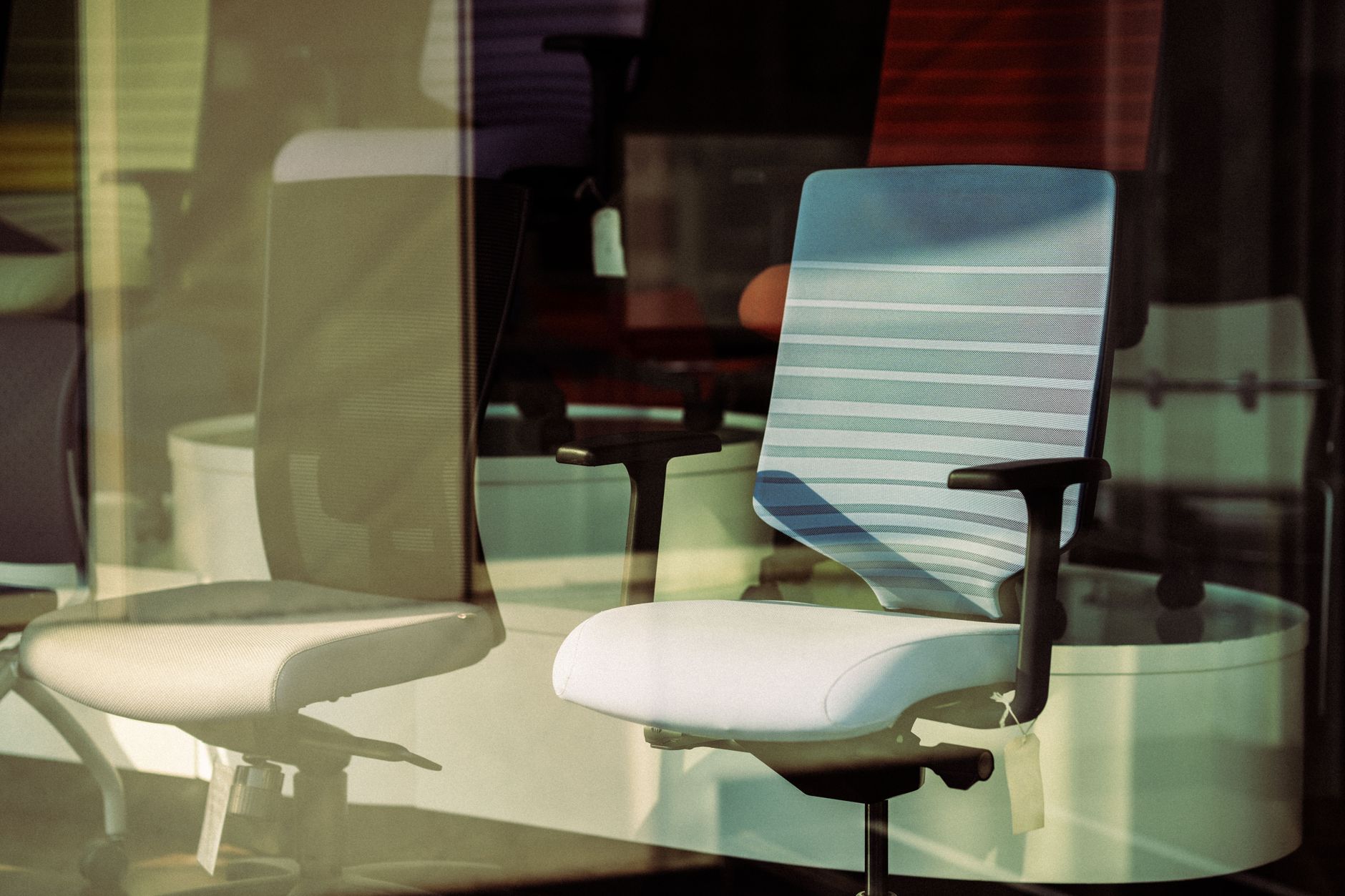
The Ticova Ergonomic Office Chair is the budget pick that gets the fundamentals right. It usually sells between $150 and $200, but it includes a lumbar pad that adjusts both height and depth. That is rare at this price. The mesh back stays cool, and the seat cushion uses a contoured foam that is firmer than typical office chair foam. You can recline the back to 130 degrees, which is enough for a mid-day stretch without tipping backward. The 3D armrests move up, down, forward, back, and rotate. For a chair this cheap, that is unusual. Check the Ticova Ergonomic Office Chair on Amazon.
There are limitations. The headrest adjusts up and down but does not lock as firmly as those on chairs that cost twice as much. The lumbar pad works, but the mesh back uses a softer frame that can twist if you lean hard to one side. Build quality is not on par with Steelcase or Herman Miller. But for a first ergonomic chair, it beats chair cushions and rolled-up towels. If you have existing back pain, read our back pain from sitting guide to understand how chair setup combines with movement breaks. The Ticova matches most desk heights from 28 to 32 inches.
Key strengths:
- ✅ Adjustable lumbar support moves up, down, in, and out for under $200.
- ✅ 3D armrests and 130-degree recline give uncommon flexibility at this price.
- ✅ Breathable mesh back prevents heat buildup during long sessions.
- ✅ Easy assembly under 30 minutes with clear instructions.
- ❌ Headrest locking mechanism feels less solid than premium chairs.
- ❌ Seat foam may compress after about a year of daily use.
- ❌ Warranty is short at 12 months, so long-term reliability is less certain.
Who it’s for: Choose the Ticova if you need real lumbar and armrest adjustability for the lowest possible price.
2. SIHOO M57 , Best all-mesh value
The SIHOO M57 has been a budget favorite for several years. It uses an all-mesh seat and back, which matters if your office runs warm. The lumbar support adjusts vertically, and the seat depth is fixed but generous at about 19.7 inches. SIHOO rates the chair for up to 250 pounds. The 126-degree recline with tilt tension control lets you dial in how much resistance you feel when leaning back. You also get a headrest that adjusts both height and angle. At around $220, it splits the difference between cheap import chairs and high-end ergonomic seating. Check the SIHOO M57 on Amazon.
The all-mesh seat has a drawback. Some people find mesh seats dig into the thighs after four hours, especially if you are heavier or wear thin clothing. The armrests are only 2D, so they move up, down, left, and right, but do not slide forward. That is acceptable for many desk workers. If you need deeper arm support, look at the Nouhaus Ergo3D below. Before you settle on a chair, check our home office ergonomic mistakes neck back pain guide. Poor monitor height and missing foot support can undo the benefits of a good chair.
Key strengths:
- ✅ All-mesh construction keeps air flowing and reduces sweat.
- ✅ Vertical lumbar adjustment works for both tall and short users.
- ✅ Headrest angle and height adjustments support neck comfort.
- ✅ Reliable build quality for a chair in the $220 range.
- ❌ Seat depth is not adjustable, so short users may need a footrest.
- ❌ Mesh seat cushion can feel stiff after several hours for some body types.
- ❌ 2D armrests lack forward movement.
Who it’s for: Pick the SIHOO M57 if you want a breathable all-mesh chair with solid lumbar adjustment at a mid-budget price.
3. Nouhaus Ergo3D , Best armrest adjustability under $500
The Nouhaus Ergo3D is the armrest king in this price bracket. It offers true 4D armrests, which adjust up, down, forward, back, side to side, and rotate. That level of movement usually appears on chairs above $600. The Ergo3D also has a dynamic lumbar support that flexes as you move your back. The mesh back and seat stay cool. Nouhaus rates the chair for 275 pounds. The recline goes to 135 degrees, one of the deepest in this guide. You can lock the tilt or leave it free for rocking. The headrest adjusts height and angle. At roughly $369, it costs more than the Ticova, but the arm support is genuinely better. Check the Nouhaus Ergo3D on Amazon.
No chair is perfect. The seat cushion is medium firm, so heavier users may bottom out after a year. The assembly takes about 40 minutes and the hex bolts require patience. The lumbar support is flexible, but not as deep as some users need. Still, for shoulder and wrist comfort, 4D armrests matter more than lumbar depth. If you use a keyboard tray or a standing desk, armrest adjustability becomes critical. Pair this chair with our best standing desks 2026 picks and set the armrests level with your desk to avoid wrist extension. That setup reduces shoulder fatigue during long typing sessions.
Key strengths:
- ✅ 4D armrests provide full height, depth, width, and angle adjustment.
- ✅ Dynamic lumbar support follows the curve of your back as you shift.
- ✅ 135-degree recline with tilt lock supports both work and rest postures.
- ✅ Mesh back and seat promote airflow.
- ❌ Seat padding is on the firmer side and may compress for heavier users.
- ❌ Assembly is more involved than budget chairs.
- ❌ Price is near the top of the under-$500 range.
Who it’s for: Choose the Nouhaus Ergo3D if armrest adjustability and dynamic lumbar support are your top priorities.
4. Gabrylly Ergonomic Mesh Chair , Best for flip-up armrests and small spaces
The Gabrylly Ergonomic Mesh Chair is built for small spaces and quick changes. Its flip-up armrests let you slide the chair under a desk when not in use. The seat slides forward and back to adjust depth, which is rare at $260. The back reclines to 120 degrees, less than some competitors, but enough for a short rest. The lumbar support moves up and down but does not adjust depth. The mesh back stays breathable. Gabrylly rates the chair for 280 pounds and includes a headrest that adjusts for height. If you have a compact apartment desk, the armrest flip feature saves several inches of visual and physical space.
The main weakness is the lumbar pad. It moves vertically, but the curve is subtle. If you need aggressive lower back support, look elsewhere. The seat cushion is medium thickness and comfortable for three to five hours. The flip-up armrests are practical, but they can wobble slightly in the down position. That is a tradeoff for the hinge mechanism. This chair pairs well with a small desk and a best footrests 2026 unit if your seat height leaves your feet hanging. Gabrylly offers a one-year warranty, which is average for this category.
Key strengths:
- ✅ Flip-up armrests allow the chair to tuck under low desks.
- ✅ Seat depth adjustment helps shorter and taller users fit the seat pan.
- ✅ Mesh back and smooth-rolling casters suit hard floors.
- ✅ 280-pound weight capacity covers a wide range of users.
- ❌ Lumbar support is shallow and may not press firmly enough for some backs.
- ❌ Armrests wobble slightly when lowered due to the flip-up hinge.
- ❌ 120-degree recline is limited compared with other picks.
Who it’s for: Pick the Gabrylly if you need a compact chair with flip-up armrests and seat depth adjustment.
5. Hbada E3 Ergonomic Chair , Best for tall users and dynamic lumbar support
The Hbada E3 targets tall users and people who want a pronounced lumbar curve. The back frame rises higher than many budget chairs, and the headrest adjusts for users up to about 6 feet 4 inches. The lumbar support uses a dynamic mechanism that moves with your spine. You can adjust the lumbar pad up and down, and the pressure changes as you recline. The chair supports up to 300 pounds, the highest in this guide. The 135-degree recline with tilt tension control works well. The seat has a waterfall edge to reduce pressure behind the knees. At roughly $329, it sits in the middle of the under-$500 pack.
This chair is not for small spaces. The high back and deep recline require more room behind you than a standard chair. The seat depth is adjustable, but the minimum depth may still be too long for users under 5 feet 3 inches. The armrests are 3D, so they lack width adjustment. That can be a problem if you have broad shoulders or a wide keyboard setup. For a full workstation upgrade, consider a monitor arm to free desk space and align your screen with the taller back. Hbada includes a two-year limited warranty, which is better than Ticova or Gabrylly.
Key strengths:
- ✅ 300-pound weight capacity suits heavier users.
- ✅ Dynamic lumbar support adds firm pressure for lower back relief.
- ✅ Tall back and adjustable headrest fit users up to 6 feet 4 inches.
- ✅ Adjustable seat depth and waterfall edge reduce leg pressure.
- ❌ Large frame needs extra room for recline clearance.
- ❌ 3D armrests do not adjust side to side.
- ❌ Minimum seat depth may still not fit very short users.
Who it’s for: Choose the Hbada E3 if you are tall or heavier and want a firm dynamic lumbar support.
Frequently Asked Questions
What should I look for in an ergonomic chair under $500?
Look for adjustable seat height, adjustable lumbar support, seat depth or armrest movement, and a recline lock. Mesh or breathable fabric helps in warm rooms. Check the weight capacity and warranty before buying.
Is a mesh seat or foam seat better for long sitting?
Mesh seats run cooler but can feel firm on the thighs after several hours. Foam seats provide more cushion but hold more heat. Try both if possible. A waterfall edge helps either type reduce knee pressure.
Do I really need 4D armrests?
No, but they help. 2D or 3D armrests are enough for many people. 4D armrests matter most if you have shoulder, wrist, or neck strain and need fine position control.
Can a budget ergonomic chair help with lower back pain?
Yes. A chair with adjustable lumbar support can help you match the curve of your lower back. But you still need to change positions and take breaks. Chair support alone will not solve all back pain.
What is the best ergonomic chair under $200?
The Ticova Ergonomic Office Chair usually sells below $200 and includes adjustable lumbar depth and 3D armrests. It is the best first ergonomic chair for tight budgets.
How long should a budget ergonomic chair last?
Most chairs in this range last two to five years with daily use. Mesh and foam wear out first. A one-year warranty is common, but some models offer two years.
What Should You Remember?
- Adjustable lumbar: This feature matters more than price. Look for height and depth control.
- Seat depth: Leave two to three fingers of space behind your knees to reduce pressure.
- Armrests: 3D and 4D armrests help align shoulders and wrists during long typing sessions.
- Weight capacity: Check the chair’s rated limit before buying, especially above 250 pounds.
- Warranty: One year is common, two years is better. Read the fine print.
- Budget allocation: Spending $200 to $400 gets you most premium adjustability.
- Setup: Pair the chair with proper monitor height and a footrest if needed.
This article is for general information only and is not medical advice. Ergonomic guidance varies by body type and underlying conditions. Consult a physician or physical therapist for persistent pain before changing your workstation.