Ask ten office workers whether standing is better than sitting and you will get ten confident answers, most of them wrong in the same direction. The question itself is a trap. Your spine, hips, and knees do not care whether you are vertical or horizontal. They care how long you hold one position without moving. A person who sits for six hours in a well-fitted chair, shifts position every ten minutes, and takes a short walk at lunch is usually better off than someone who stands for six hours on a hard floor in dress shoes. OSHA’s ergonomics guidance makes the same point in less dramatic language: sit-stand workstations exist so workers can vary posture, not so they can abandon chairs. If you already have persistent low back pain, start with our back pain from sitting guide before you buy anything at all.
To compare approaches rather than opinions, I scored six posture strategies against four things: how long a normal person can hold the position before fatigue shows up, how easy each one is to set up correctly on the first try, what it costs to test, and what the research and clinical guidance actually say. Cornell University’s Ergonomics Web is blunt on the underlying principle. Static posture of any kind is the problem, and the fix is frequent change, not a better static posture. I also weighted how each approach fails, because every option below has a failure mode and most of them show up inside the first week.
This stopped being a hypothetical debate years ago. Millions of people built home offices out of spare bedrooms, and sit-stand desks went from a corporate perk to a consumer purchase. The result is a lot of people standing for 90 minutes straight on a Tuesday, feeling virtuous, then quitting by Friday because their heels ache and their lower back is barking. If you are rebuilding a desk setup from scratch, the sequence matters. Get the chair right, then the desk height, then the accessories. Our guide to setting up an ergonomic workstation covers that order in detail, and this article explains where standing actually fits into it.
Better is a measurable claim, so here is the measurement. A standard seated desk height of about 29 inches fits roughly one body size well, which is why so many people quietly hunch. Electric sit-stand desks travel from roughly 24 inches at the low end to about 50 inches at the top, and that range is why they fit more people. Standing does burn modestly more energy than sitting, and Mayo Clinic notes that prolonged standing brings its own risks, including back pain and foot fatigue. So the honest answer is not stand more. It is change more, and set up each position correctly. The six approaches below are ranked on how well they deliver that.
How Do the Top Options Compare?
| Approach | Best For | Posture Split | Main Risk | Recommended Gear | Check Price |
|---|---|---|---|---|---|
| All-day sitting at a fixed desk | Precision and deep-focus work | About 100% seated | Static load on the low back and shortened hip flexors | Herman Miller Aeron | Check price |
| All-day standing at a fixed desk | Short stints only, never a default | About 100% standing | Heel, knee, and low back fatigue within 90 minutes | Ergodriven Topo mat | Check price |
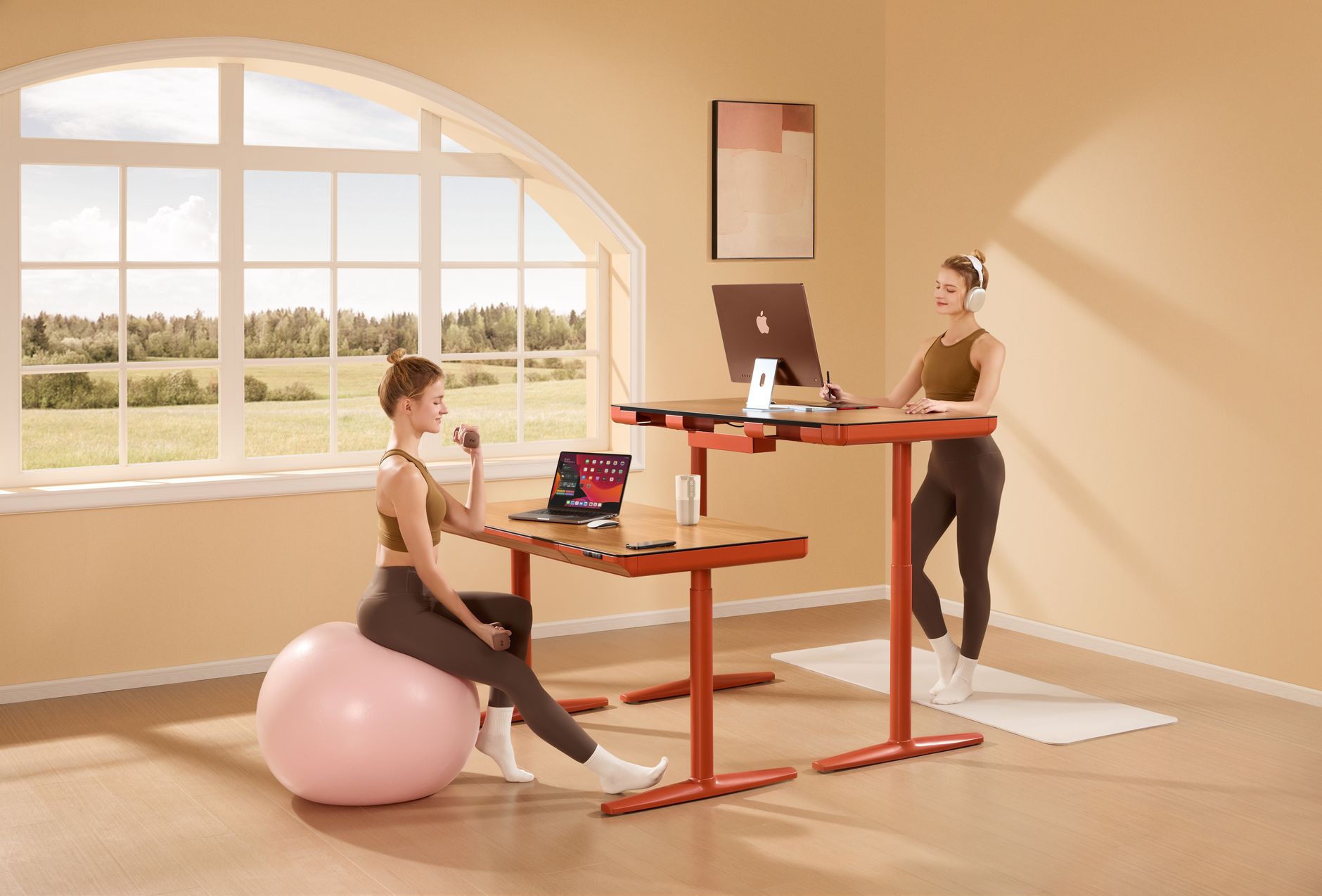
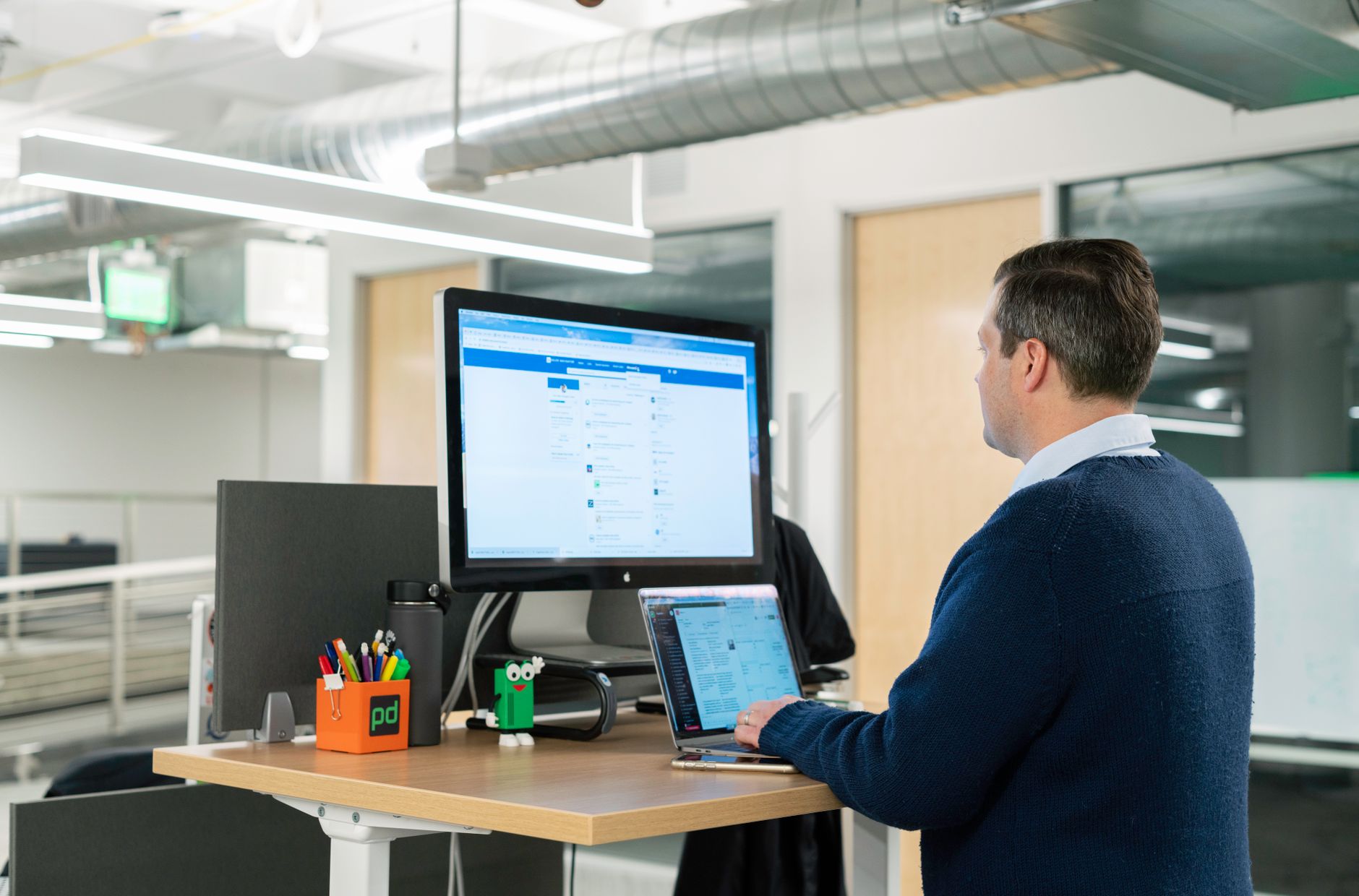
| Alternating sit-stand with an electric desk | Most desk workers, most days | 20 to 30 min standing per hour | Monitor ends up too high if you never reset it | Uplift V2 | Check price |
| Sit-stand desk converter | Fixed desks and tight budgets | 10 to 20 min standing per hour | Keyboard sits above ideal elbow height | VariDesk Pro Plus 36 | Check price |
| Active sitting on a perch stool | Bodies that dislike both extremes | About 3:1 sitting to perching | No backrest means muscle fatigue after an hour | HAG Capisco 8106 | Check price |
| Walking pads and under-desk treadmills | Calls, reading, and email triage | 1 to 2 slow hours a day | Typing accuracy collapses above 1.5 mph | No specific gear required | Not applicable |
Posture splits are starting points, not rules. Adjust by comfort, and follow your clinician’s advice if you have a diagnosed spinal, circulatory, or foot condition. No prices appear in this table because they change constantly, and every product named is linked to a live search rather than a fixed figure.
1. All-Day Sitting at a Fixed-Height Desk , Best for deep-focus work, if the chair actually fits
The fixed-height desk is the baseline everything else gets compared to. It sits at roughly 29 inches, a number chosen decades ago for a working population that no longer matches the people using it. That height works well for someone around 5 feet 10 inches. For a 5-foot-2-inch user it forces the shoulders up and the wrists into extension. For a 6-foot-4-inch user it pushes the knees toward the underside of the desktop. Neither problem is fatal, and both are fixable with a footrest, a keyboard tray, or a height-adjustable desk.
The real problem with all-day sitting is not the posture. It is the stillness. Lumbar discs load up when you sit and unload when you stand or lie down. Sit for three unbroken hours and the tissue at the base of your spine has been compressed the entire time. Add a chair with no lumbar curve and a seat pan that hits the back of your knees, and the compression comes with a side order of hip flexion. Our roundup of the best ergonomic chairs of 2026 covers fit in detail, but the short version is this: seat height should put your feet flat with your thighs roughly parallel to the floor, and seat depth should leave two to three fingers of gap behind your knees.
Sitting all day can still be defensible. A Herman Miller Aeron comes in three sizes (A, B, and C) and carries a 12-year warranty, which tells you the manufacturer expects the frame to outlast several jobs. Pair it with a monitor arm so the top of the screen sits at eye level, add a footrest if your feet dangle, and schedule a reason to stand every 30 minutes. Get water, walk to the mailbox, take a call on your feet. The chair does the support work. The movement breaks do the damage control.
Key strengths:
- ✅ Lowest cost to start, since a good used office chair and a fixed desk gets you working for less than a sit-stand frame
- ✅ Most stable platform for precision work like writing, drawing, or fine mouse control
- ✅ Easiest on the feet, which matters if you have plantar fasciitis or heel spurs
- ✅ Deep focus is simpler with no fidgeting overhead and no controller to fiddle with mid-task
- ✅ One adjustment session and the setup is done
- ❌ Static load on the low back builds for hours and does not announce itself until evening
- ❌ Hip flexors stay shortened, which can show up as an achy lower back after a walk or run
- ❌ The 29-inch default fits a narrow slice of body sizes without extra accessories
Who it’s for: Choose this if your work is precision-heavy, your feet hurt when you stand, and you are willing to build in movement breaks rather than change furniture.
2. All-Day Standing at a Fixed Standing Desk , Best for 15 to 30 minute bursts, never as the whole day
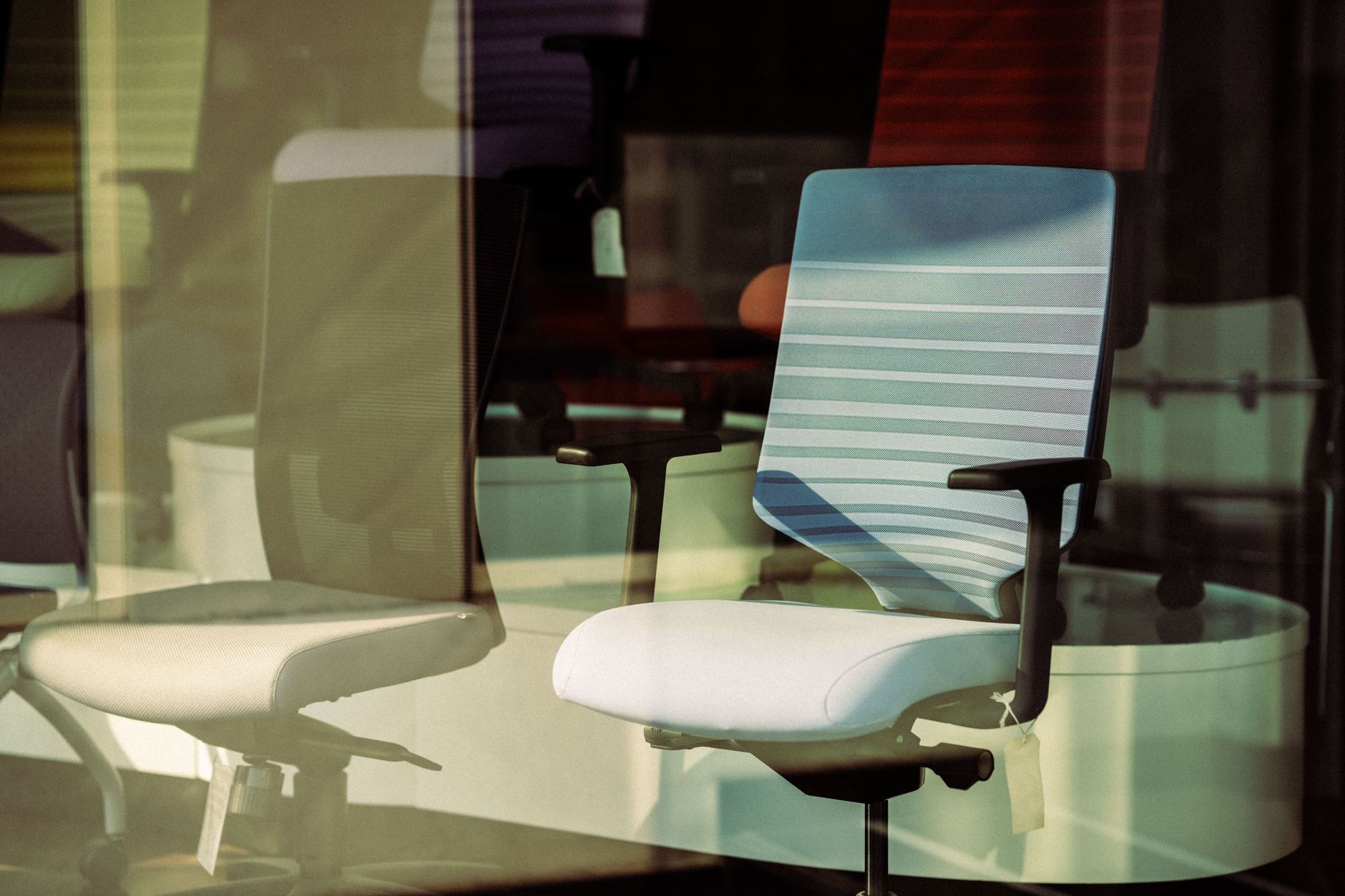
The pure-standing setup is what people actually try when they first hear that sitting is the new smoking. It is also the one most people abandon inside two weeks. Standing is not a neutral activity. Your calf muscles work continuously to pump blood back up to the heart, your arches carry your full body weight, and your lumbar spine takes on a load it handles differently than seated compression. Fixed-height standing desks are cheap for one reason: they remove the feature that makes standing useful, which is the ability to stop doing it.
The first week tells you everything. Day one feels great because the change is novel. Day three brings heel soreness. Day five brings a dull ache across the lower back that lands around 2 pm and follows you to the couch. That is not weakness and it is not a sign you need to push through. It is the predictable result of holding one posture for hours, which is the exact problem you were trying to solve.
If you are going to stand, the floor matters as much as the desk. An anti-fatigue mat gives your feet micro-variation, and the difference between flat rubber and a contoured surface is obvious within an hour. Our desk mat buying guide covers foam density and beveled edges, and it is worth reading before you spend money on a rectangle that curls at the corners. The Ergodriven Topo mat is the reference design most competitors copy, and its raised center ridge keeps your feet moving. A mat does not make all-day standing safe. It buys you about 20 more comfortable minutes before your body starts sending signals.
Key strengths:
- ✅ Zero furniture cost if you already own a tall desk, which makes it the cheapest way to test standing
- ✅ Genuinely better for some tasks, including phone calls, whiteboarding, and waiting on long builds
- ✅ Small calorie bump over sitting, though nowhere near enough to matter for weight loss on its own
- ✅ Useful when sitting provokes specific pain and your clinician has cleared standing
- ❌ Foot, knee, and low back fatigue is the predictable outcome after 60 to 90 minutes
- ❌ No height adjustment means tall users hunch and short users reach, which defeats the purpose
- ❌ Pregnancy and varicose veins make prolonged standing a bad idea without medical clearance
Who it’s for: Choose a fixed standing desk only for short stretches between other work, not as your primary workstation.
3. Alternating Sit-Stand with an Electric Height-Adjustable Desk , Best overall, backed by the clearest guidance
This is the approach the evidence actually supports. An electric desk lets you change posture without changing tasks, which is the entire point. Cornell’s ergonomics program frames the goal as frequent posture change rather than a target posture. The practical version of that advice is a standing budget of about 20 to 30 minutes per hour of desk work, taken in blocks of 10 to 15 minutes rather than one long session.
Specs matter more here than anywhere else. A typical electric frame travels from roughly 24 inches at the low end to about 50 inches at the top, which covers users from about 5 feet to 6 feet 6 inches. The low end is the number people ignore and the one that hurts. If you are 5 feet 2 inches tall and your desk bottoms out at 28 inches, your shoulders stay shrugged all day and you will blame standing instead of the frame. Look for a stated low height of 25 inches or less, four programmable memory presets, and a warranty measured in years. The Uplift V2 carries a 15-year frame warranty, which is the kind of number that tells you what the manufacturer thinks of its own welds.
The most common failure is monitor height. When you raise the desk, the screen goes up with it, and most people leave it there. Now the top of the display sits well above eye level and you have traded a low back problem for a neck problem. Fix it by setting monitor height for your seated position and accepting that it will be slightly low when you stand, or use a monitor arm you can nudge upward. Our guide to setting up a standing desk correctly walks through the standing-specific measurements, including where your elbows and wrists should land.
Cost is the honest downside. A quality frame and top run several times the price of a fixed desk, and cheap frames wobble at standing height. A wobbling desk is worse than no standing desk, because you stop trusting the surface and stop raising it.
Key strengths:
- ✅ Posture change on demand in seconds, with no interruption to the work
- ✅ Wide height range fits short and tall users, and memory presets reduce the switch to one button press
- ✅ Strong long-term value, since frame warranties of 12 to 15 years are common in the mid and upper tiers
- ✅ Removes the main excuse, because switching costs almost nothing once the desk exists
- ✅ Supports a mat, footrest, and monitor arm without eating desktop space
- ❌ Highest upfront cost of any option here
- ❌ Budget frames wobble at full height, which undermines writing and precision mouse work
- ❌ Motor and control failures are the most common warranty claim and they strand you at one height
Who it’s for: Choose an electric sit-stand desk if you work at a desk most days and want to change posture without rethinking your setup.
4. Sit-Stand Desk Converter on an Existing Desk , Best budget way to test alternating postures
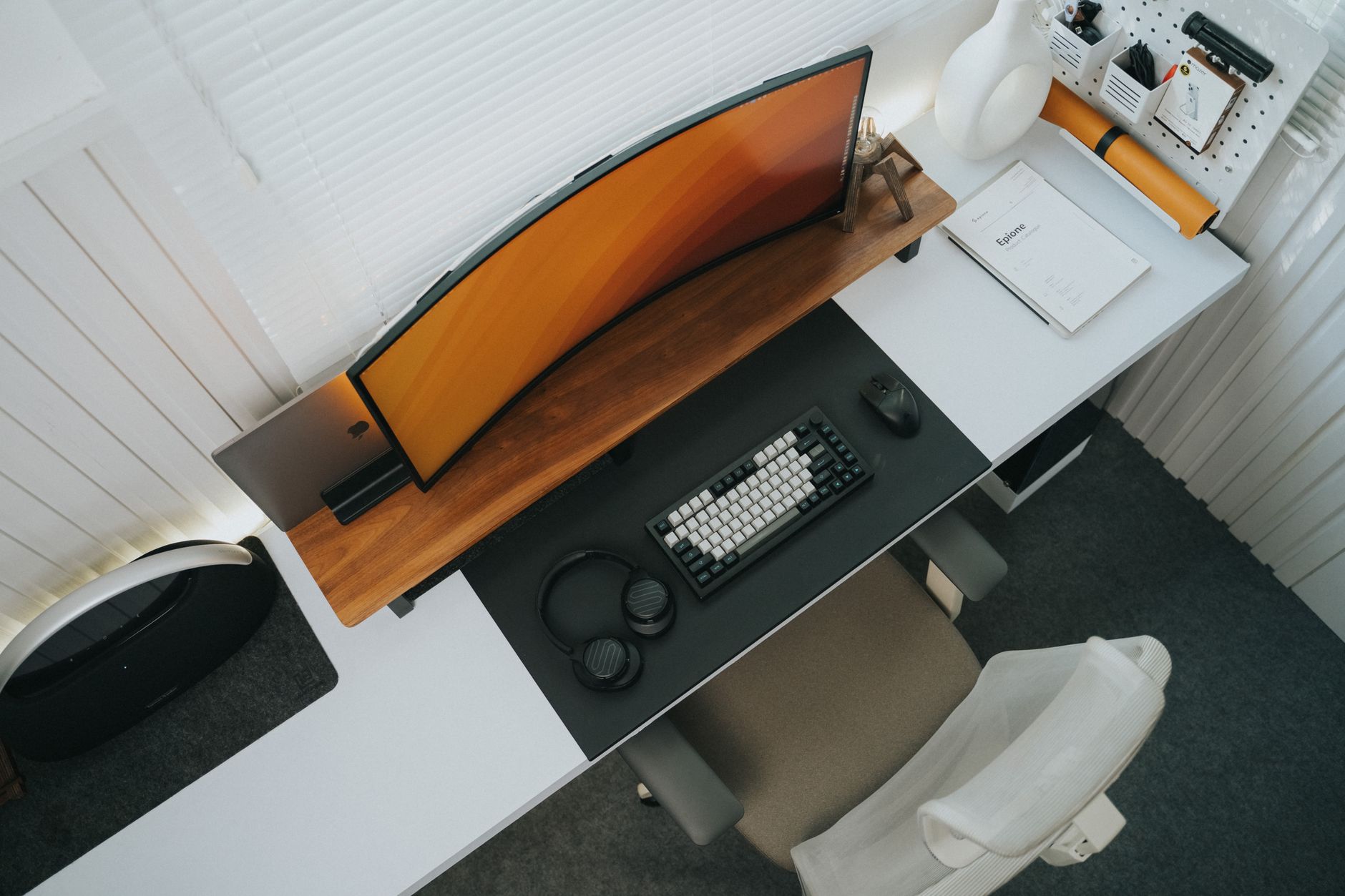
A converter sits on the desk you already own and lifts your keyboard and monitor together. The VariDesk Pro Plus 36 is the model most offices standardized on: 36 inches wide, rated for 35 pounds, and built with 11 locking height positions instead of a smooth gas spring. That last detail sounds like a downgrade and is not. Discrete stops mean the surface cannot drift down under typing pressure, and the load rating comfortably handles a monitor plus a laptop.
The tradeoff is geometry. A converter raises your work surface but leaves the original desktop underneath, so your keyboard ends up higher relative to your elbows than it would on a real sit-stand desk. Tall users often reach up to type. Short users end up with the keyboard too high and the monitor too close. That is why converters get a reputation for causing neck strain. The device is usually fine. The setup is usually wrong, and a keyboard tray or a monitor arm can correct most of it.
Where converters win is cost and reversibility. They run a fraction of a full desk, require no assembly beyond unfolding, and move with you when you change jobs. If you are not sure whether you will actually stand, a converter is the cheapest honest test available. Give it a month. If you use it daily, upgrade to a full desk. If it quietly becomes a monitor stand, you saved yourself a lot of money and learned something real about your workday. Our breakdown of the best standing desk converters covers the models worth comparing.
Key strengths:
- ✅ Cheapest entry point into alternating postures, with no furniture replacement
- ✅ Discrete locking heights stay put under typing pressure
- ✅ Portable between desks and jobs, and easy to resell if it does not stick
- ✅ Load ratings around 35 pounds handle a monitor plus a laptop without complaint
- ❌ The extra layer raises the keyboard above ideal elbow height for many users
- ❌ Smaller work surface leaves less room for a mouse, a notebook, and a coffee cup
- ❌ Wobble increases with height, and heavy dual-monitor setups push the limit
Who it’s for: Choose a converter if you have a desk you cannot replace and want to find out whether standing fits your workday.
5. Active Sitting on a Perch Stool or Sit-Stand Chair , Best for people whose backs dislike both extremes
Perch stools and saddle chairs land somewhere between standing and sitting. You rest on a partial seat angle with your thighs sloping downward, which opens the hip angle and holds the lumbar curve closer to its standing shape. The HAG Capisco 8106 is the best-known example, with a saddle seat you can flip forward or backward and a 10-year warranty on the frame. Seat heights on these models typically run from about 22 to 32 inches, which means they overlap standing height and pair naturally with a height-adjustable desk.
Active sitting is not a cure and it is not comfortable for long stretches. Most models have no backrest, so your postural muscles do the work continuously. That is the point, and it is also the reason people give up after two weeks. Used for 20 to 40 minutes at a time between seated and standing blocks, a perch stool is genuinely useful. Used as a full-time chair, it turns the workday into an endurance test you will lose.
The practical pairing matters. If you buy a perch stool, buy a foot ring or a desk that goes low enough for your legs to hang without going numb. Numb legs are the number one complaint, and it is almost always a height problem rather than a stool problem.
Key strengths:
- ✅ Keeps the hips open and the lumbar curve closer to its standing shape
- ✅ Encourages continuous small movement, which is the actual goal
- ✅ Seat height range overlaps standing height, so it slots between sitting and standing blocks
- ✅ Small footprint under a desk that is already crowded
- ❌ No backrest means real muscle fatigue after about an hour
- ❌ High seat heights require a foot ring, or your legs go numb
- ❌ Not a chair to slump into at the end of a long day
Who it’s for: Choose a perch stool if you already alternate between sitting and standing and want a third posture for the middle of the day.
6. Walking Pads and Under-Desk Treadmills , Best for adding movement without leaving the desk
Walking pads are the newest entry in this debate and the one most likely to be misused. The pitch is obvious: rack up steps without leaving your keyboard. The reality is that typing while walking at 2 mph is difficult, and typing while walking at 3 mph is impossible for most people. A LifeSpan TR1200-DT3 style under-desk treadmill is designed for slow, flat walking, usually between 0.5 and 2 mph, and it works best for calls, reading, and email triage rather than deep work. Plan to do your hardest thinking seated.
The safety details get skipped and they matter. You need a desk that goes low enough that your elbows stay near 90 degrees while walking, which is lower than your normal standing height. You need clearance under the desk for the belt and your stride. You need to be able to stop the belt without looking down. And you need to accept that the noise travels, which matters in a shared house or an apartment with thin floors.
I am not linking this one to a shopping page, because a treadmill is fitness equipment rather than workstation ergonomics, and it does not belong in the same buying decision as a chair or a desk. Buy it as exercise gear and judge it that way. If your goal is simply to stop sitting motionless, a mat at the standing desk and a footrest at the seated desk cover most of the benefit for far less money.
Key strengths:
- ✅ Adds real movement to hours that would otherwise be completely static
- ✅ Works well for calls, standups, and any meeting where you are listening rather than typing
- ✅ Slow speeds are genuinely sustainable for 30 to 60 minutes at a time
- ✅ Folds away under many desks when it is not in use
- ❌ Deep work suffers, and typing accuracy drops noticeably above 1.5 mph
- ❌ Cost and weight put it in a different category than a mat or a footrest
- ❌ Requires a desk that reaches a low minimum height, which many frames do not
Who it’s for: Choose a walking pad if your day includes long calls or reading blocks and you want movement that does not cost you focus.
Frequently Asked Questions
Is standing better than sitting for your back?
Neither wins outright. Prolonged standing loads the low back, heels, and knees, while prolonged sitting compresses the discs and shortens the hip flexors. Alternating between the two, roughly 20 to 30 minutes of standing per hour, is what workplace ergonomics guidance supports.
How long should I stand at a standing desk?
Start with 5 to 10 minutes per hour and add a few minutes each week until you reach 20 to 30 minutes per hour. Short blocks of 10 to 15 minutes are easier on your feet than one long session, and they are easier to sustain.
Does standing help you lose weight?
Standing burns modestly more calories than sitting, but the difference is small and easily erased by one snack. Treat standing as a way to change posture and reduce stiffness, not as an exercise plan.
Can standing all day cause problems?
Yes. Prolonged standing is linked to low back pain, heel and arch pain, and circulatory issues in the legs. Mayo Clinic notes that standing for long periods puts extra stress on the back and feet, which is why a full-day standing posture is not a good default.
What is the cheapest way to try alternating postures?
A sit-stand desk converter over the desk you already own, plus an anti-fatigue mat. Together they cost far less than an electric desk and will tell you within a month whether you actually stand.
Do I need a special mat for a standing desk?
Not strictly, but a contoured anti-fatigue mat makes a noticeable difference after about 20 minutes. Look for beveled edges, a foam density that does not bottom out under your heels, and a surface that still grips in socks.
What Should You Remember?
- Alternate instead of choosing. No posture wins outright, and the guidance points to changing position every 20 to 30 minutes.
- Build up slowly. Begin with 5 to 10 minutes of standing per hour and add time across several weeks, not several days.
- Check the low end of the height range. A desk that bottoms out at 28 inches will not fit a 5-foot-2-inch user comfortably.
- Fix the monitor before anything else. Standing raises the screen, and a display above eye level trades low back strain for neck strain.
- A converter is the cheapest test. It costs a fraction of a full desk and moves with you when you change jobs.
- Standing is not exercise. It burns slightly more calories than sitting and does not replace a walk.
- Mats and footwear matter more than people expect. Foot fatigue is the most common reason standing experiments get abandoned.
This article is for general information only and is not medical advice. Ergonomic guidance varies by body type and underlying conditions. Consult a physician or physical therapist for persistent pain before changing your workstation.