
When a standing desk rises from 28 inches to 46 inches, every cable that was loosely coiled under the desk becomes a moving hazard. The monitor cable that cleared the floor while sitting can snag a chair, yank a display, or swing into your knee. The power strip that lived against the wall may now dangle from the frame. This is not just clutter. It is a real ergonomic problem. The OSHA ergonomics guidance makes clear that workplace layout should reduce awkward postures, reaching, and obstacles. A cable tangle under a sit-stand desk creates all three. You bend, twist, and kick cords out of the way. Over a workday, that adds up.
A fixed desk hides cable slack under a single height. A sit-stand desk forces you to plan for the top of the travel range. If your monitor and laptop cables are too short, the connectors pull loose at standing height. If the cables are too long, they pool near your feet. Before choosing any management tool, raise your desk fully and measure how much slack each device needs. Our best standing desks 2026 roundup lists several models with height ranges from 24 to 50 inches or more. Use that full range as your test point, not the seated height. A cable solution that works while sitting but binds at 47 inches will fail the first time you stand.
We compared five cable management approaches: under-desk steel trays, cable spines, adhesive clips and raceways, neoprene sleeves, and cable management boxes. Each method was judged on tool-free installation, cable capacity, build material, and how well it handles the repeated flex of a standing desk. The Cornell University Ergonomics Web notes that even small workspace details, such as cable placement, can influence posture and reach distance. That is why we looked beyond appearance. A management system should keep cables off the floor without forcing you to crawl under the desk every time you swap a device. See our how to set up standing desk correctly guide for the full height setup process before you install anything.
Your monitor arm, keyboard tray, and laptop stand all add cables to the same path. A best monitor arm 2026 model with internal cable channels can reduce the number of loose wires, but it will not handle the power strip or desk frame. That is where a dedicated under-desk or vertical management system helps. Think of cable management as part of the workstation setup, not an afterthought. A clean cable path also makes it easier to sit and stand without distractions. Small pulls on a USB hub or a monitor port can damage connectors over time. Replacing a damaged USB-C dock is far more expensive than a $25 cable tray.
How Do the Top Options Compare?
| Solution | Best For | Key Specs | Price |
|---|---|---|---|
| Under-Desk Steel Cable Tray | Permanent clean installs | 16-gauge steel, 31.5 in wide, 20 lb capacity | Check price |
| Cable Spine or Vertebrae Wrap | Sit-stand movement | 38 segments, expands 2.5 to 5 ft | Check price |
| Adhesive Cable Clips and Raceway Kit | Budget and rental desks | 32 clips, 6 raceway channels, tool-free | Check price |
| Neoprene Cable Sleeve | Quick grouping | 25 ft length, zip closure, cut to fit | Check price |
| Cable Management Box | Hiding power strips | 16 x 6 x 5 in, wood or plastic, vented | Check price |
Prices are approximate Amazon search results at publication. Some kits bundle clips, trays, and sleeves. Check the exact dimensions and weight ratings before ordering.
1. Under-Desk Steel Cable Tray , Best for permanent clean installs
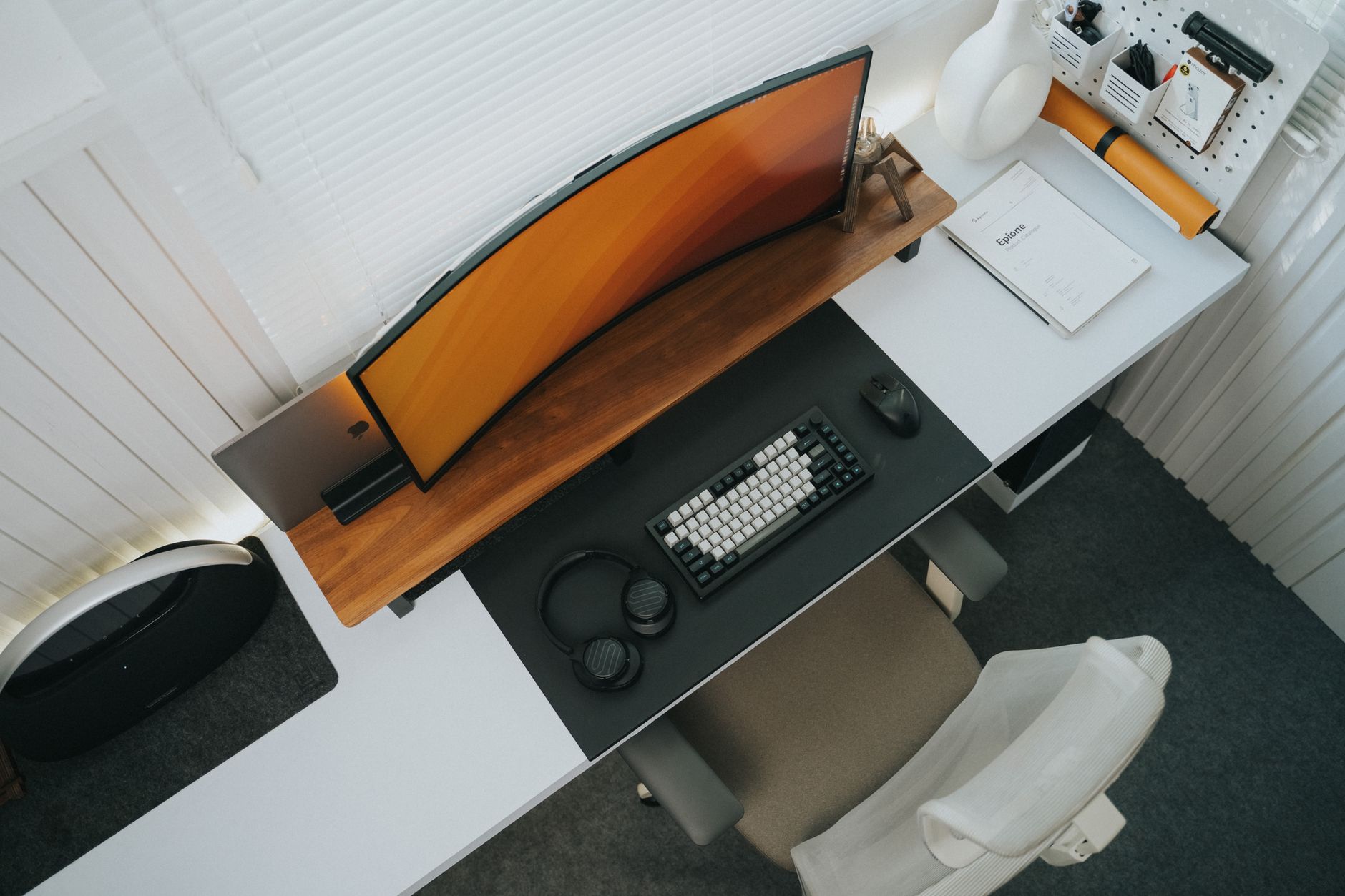
An under-desk steel tray is the most durable option for a full-size standing desk. Most trays are made from 16-gauge steel and run about 31.5 inches wide, which is enough to hold a power strip, two monitor cables, a laptop charger, and a USB hub. The tray bolts to the underside of the desk, usually near the rear edge. That keeps the main cable bundle off the floor and out of your foot zone. The Cornell University Ergonomics Web recommends routing cables so they do not interfere with leg space. This tray does exactly that. Check the under desk steel cable tray on Amazon for current pricing.
Installation takes about 15 minutes with a drill, four screws, and a level. Measure the space between your standing desk frame rails first. Some dual-motor frames leave only 14 to 18 inches between the crossbars, so a 31.5-inch tray may need to be centered or rear-mounted. The tray usually supports 20 pounds or more. A power strip with a 6-foot cord, two USB-C cables, and an HDMI cable weigh less than 5 pounds, so capacity is rarely the issue. Use adhesive cable clips inside the tray to stop cables from sliding when the desk moves. If you are starting from scratch, our how to set up ergonomic workstation guide covers cable routing before you mount the tray.
Key strengths:
- ✅ Large steel tray holds power strip and multiple cables
- ✅ Bolts to desk underside for permanent stability
- ✅ Keeps cables below the desktop but above the floor
- ✅ Supports 20 pounds or more
- ✅ Works with most full-size sit-stand frames
- ❌ Requires drilling into the desk
- ❌ Steel edges can rattle if cables are loose
- ❌ Less suitable for converter desks with thin tops
Who it’s for: Choose this if you own a full standing desk and want a permanent, high-capacity cable run.
2. Cable Spine or Vertebrae Wrap , Best for sit-stand movement
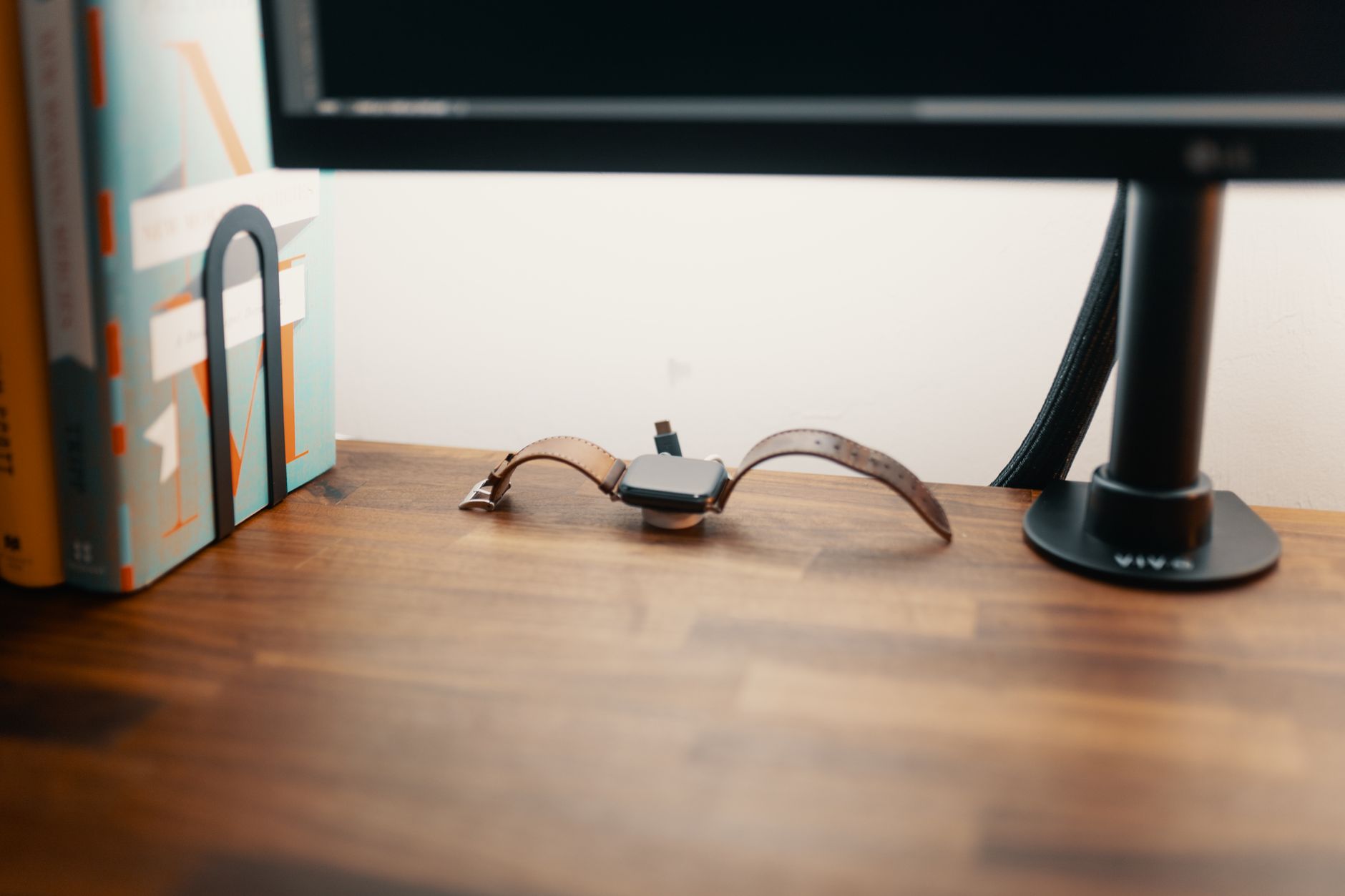
A cable spine, also called a vertebrae wrap, is the best tool for the repeated rise and fall of a sit-stand desk. It snaps around a bundle of monitor, power, and USB cables, then flexes as the desk moves. Most spines expand from about 2.5 feet to 5 feet. That range matches a desk that travels from 28 inches to 48 inches, with enough slack for a monitor arm. Each segment clips open so you can add or remove a cable without unwrapping the entire bundle. Check the standing desk cable spine on Amazon.
The spine works especially well with a best standing desk converter 2026 sit-stand on a budget because it can sit behind the converter and flex without anchoring to the wall. At seated height, the spine compresses into a tight coil. At standing height, it extends into a smooth arc. This controlled range is better than a loose cable loop that can bend sharply. A sharp bend in a USB-C or HDMI cable can damage the internal shielding over time. The spine enforces a wider bend radius. If your desk height range is near 50 inches, confirm that the spine extends far enough before buying.
Key strengths:
- ✅ Flexes with sit-stand movement
- ✅ Snap-on segments make cable swaps easy
- ✅ Expands from 2.5 to 5 feet
- ✅ Tool-free installation
- ✅ Protects cables from sharp bends
- ❌ Can feel stiff for the first few days
- ❌ Not ideal for very thick power cables
- ❌ Visible under the desk
Who it’s for: Choose this if your desk moves frequently and you need a flexible, tool-free cable path.
3. Adhesive Cable Clips and Raceway Kit , Best budget and rental option
Adhesive clips and raceways are the budget path. A typical kit includes 32 self-adhesive clips and six plastic raceway channels. The channels snap open and closed, so you can route cables along the desk frame or the wall behind it. The clips hold individual cables, while the raceway hides a bundle up to about 0.6 inches wide. For a rental or a thin desk converter, this is often the only option that does not require screws. Use isopropyl alcohol to clean the mounting surface before you stick anything. Adhesive fails on dusty or textured surfaces.
Raceways work best when the desk frame has flat vertical legs. You can run a channel from the floor to the underside of the desktop. The clips keep individual power and video cables from tangling. The main downside is capacity. A thick HDMI cable plus a laptop charger will not fit into a single narrow channel. Plan to use two channels or alternate cable routes. A cable that pulls sideways on a clip can slowly peel the adhesive, especially in a warm room. Check our home office ergonomic mistakes neck back pain guide to see how dangling cables can lead to posture problems.
Key strengths:
- ✅ Lowest cost option
- ✅ No tools or drilling required
- ✅ Removable without damaging desk
- ✅ Works on desk frames and walls
- ❌ Adhesive can weaken over time
- ❌ Narrow raceways limit thick cable bundles
- ❌ Holds less weight than trays or boxes
Who it’s for: Choose this for a rental desk or a thin standing desk converter where drilling is not allowed.
4. Neoprene Cable Sleeve , Best for quick grouping
A neoprene cable sleeve is the fastest way to bundle a few cables into one soft tube. A 25-foot sleeve costs around $15 to $20 and cuts to length with scissors. The zip or hook-and-loop closure lets you insert cables without disconnecting them. You can wrap monitor power, HDMI, and USB cables into a single snake that moves with the desk. The sleeve is flexible, but it does not hold a power strip. It only groups the cables that already run to a fixed outlet or an under-desk power source.
Sleeves are popular for home setups where the desk faces a wall and the outlet is near the floor. The bundle hangs in one column instead of two or three loose loops. That makes the floor space easier to vacuum and reduces the chance of rolling your chair over a cable. The downside is access. If one cable dies, you must unzip the sleeve or pull the entire bundle. Neoprene also attracts lint and cat hair. It is not a hard channel, so a determined kick can still snag the bundle.
Key strengths:
- ✅ Installs in under five minutes
- ✅ Soft and flexible for sit-stand movement
- ✅ Cuts to any length
- ✅ Hides multiple cables in one wrap
- ❌ Does not support power strips
- ❌ Must open the sleeve to replace one cable
- ❌ Neoprene attracts dust and pet hair
Who it’s for: Choose this for a fast, low-cost way to group cables that already have a clear path.
5. Cable Management Box , Best for hiding power strips
A cable management box hides the ugliest part of a desk setup: the power strip and its oversized plugs. A 16 x 6 x 5 inch box can hold a 6-outlet strip, a laptop brick, and a few coiled adapter ends. Wood and bamboo boxes look better next to a desk, while plastic boxes are easier to wipe clean. Run the cords through the side grommets and close the lid. The result is a clean base that does not distract from the desk.
Boxes work best on the floor next to a desk, but they can also sit on a shelf or inside a lower cabinet. If you use a standing desk, place the box close to the frame so the power strip can travel up and down without dragging. Some users mount a small box to the underside of the desktop. That keeps the power strip off the floor entirely, though it adds weight and uses under-desk space that a tray might otherwise occupy. Heat is a real consideration. A power strip inside a closed box can run warm. Choose a box with ventilation slots and do not pack it with large AC adapters.
Key strengths:
- ✅ Hides power strips and bulky plugs
- ✅ Available in wood, bamboo, and plastic
- ✅ Keeps dust and spills away from outlets
- ✅ Can sit on floor or mount under desk
- ❌ Traps heat around power adapters
- ❌ Limited internal space
- ❌ Not ideal for many thick cables
Who it’s for: Choose this if your power strip is the main eyesore and you want a simple floor-level fix.
Frequently Asked Questions
How much cable slack do I need for a standing desk?
Raise the desk to its maximum height and measure from the device port to the floor or outlet. Add 12 to 18 inches so the cable can flex without pulling. For a 48-inch desk with a monitor arm, plan for about 6 feet from the desktop to an outlet near the floor.
Can I install an under-desk cable tray without drilling?
Some trays come with adhesive strips or clamp brackets, but most steel trays use screws. If you cannot drill, choose a clamp-on basket or an adhesive raceway kit. Check the desk thickness before buying a clamp-on model.
Are adhesive cable clips strong enough for a sit-stand desk?
Yes, if the surface is clean and smooth. A good clip holds about 1 pound, which is enough for a USB cable or an HDMI cable. Avoid hanging heavy power strips from clips alone. Replace clips if the adhesive starts to peel.
What is the best cable management for a standing desk converter?
A cable spine or a flexible sleeve works well with a converter because it does not require drilling into the converter top. A cable management box can hold the power strip on the floor next to the desk.
How do I stop my power strip from hanging under a standing desk?
Mount it inside an under-desk steel tray with the cord routed through a sleeve or spine. Use zip ties or hook-and-loop straps to keep the power strip from sliding. A cable management box on the floor is another clean option.
Do cable spines work with thick monitor cables?
Most cable spines fit cables up to about 0.5 inches in diameter. Very thick cables or multiple large AC power cords may not snap inside. For those, use a wider sleeve or a split wire loom instead.
What Should You Remember?
- Cable slack Plan 12 to 18 inches of extra length for full standing height.
- Under-desk tray Mounted steel trays keep power strips and cable bundles off the floor.
- Cable spine Use one for sit-stand flex and controlled vertical movement.
- Adhesive clips Clean the surface first and reserve them for lighter cables.
- Power strip Mount it in a tray or box instead of letting it dangle.
- Measure first Check frame clearance and travel range before ordering any kit.
This article is for general information only and is not medical advice. Ergonomic guidance varies by body type and underlying conditions. Consult a physician or physical therapist for persistent pain before changing your workstation.