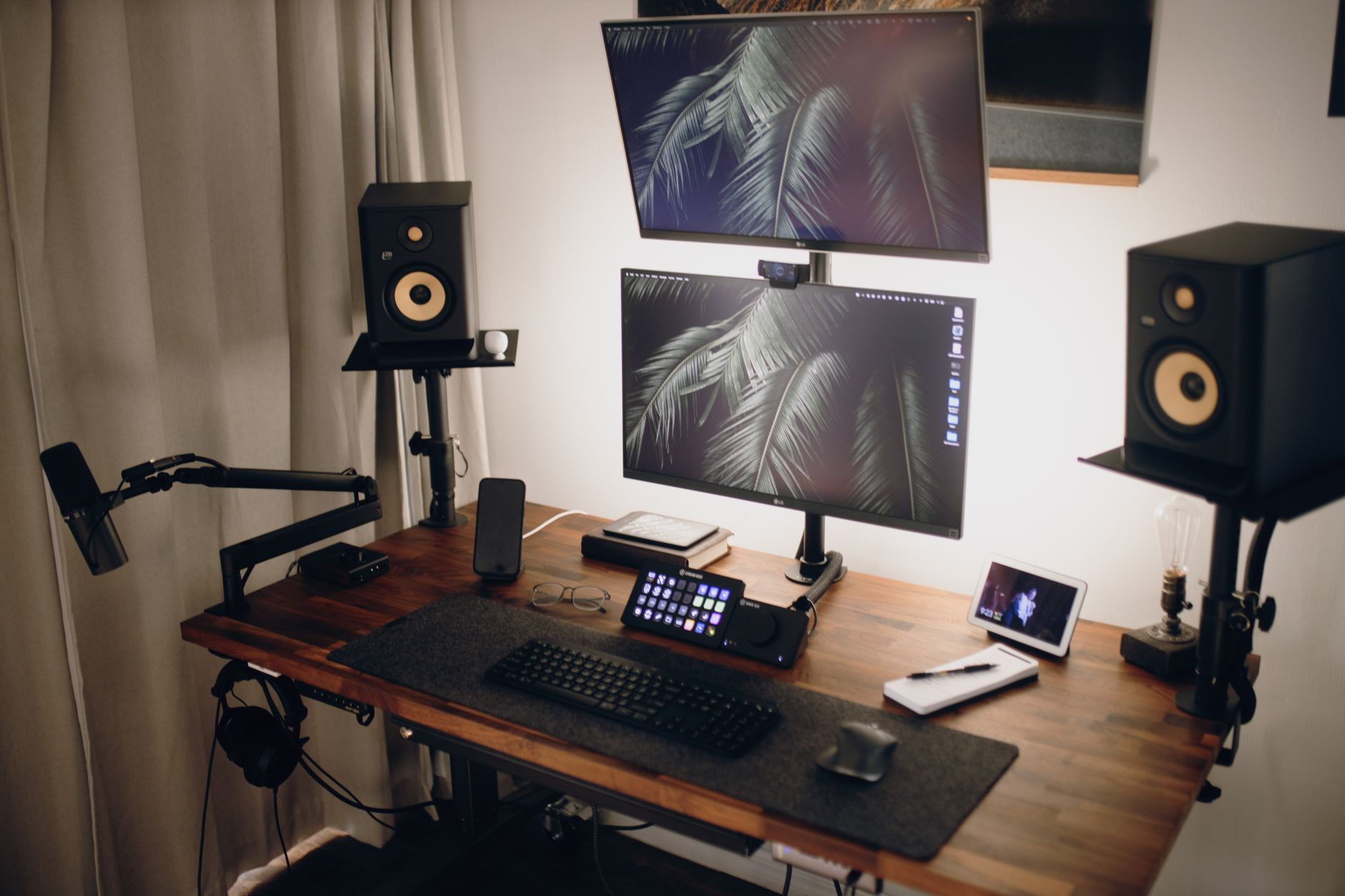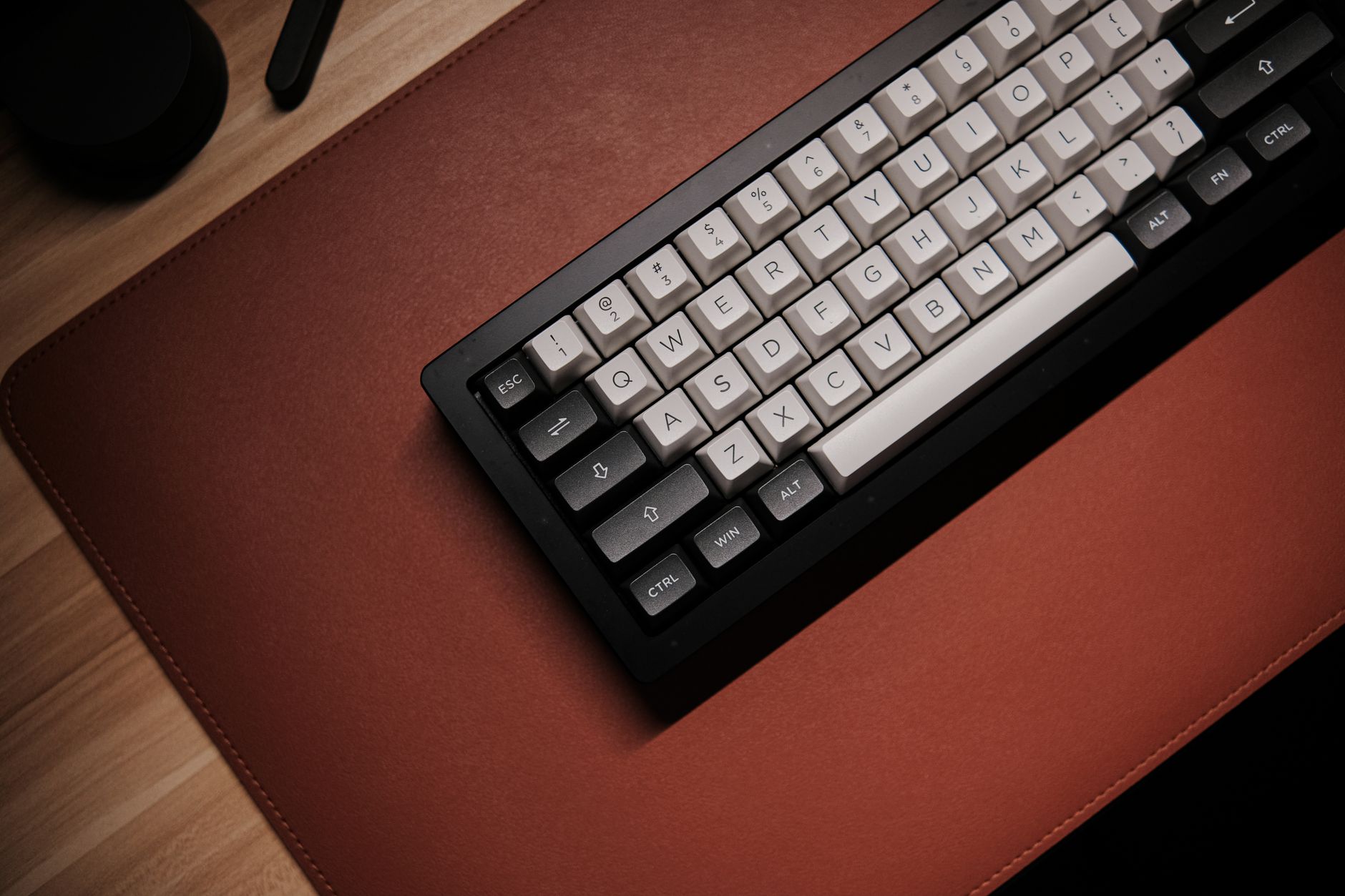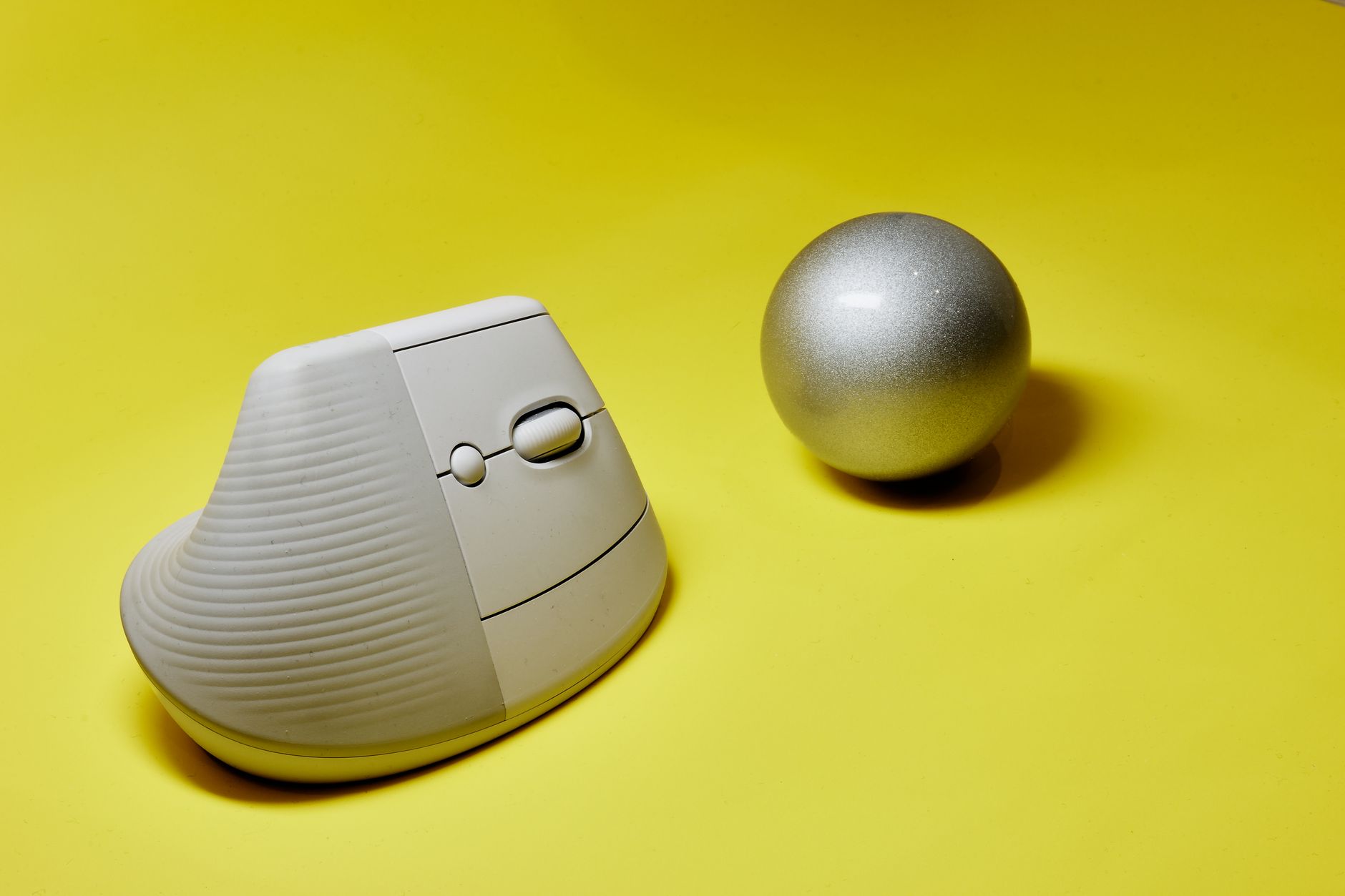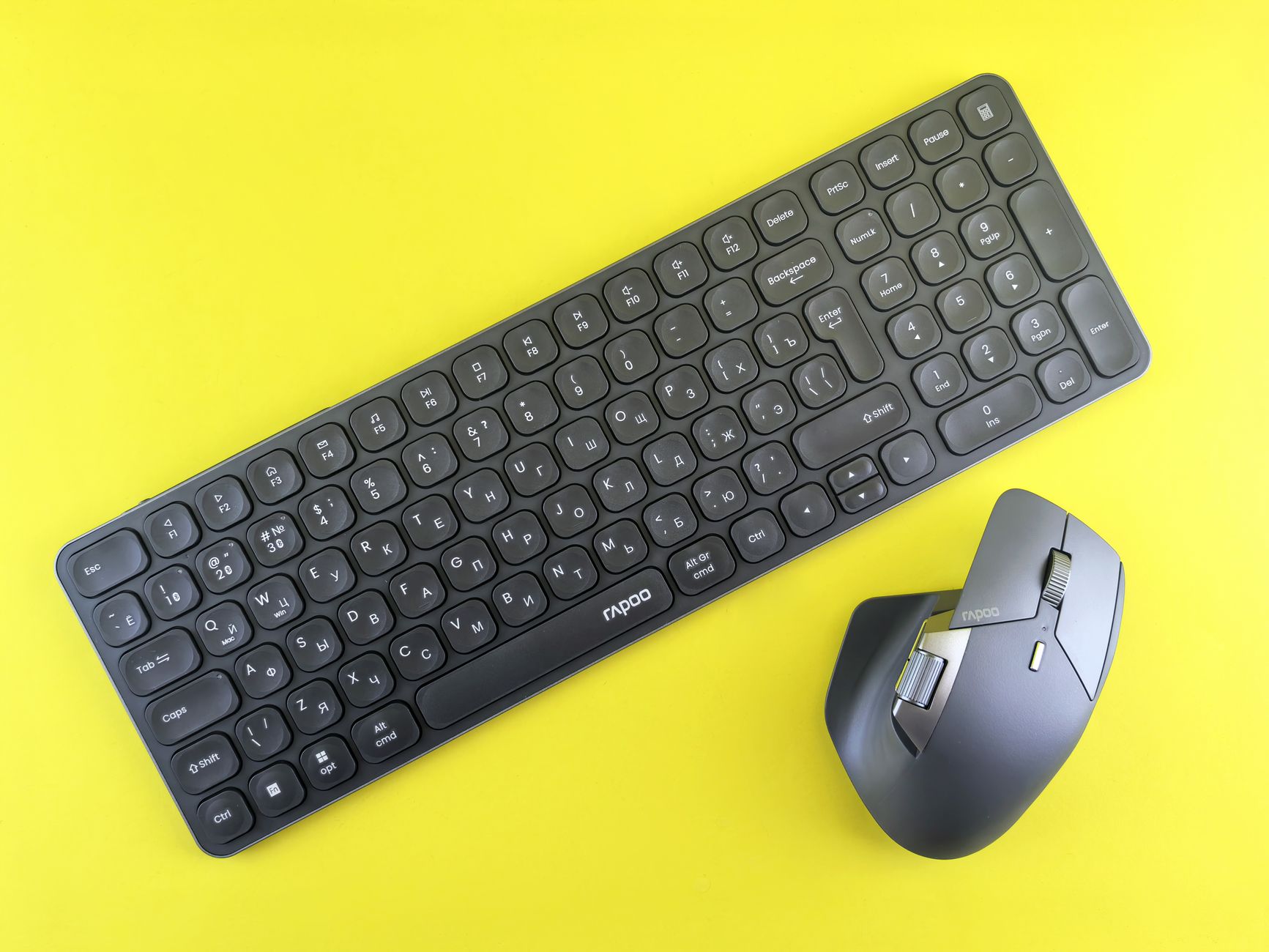
How to Create the Best Ergonomic Dual Monitor Setup

How to Create the Best Ergonomic Dual Monitor Setup

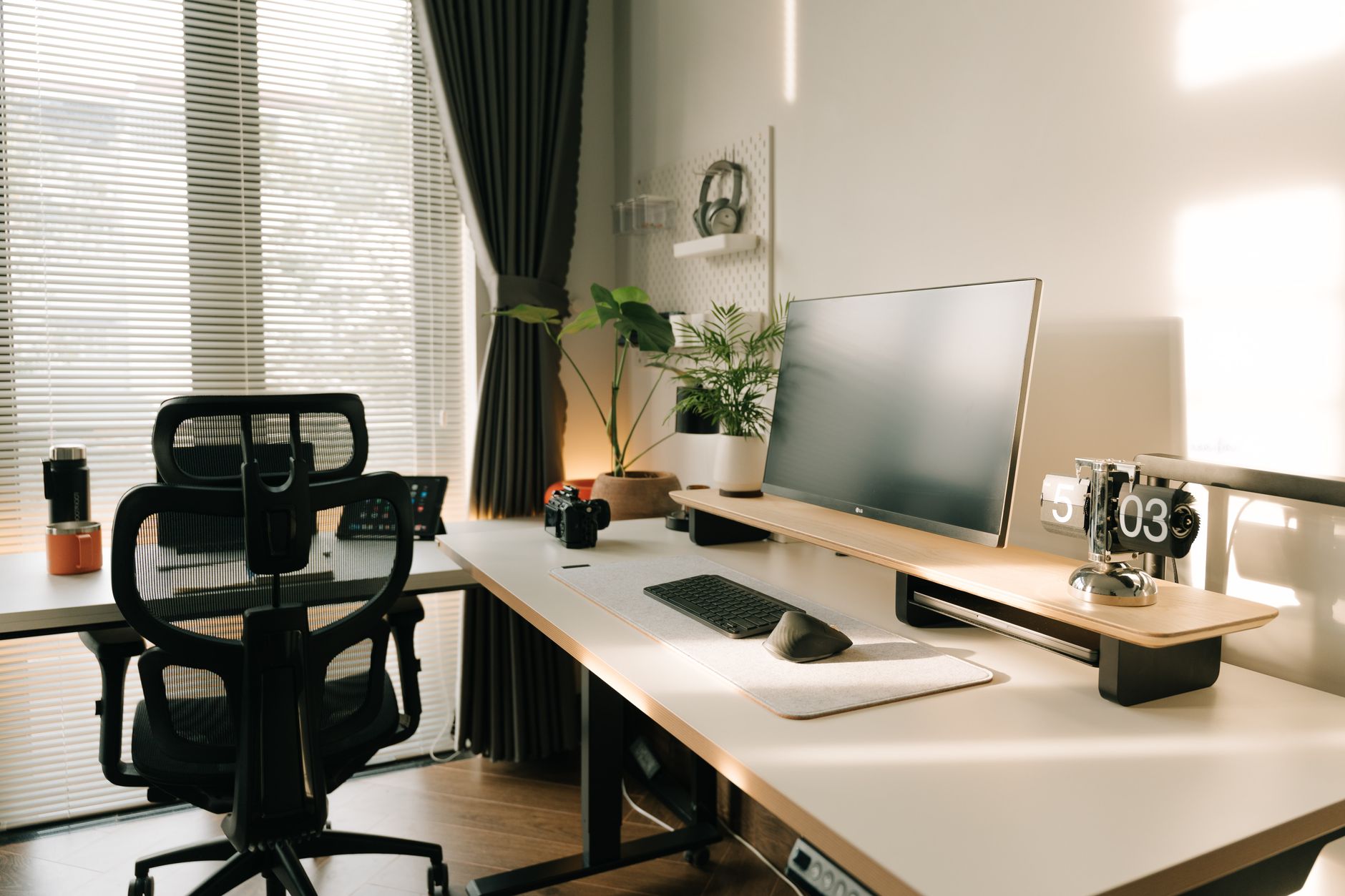
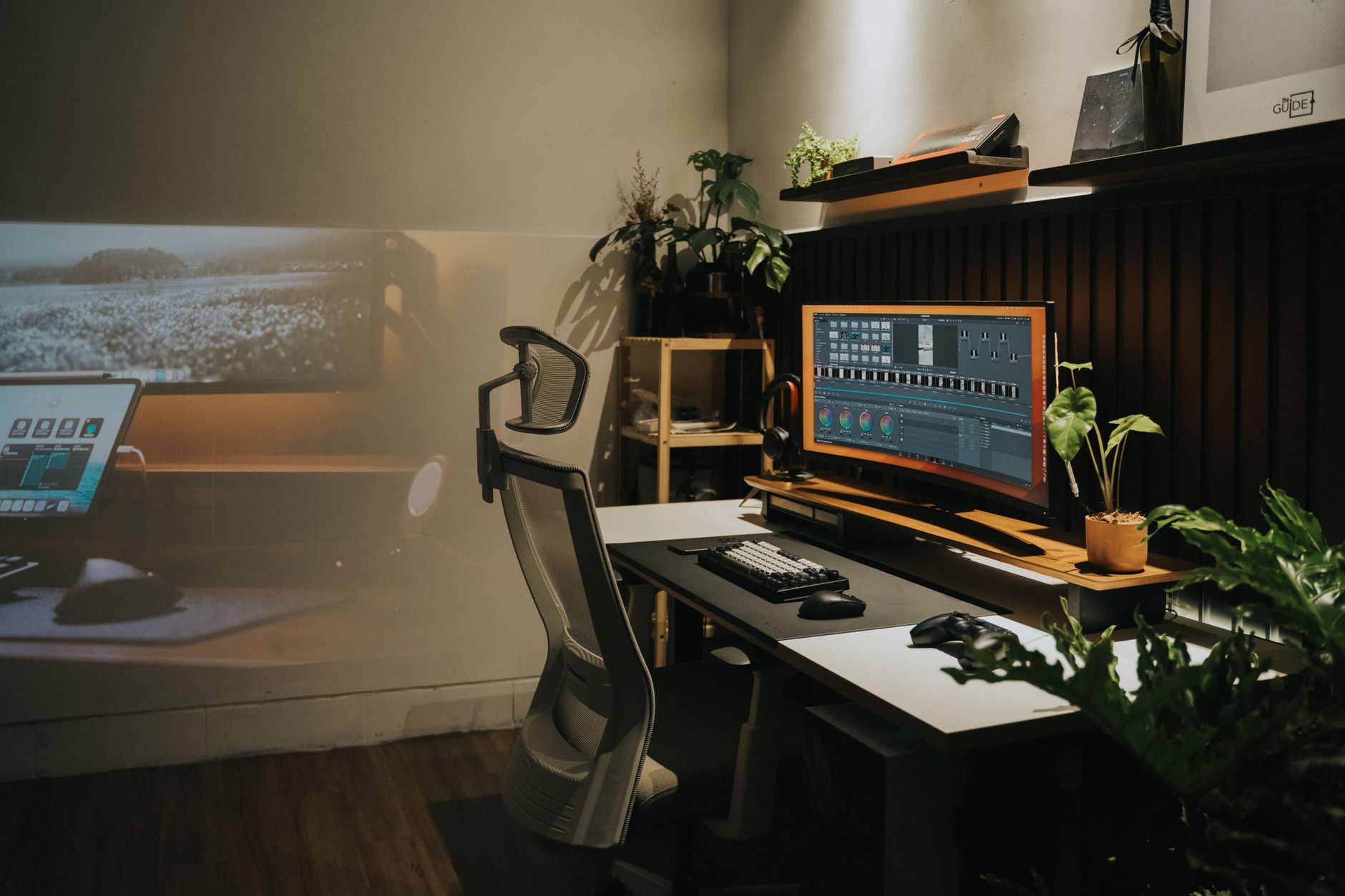
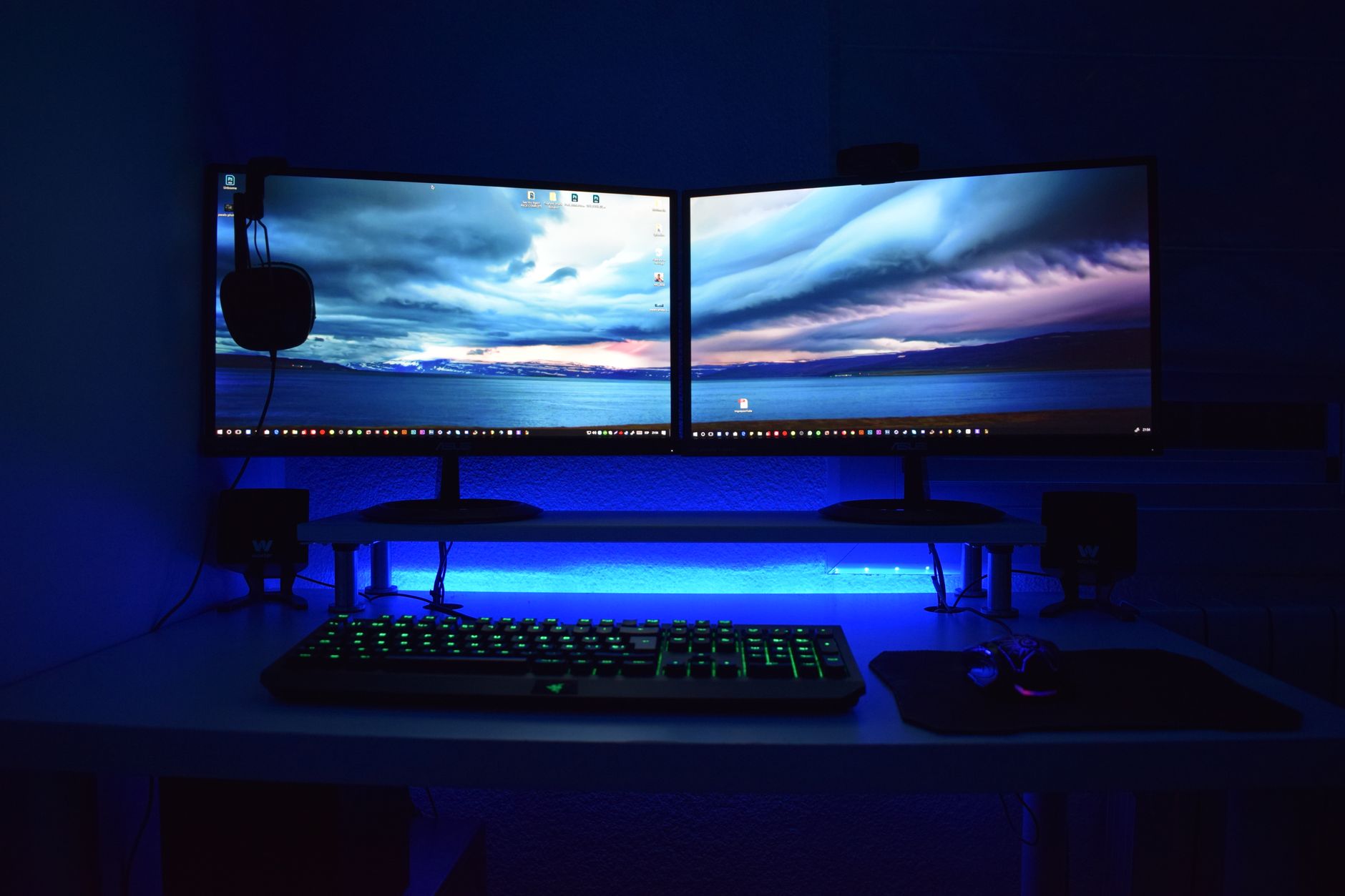
Quick Answer: Place the primary monitor directly in front of you at 20 to 30 inches away, with the top of the screen at or slightly below eye level. Angle the secondary monitor next to it so both screens form a shallow arc. Use monitor arms to adjust height, depth, and tilt independently. This reduces neck rotation and strain. Dual monitors can double your screen space, but they can also double your neck problems if they are arranged like a wall of glowing panels. Most desk workers place two monitors side by side and then spend the day rotating or tilting the head to see the screen edges. This creates uneven loading on cervical muscles and can trigger tension, headaches, and chronic neck strain. A proper dual monitor setup makes the screens work around your neutral posture, not the other way around. Before you buy or mount anything, review the full ergonomic workstation guide to understand how your chair, desk, keyboard, and monitors interact. ...

August 16, 2026 · 15 min · Jarrod Gravison
How to Set Up an Ergonomic Workstation a Physical Therapist Recommends

How to Set Up an Ergonomic Workstation a Physical Therapist Recommends

Quick Answer: Set your chair so feet rest flat and knees bend near 90 degrees. Position your monitor an arm's length away with the top of the screen at eye level. Keep your elbows close to your body and wrists neutral. Take a 1 to 2 minute microbreak every 30 minutes. These habits reduce neck, back, and wrist strain at your desk. As a physical therapist, I see desk workers who have tried expensive chairs and still struggle with back pain. The missing piece is usually not the product. It is the setup. Your body needs alignment, movement, and support at the same time. This guide walks through every station adjustment from the floor to the screen. If you already have persistent pain, start with our back pain from sitting guide. ...

August 16, 2026 · 17 min · Jarrod Gravison
Eye Strain from Computer Screens: The Complete Relief Guide

Eye Strain from Computer Screens: The Complete Relief Guide

Quick Answer: Eye strain from computer screens, or computer vision syndrome, improves when you change focal habits, screen position, brightness, and ambient light. Follow the 20-20-20 rule every 20 minutes, keep the screen slightly below eye level, match brightness to the room, and blink more often. Small changes usually bring fast relief. Computer eye strain, also called digital eye strain or computer vision syndrome, is a group of vision-related problems that result from prolonged screen use. Many desk workers describe the same cluster of symptoms: tired, dry, or burning eyes, blurred vision, headaches, and neck or shoulder discomfort. The Mayo Clinic notes that staring at a digital screen reduces your blink rate, which can leave the surface of the eye unprotected and dry. The problem is widespread. The Canadian Centre for Occupational Health and Safety reports that visual discomfort is one of the most common health complaints among computer operators. Understanding why your eyes hurt is the first step toward relief. ...

August 16, 2026 · 12 min · Jarrod Gravison
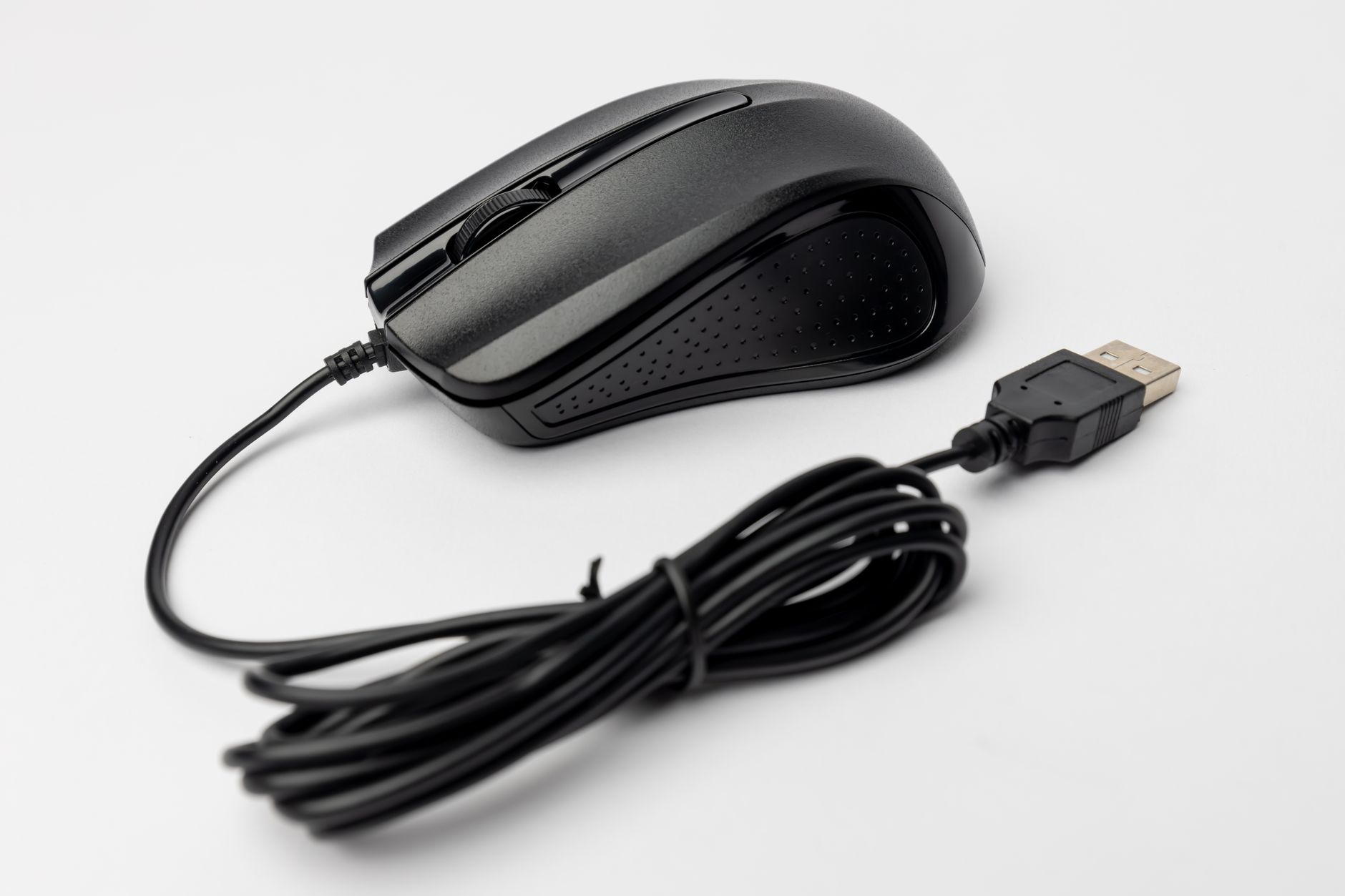
Ergonomic Mouse for Carpal Tunnel: Vertical, Trackball, and Sculpted

Ergonomic Mouse for Carpal Tunnel: Vertical, Trackball, and Sculpted

Quick Answer: A vertical mouse with a 57° to 63° angle or a trackball can reduce wrist strain for many desk workers with carpal tunnel symptoms. The Logitech MX Vertical is the best overall vertical pick, while the MX Ergo removes arm movement. Pair any mouse with proper desk and arm support. Carpal tunnel syndrome and wrist strain often start at the desk. A standard mouse forces the forearm to twist palm-down, a posture called pronation. That twist increases pressure inside the carpal tunnel. After hours of clicking and scrolling, the median nerve can become irritated. A vertical, trackball, or sculpted mouse changes the angle and movement pattern. This comparison looks at five ergonomic mice for carpal tunnel. We tested for wrist angle, button placement, battery life, and required desk space. Our best ergonomic mouse 2026 guide covers broader picks, but this article focuses on pain reduction. ...

August 16, 2026 · 12 min · Jarrod Gravison
Wrist Pain for Desk Workers: Causes, Prevention, and Ergonomic Fixes

Wrist Pain for Desk Workers: Causes, Prevention, and Ergonomic Fixes

Quick Answer: Wrist pain in desk workers usually comes from awkward mouse positioning, a keyboard that is too high or flat, and long periods without rest. Changing your setup can help, including using a vertical mouse, a split keyboard, and proper arm support. See a doctor if you have persistent numbness, tingling, or weakness. Wrist pain among desk workers is not rare. Many people ignore early aches until simple tasks like typing an email or clicking a mouse become painful. The problem often builds slowly. Hours of small repetitive movements can overload tendons and nerves in the wrist and hand. According to the Mayo Clinic, carpal tunnel syndrome affects roughly 3 to 6 percent of adults, and desk-based repetitive work is one contributing factor. But carpal tunnel is only one possible cause. Tendonitis, ganglions, and muscle strain are also common. ...

August 16, 2026 · 10 min · Jarrod Gravison
Why Does Sitting All Day Cause Back Pain? Relief and Prevention

Why Does Sitting All Day Cause Back Pain? Relief and Prevention

Quick Answer: Sitting for hours compresses spinal discs, weakens core muscles, and shortens hip flexors, which together trigger lower back pain. Relief starts with movement breaks every 30 to 45 minutes, a neutral spine posture, and an ergonomic setup that supports your lower back, feet, and screen height. You do not need a physically demanding job to wreck your back. In many cases, the culprit is the chair you sit in for eight hours a day. Sitting itself is not evil. The problem is prolonged, static sitting with poor posture. When you stay in one position for hours, your spine, discs, muscles, and ligaments all pay a price. The result is a dull ache that starts in your lower back and can travel into your hips, glutes, or legs. According to the Canadian Centre for Occupational Health and Safety, back pain is one of the most common reasons for missed work in office environments. ...

August 16, 2026 · 11 min · Jarrod Gravison
How to Fix 5 Ergonomic Mistakes Causing Neck and Back Pain

How to Fix 5 Ergonomic Mistakes Causing Neck and Back Pain

Quick Answer: The five common ergonomic mistakes are a monitor set too high or low, unsupported chair settings, reaching for keyboard or mouse, static sitting, and poor desk height. Fix each by aligning your eyes with the top third of the screen, adjusting lumbar support, keeping input devices close, taking short movement breaks, and setting desk or chair height to support elbows at 90 degrees. Most neck and back pain at a desk does not start with a single injury. It builds slowly from small workstation errors repeated for hours every day. A monitor that is four inches too low, a chair with no lumbar contact, or a mouse placed just out of reach can all add strain. This guide explains five ergonomic mistakes that commonly cause neck and back pain, along with concrete fixes you can make this afternoon. The same changes often reduce shoulder tightness and headaches too. ...

August 16, 2026 · 13 min · Jarrod Gravison
How to Set Up a Standing Desk Correctly: Height, Monitor, Posture

How to Set Up a Standing Desk Correctly: Height, Monitor, Posture

Quick Answer: Set your desk so elbows stay at 90 degrees, top of monitor at or slightly below eye level, and screen 20 to 40 inches away. Alternate sitting and standing every 30 to 60 minutes. Keep wrists flat, feet supported, and shift weight often. Small adjustments prevent neck, back, and shoulder strain. Standing desks are everywhere in home offices, but raising your desk does not automatically fix posture. In fact, a poorly adjusted standing desk can create new strain in your neck, shoulders, and lower back. The goal is not to stand all day. It is to move more and support your body in both sitting and standing. Before you press the up button, you need a clear setup process that follows ergonomic research. The Cornell University Ergonomics Web offers solid, research-based guidance for monitor distance and work height. Getting these details right matters more than the desk brand you choose. ...

August 16, 2026 · 15 min · Jarrod Gravison
How to Set Up an Ergonomic Home Office Workstation Step by Step

How to Set Up an Ergonomic Home Office Workstation Step by Step

Quick Answer: Set your chair height first so your feet rest flat and knees bend near 90 degrees. Place your monitor at arm's length with the top of the screen at or slightly below eye level. Keep your keyboard and mouse at elbow height with wrists flat. Add task lighting that reduces glare. Take a 5 to 10 minute movement break every hour. A home office that feels fine for 20 minutes can become painful after eight hours. Neck strain, lower back fatigue, and wrist aches usually trace back to a workstation that does not fit your body. The fix is not just a new chair or a bigger monitor. It is the order in which you adjust your chair, screen, keyboard, mouse, and lighting. This guide walks through each adjustment in sequence. You can use it with the equipment you already own or shop for upgrades later. If you want a deeper baseline, see how to set up an ergonomic workstation. ...

August 16, 2026 · 13 min · Jarrod Gravison
Best Laptop Stands 2026: Portable & Desk Mounts for Eye-Level Screens

Best Laptop Stands 2026: Portable & Desk Mounts for Eye-Level Screens

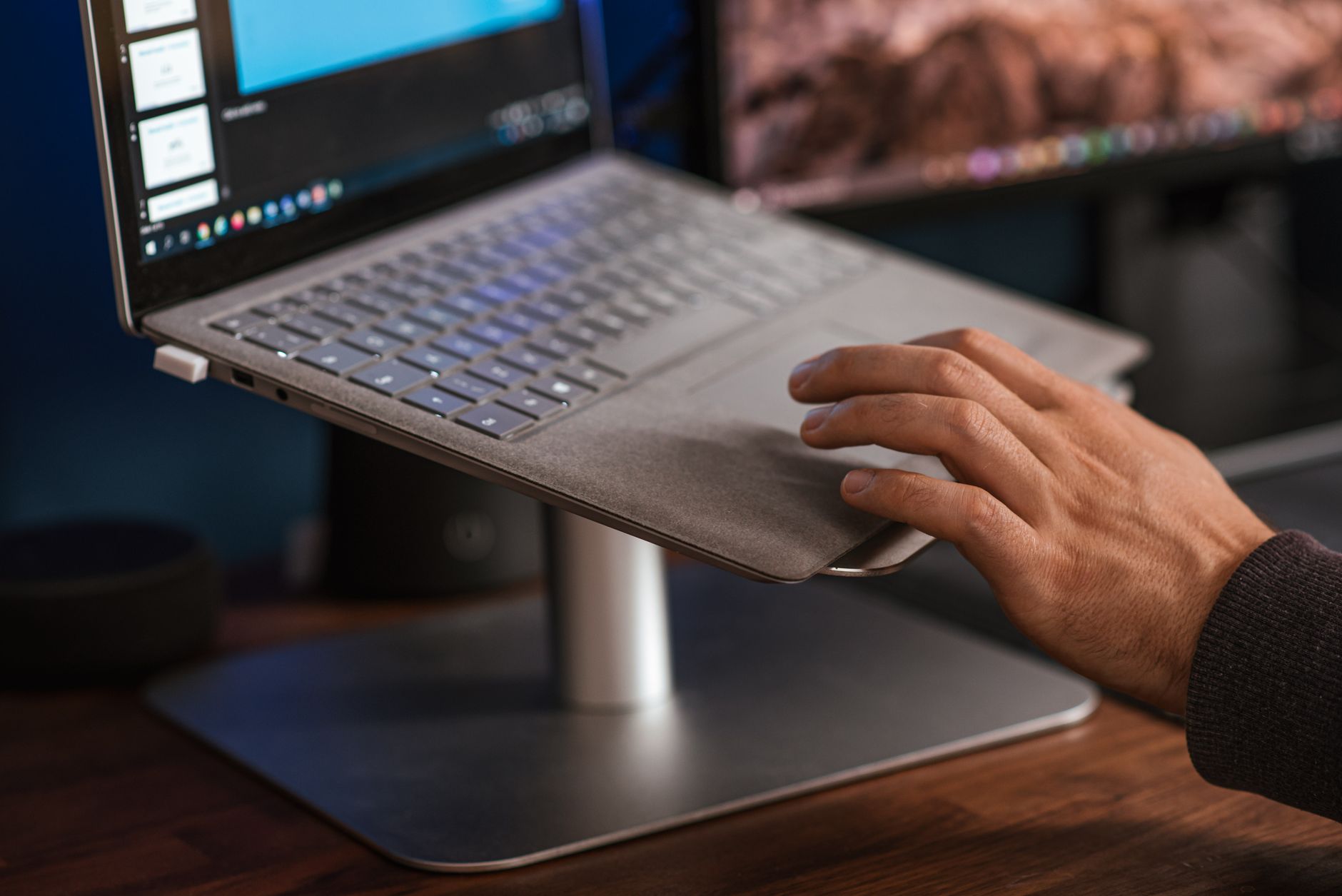
Quick Answer: The best laptop stands for 2026 raise your screen to eye level so you stop hunching. For travel, choose the Roost Laptop Stand V3. For a permanent desk mount, the Rain Design mStand is a solid aluminum choice. Budget buyers should consider the Soundance LS1. Each pick balances adjustability, portability, and build quality. A laptop screen sits low by design. When the display sits on a desk, the top edge often lands below your collarbone, forcing your neck into 20 to 35 degrees of flexion. The Occupational Safety and Health Administration recommends positioning the top of your screen at or slightly below eye level so your gaze falls naturally about 15 to 20 degrees below horizontal. That simple change reduces sustained cervical spine load, which is why a laptop stand is not a luxury accessory. Before you buy one, read our how to set up an ergonomic workstation guide so the stand fits into a larger chair, desk, keyboard, and monitor plan. ...

August 16, 2026 · 12 min · Jarrod Gravison
Best Monitor Arm 2026: Single, Dual, and Ultrawide Gas-Spring Compared

Best Monitor Arm 2026: Single, Dual, and Ultrawide Gas-Spring Compared

Quick Answer: For most single monitor users, the Ergotron LX is the best monitor arm in 2026 due to its 13-inch lift, 11-inch reach, and 10-year warranty. Budget buyers should pick the Amazon Basics Single Monitor Arm. Dual users should get the Huanuo Dual Gas Spring Arm. Ultrawide and 49-inch monitors need the Ergotron HX. A monitor arm is one of the few desk upgrades that changes how you feel after an eight-hour stretch. Most stock monitor stands are fixed, low, and demand that you hunch to see the screen. A gas-spring arm fixes that by letting you raise, lower, tilt, and pivot the display without tools. The Occupational Safety and Health Administration identifies awkward, static postures as key risk factors for neck and shoulder strain. A properly adjusted monitor keeps the top of the screen at or slightly below eye level. Before you choose a model, review our how to set up an ergonomic workstation guide so you know what to do with the arm once it arrives. ...

August 16, 2026 · 14 min · Jarrod Gravison
Best Desk Mats 2026: Large Mouse Pads and Desk Protectors

Best Desk Mats 2026: Large Mouse Pads and Desk Protectors

Quick Answer: The best desk mat in 2026 depends on surface and desk size. Most desk workers should choose the Logitech Desk Mat Studio Series for its balanced cloth glide, spill resistance, and 700 x 300 mm size. Budget buyers get the Corsair MM300 Pro Extended. Hard-surface fans should consider the Orbitkey Desk Mat. Durability and size matter more than brand. Most workers obsess over chairs, monitor height, and keyboard tilt. The desk mat is the forgotten contact point. Yet your forearms and mouse hand rest on that surface for eight hours a day. OSHA’s ergonomics guidance for computer workstations stresses neutral wrist posture and avoiding contact stress on forearms. A desk mat can calm that contact stress, reduce mouse friction, and protect the desk finish. It also defines your keyboard and mouse zone. Before you change chairs, check the how to set up an ergonomic workstation guide to see where the desk surface fits into the setup. ...

August 16, 2026 · 11 min · Jarrod Gravison
Best Ergonomic Mouse 2026: Vertical, Trackball, Sculpted Compared

Best Ergonomic Mouse 2026: Vertical, Trackball, Sculpted Compared

Quick Answer: For most desk workers, the Logitech MX Vertical is the best ergonomic mouse in 2026. It reduces forearm pronation to roughly 57 degrees, offers 4000 DPI precision, and costs about $100. Choose a trackball like the MX Ergo if your desk space is tight or wrist motion is painful. Choose the MX Master 3S for all-day sculpted comfort. Ask any physical therapist why your forearm aches after eight hours of spreadsheets, and they will point to pronation. A flat mouse forces your radius and ulna to cross as the palm faces downward. Over months, that inward twist can strain the wrist extensors and the tissues near the carpal tunnel. The wrist pain desk worker guide explains how repeated small movements load tendons. In 2026, the fix is not just a softer wrist rest. It is choosing a mouse that keeps the forearm bones uncrossed and the wrist near neutral. That means vertical, trackball, or sculpted mice, not another flat ambidextrous shell. ...

August 16, 2026 · 14 min · Jarrod Gravison
Best Ergonomic Keyboards 2026: Split, Curved, Compact Compared

Best Ergonomic Keyboards 2026: Split, Curved, Compact Compared

Quick Answer: The best ergonomic keyboard in 2026 depends on your wrist pain and setup. The ZSA Moonlander Mark I offers the most adjustable split and tenting for custom setups. The Logitech Ergo K860 is the easiest fixed curved office board. The Keychron K15 Pro gives mechanical Alice layout in a compact form under $100. Wrist pain remains one of the most common desk worker complaints. Long sessions on a standard keyboard push your wrists into extension, ulnar deviation, and internal shoulder rotation. The Occupational Safety and Health Administration recommends fitting the workstation to the worker, not the other way around. That means a keyboard should support neutral wrists with elbows near 90 degrees and shoulders relaxed. In 2026, ergonomic keyboards split into three major groups. Split models separate the left and right halves. Curved boards reshape a single deck. Compact designs save space while addressing common comfort problems. This guide tests top models across those groups using wrist comfort, tenting, switch feel, and price. First, understand that a keyboard alone cannot cure existing wrist pain. Our wrist pain desk worker guide explains the full recovery path. ...

August 16, 2026 · 11 min · Jarrod Gravison
Best Standing Desk Converter 2026: Budget Sit-Stand Picks

Best Standing Desk Converter 2026: Budget Sit-Stand Picks

Quick Answer: The best budget standing desk converter in 2026 is the VIVO 32 inch gas-spring model for most people. It offers 4.5 to 20 inches of height range, holds 33 pounds, and includes a full keyboard tray. FlexiSpot M1B is smoother under $150, while VariDesk Pro Plus 36 is the stability upgrade for dual monitors. The best standing desk converter in 2026 does one job well: it lifts your monitor and keyboard from sitting height to standing height without shaking. A full sit-stand desk is appealing, but many people rent, use employer-owned furniture, or do not want to replace a heavy desk. Converters drop onto the existing surface and cost far less. If you want a full frame, see our best standing desks 2026 guide. For this comparison, we evaluated budget converters on stability, height range, and ease of use. Each selected model holds at least 30 pounds and includes a keyboard tray, which is essential for proper arm and neck alignment. ...

August 16, 2026 · 12 min · Jarrod Gravison
Best Standing Desks 2026: Electric and Manual Sit-Stand Tested

Best Standing Desks 2026: Electric and Manual Sit-Stand Tested

Quick Answer: The Uplift V2 is the best standing desk in 2026 for stability, height range, and long-term warranty. Budget buyers should choose the Flexispot E7 Pro. Manual desk shoppers get a simple, low-cost option in the IKEA Trotten. Match your desk height to your elbow and monitor height for true ergonomic benefit. Most desk workers sit too long. The body pays for it. OSHA ergonomics guidance tells workplaces to reduce prolonged static postures, and height adjustable desks are one practical tool. But not all sit-stand desks are built the same. A $200 crank desk and a $900 dual-motor desk differ in stability, range, and longevity. We spent weeks testing frames, tops, and controls for this guide. We focused on desks you will actually buy in 2026. Our ranking weighs stability at standing height, usable height range, motor quality, assembly, and price. ...

August 16, 2026 · 11 min · Jarrod Gravison
Best Ergonomic Chairs Under $500 in 2026: Budget Picks That Support

Best Ergonomic Chairs Under $500 in 2026: Budget Picks That Support

Quick Answer: The best ergonomic chairs under $500 in 2026 combine adjustable lumbar support, seat depth or height range, and armrest movement. Our top picks include the Ticova Ergonomic Chair for tight budgets and the Nouhaus Ergo3D for arm adjustability. Always check return windows and weight capacity before buying. The sub-$500 ergonomic chair category has changed. A few years ago, spending less than $500 often meant a stiff seat pan, a lumbar pad that did nothing, and armrests that only moved up and down. In 2026, the value has shifted. Manufacturers now pack adjustable lumbar systems, breathable mesh, and serious armrest movement into chairs that cost less than a standing desk converter. The OSHA Ergonomics guidance still says that a chair should fit the worker, not the other way around. That means you need controls that change seat height, back angle, and support position. We used that standard to filter dozens of chairs. ...

August 16, 2026 · 12 min · Jarrod Gravison
Best Ergonomic Office Chairs 2026: Tested and Ranked Across Budgets

Best Ergonomic Office Chairs 2026: Tested and Ranked Across Budgets

Quick Answer: After three weeks of testing, the Herman Miller Aeron Chair is our top high-end pick for all-day mesh support. The Branch Verve Chair wins for value under $600. Budget buyers should look at the Sihoo M57 or Ticova for adjustable lumbar support under $300. Lumbar depth and seat depth matter more than armrest extras. Spending eight hours in a cheap kitchen chair does more than make your legs numb. By month three, you may feel stiffness in your lower back, tightness in your hips, and numbness in your hamstrings. The OSHA ergonomics guidance points out that a chair must fit the worker, not the other way around. That simple rule is why we retested the best ergonomic office chairs in 2026 across a wide price range. We wanted to see which seats hold up under real deadlines, long video calls, and messy hybrid schedules. If you already have pain, read our back pain from sitting guide before you shop. It explains why your current chair might be feeding the problem. ...

August 16, 2026 · 13 min · Jarrod Gravison
Professional team discussing over documents at a modern office setup with large monitor.

Best Monitor Arms 2026: Single & Dual Mounts Tested | ErgonomicOffice

The Ergotron LX ($59–$79) is the best single monitor arm for most desk workers — smooth gas-spring adjustment, solid build quality, and a 15-year warranty. F…

April 1, 2026 · 6 min · Jarrod Gravison
Armchair near wooden shelf between white cupboards and comfortable sofa with pillow in light stylish room with window at home

Ergonomic Office Statistics 2026: 47 Key Facts, Trends & Data Points

The global ergonomic office chair market is valued at $15.27 billion in 2026. Back pain costs U.S. employers over $100 billion annually in lost productivity …

April 1, 2026 · 14 min · Jarrod Gravison