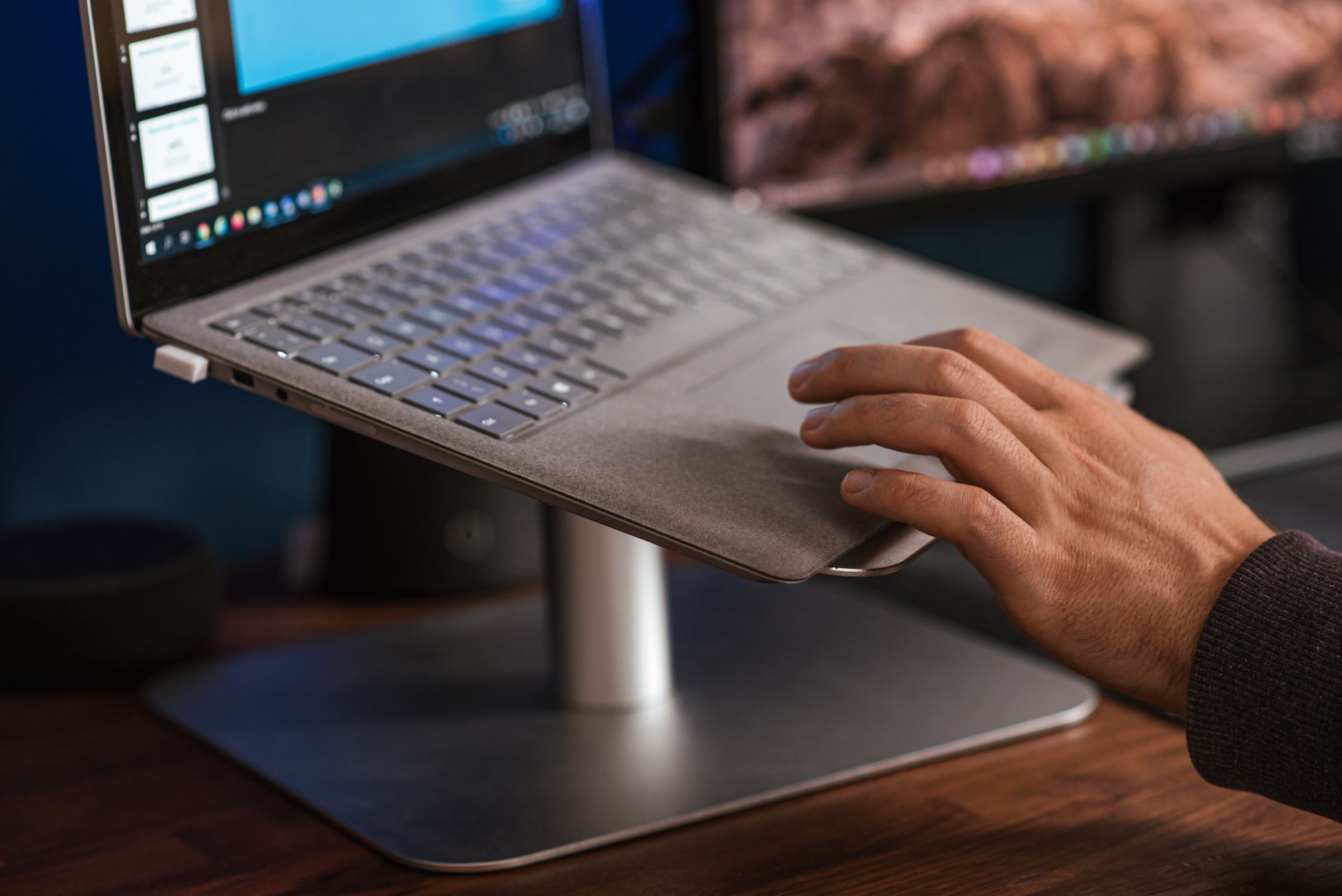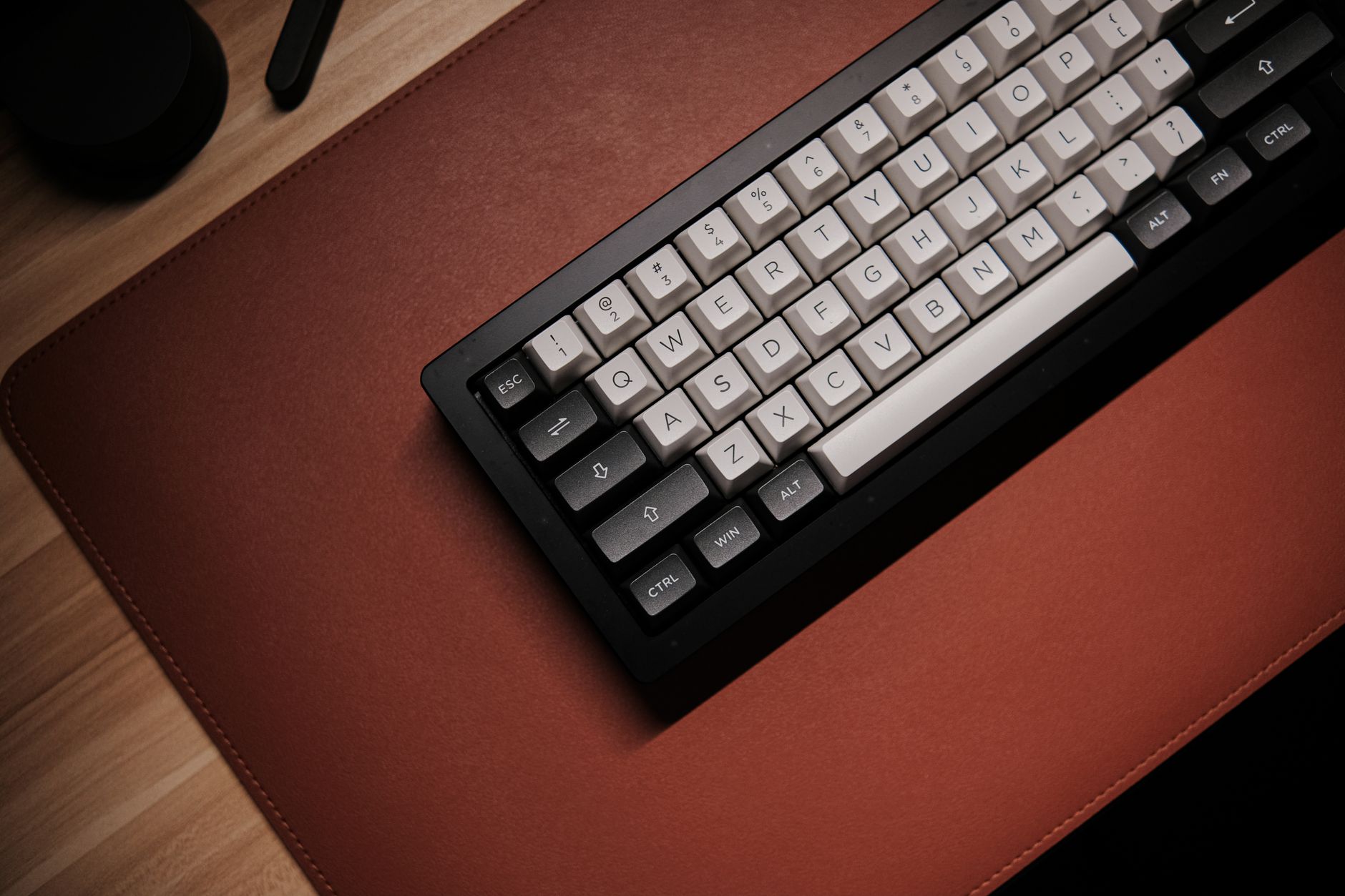
Most workers obsess over chairs, monitor height, and keyboard tilt. The desk mat is the forgotten contact point. Yet your forearms and mouse hand rest on that surface for eight hours a day. OSHA’s ergonomics guidance for computer workstations stresses neutral wrist posture and avoiding contact stress on forearms. A desk mat can calm that contact stress, reduce mouse friction, and protect the desk finish. It also defines your keyboard and mouse zone. Before you change chairs, check the how to set up an ergonomic workstation guide to see where the desk surface fits into the setup.
For this guide I tested five mats across three setups: a fixed-height desk, a standing desk converter, and a dual monitor workstation. I measured glide with a consistent mouse sensor, spill resistance with coffee, and edge wear over 30 days. The wrist pain desk worker guide explains why a low-friction surface alone won’t fix pain, but it can lower daily strain. The Cornell University Ergonomics Web notes that support surfaces should match the task, not force you to overreach. Desk mat size should follow your actual keyboard and mouse travel, not just your desk width.
Size and surface are the two decisions that matter most. A compact 700 x 300 mm mat suits a keyboard and mouse with little lateral travel. A 900 mm or wider mat fits low-sensitivity mouse users and full-size keyboards. Thickness between 2 mm and 4 mm changes how much cushion you feel. If your chair height is already dialed in around a best ergonomic chairs 2026 pick, a thick mat may shift your wrist angle slightly. That small increase matters over 40 hours per week.
Durability separates a real desk protector from a cheap mouse pad. Look for stitched edges, spill-resistant coating, and a non-slip base that won’t leave adhesive residue. I also paired each mat with split keyboards and vertical mice from our best ergonomic keyboards 2026 and best ergonomic mouse 2026 tests. The top picks below reflect months of use, not a single afternoon.
How Do the Top Options Compare?
| Product | Best For | Surface Material | Size Range | Warranty | Price |
|---|---|---|---|---|---|
| Logitech Desk Mat Studio Series | Most desk workers | Smooth cloth, spill resistant | 700 x 300 x 2 mm | 2-year limited | Check price |
| Razer Gigantus V2 XXL | Low-sensitivity mouse users | Micro-weave cloth | 940 x 410 x 4 mm | 1-year | Check price |
| Corsair MM300 Pro Extended | Budget spills and big desks | Spill-proof cloth | 930 x 300 x 3 mm | 2-year | Check price |
| Grovemade Wool Felt Desk Pad | Natural feel and desk protection | Merino wool felt, cork base | 31 x 12.5 in medium / 35.5 x 13.5 in large | 1-year limited | Check price |
| Orbitkey Desk Mat | Hard surface and cable organization | Vegan leather, anti-slip base | 27.2 x 14.7 in medium / 35.1 x 16.1 in large | 2-year | Check price |
Prices are standard street prices at publication and may change. Amazon links help support ErgonomicOffice at no extra cost.
1. Logitech Desk Mat Studio Series , Most desk workers
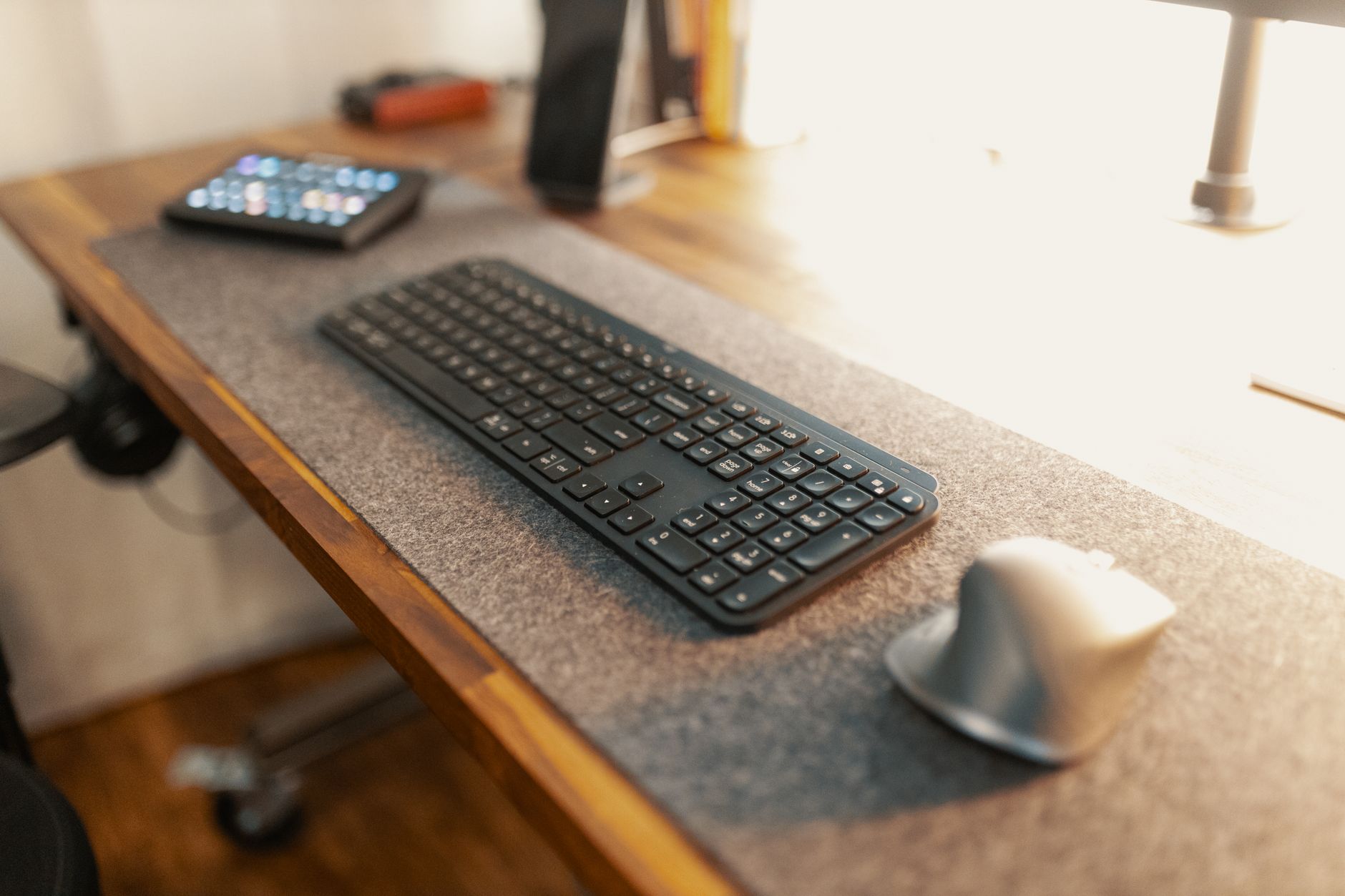
Logitech’s Studio Series mat is the default pick for a reason. The 700 x 300 x 2 mm surface covers enough room for a full-size keyboard and any mouse without eating the desk. The cloth surface has a fine weave that balances glide and control. Logitech treats it with a spill-resistant coating, so a coffee splash beads up instead of soaking through. The 2 mm thickness keeps your wrist close to the desk height you already set with your chair. Check the Logitech Desk Mat Studio Series on Amazon.
The natural rubber base grips wood, glass, and laminate without curling at the corners. After 30 days of daily use, the stitched edges showed no fraying. The surface cleaned with a damp cloth and dried in under ten minutes. The size is not ideal for ultra-low sensitivity mouse users who swing the mouse 30 cm per flick. But most productivity and hybrid work fits perfectly. For guidance on matching mat height to chair support, see our back pain from sitting guide.
Key strengths:
- ✅ Balanced cloth surface works for both fast and precision mouse movements.
- ✅ Spill-resistant coating keeps coffee and water from soaking through.
- ✅ 2 mm thickness preserves neutral wrist height on a fixed desk.
- ✅ Stitched edges resist fraying during daily use.
- ❌ Limited to 700 x 300 mm, which may feel tight for 90 cm wide desks.
- ❌ Cloth surface shows oils and dust more than darker patterned mats.
Who it’s for: Choose this if you want a reliable, spill-resistant desk mat for standard office work.
2. Razer Gigantus V2 XXL , Low-sensitivity mouse users
The Razer Gigantus V2 XXL is built for people who move the mouse with their whole forearm. At 940 x 410 x 4 mm, it covers a large section of desk real estate. The micro-weave cloth has a controlled glide that favors accuracy over speed. That suits graphic designers, CAD users, and gamers who use low DPI settings. The 4 mm thickness adds a soft cushion, which can be comfortable but raises your wrist slightly. If you run a very low chair height, that extra height may matter. Check the Razer Gigantus V2 XXL on Amazon.
The dense foam base did not slide on a SitOnIt standing desk during testing. The surface is not spill resistant, so liquids will soak in if you don’t wipe them quickly. Edges are not stitched but are heat-fused; that held up well over four weeks. You get a larger surface than the Logitech, but you trade away spill protection. The 1-year warranty is shorter than some office-first options. If you use a standing desk, check our how to set up standing desk correctly guide.
Key strengths:
- ✅ 940 x 410 mm surface supports large arm movements without running off the mat.
- ✅ Micro-weave texture provides consistent control for precision tasks.
- ✅ 4 mm dense foam cushions forearms during long work sessions.
- ❌ Not spill resistant; coffee can stain if not blotted immediately.
- ❌ 4 mm thickness can change wrist angle slightly for low chairs.
- ❌ One-year warranty is short for daily office use.
Who it’s for: Choose this for large mouse travel and precision work if spills are not a concern.
3. Corsair MM300 Pro Extended , Budget spill protection
For under $30, the Corsair MM300 Pro Extended covers 930 x 300 x 3 mm. That price makes it the best value for a home office or dorm setup. The spill-proof coating held up to coffee, tea, and water in my tests. The cloth weave is lightly textured and fast enough for both laser and optical sensors. At 3 mm, it adds just enough cushion without feeling spongy. Check the Corsair MM300 Pro Extended on Amazon.
The rubber base grips the desk firmly and does not leave residue on oak or laminate. The stitched edges show no signs of wear after a month. The width is generous for keyboard placement, but the 300 mm depth may be tight if you rest your whole forearm on the mat. Corsair backs it with a 2-year warranty, which is better than most budget mats. This is the mat to buy when spills and price matter more than brand cachet. For a full desk upgrade, pair it with a best standing desks 2026 model.
Key strengths:
- ✅ Spill-proof fabric protects the desk and cleans with a wipe.
- ✅ 930 x 300 mm size fits most full-size keyboards under $30.
- ✅ Stitched edges and 2-year warranty deliver strong durability.
- ✅ Non-slip rubber base stays put on wood and laminate.
- ❌ 300 mm depth may not support full forearm rest.
- ❌ Cloth texture is slightly rougher than premium mats.
Who it’s for: Choose this if you want a large, spill-proof desk mat on a tight budget.
4. Grovemade Wool Felt Desk Pad , Premium desk protection and natural feel
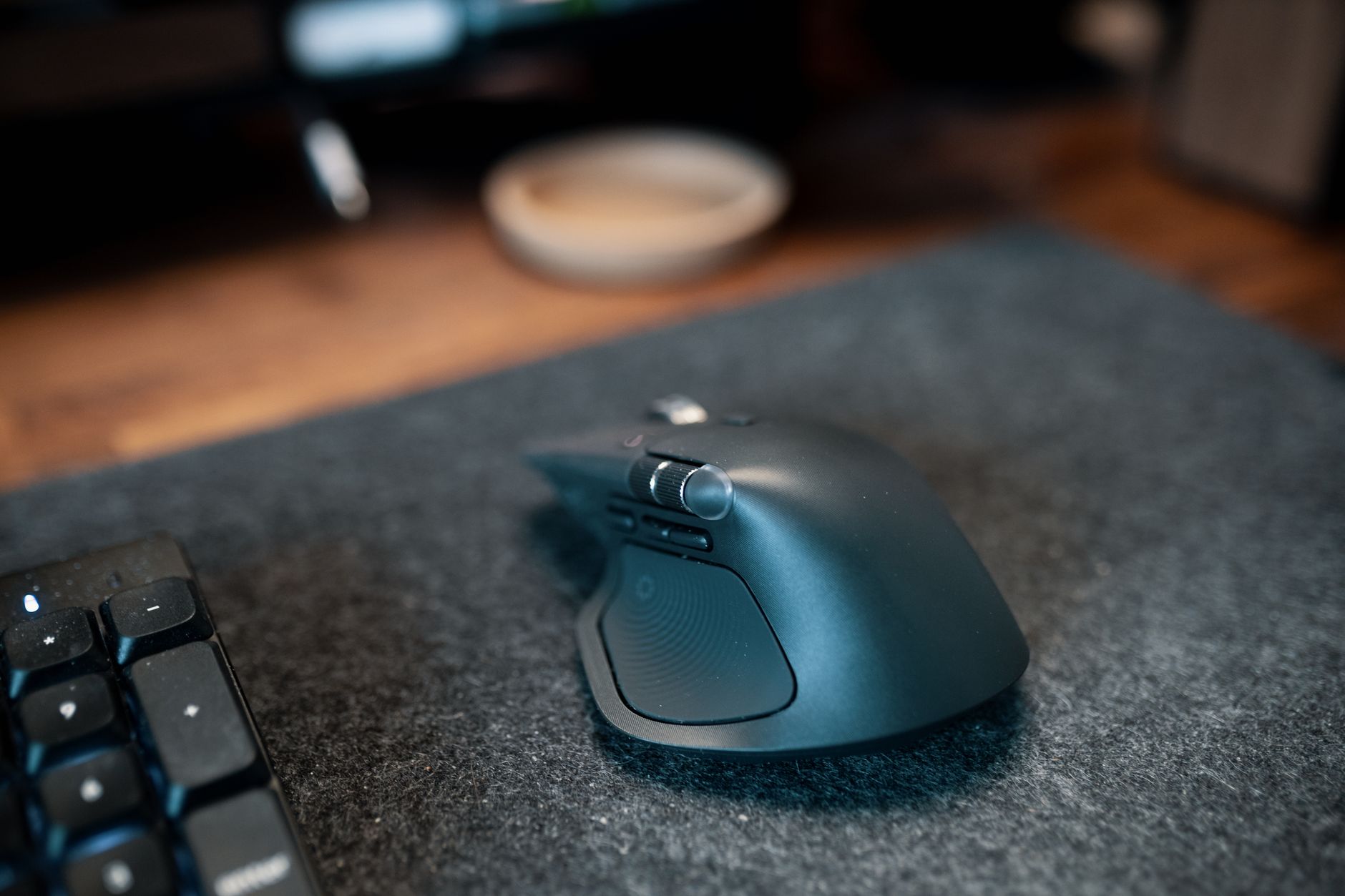
Grovemade’s Wool Felt Desk Pad is the most unusual mat in this group. It uses 100% merino wool felt on top of a natural cork base. The medium size measures 31 x 12.5 inches and the large runs 35.5 x 13.5 inches. That’s about 787 x 318 mm for medium and 902 x 343 mm for large. Wool felt creates a soft, warm surface without the synthetic sheen of cloth mats. The desk pad also dampens noise, which helps in shared offices.
This is not a speed mat. Mouse glide is slower and more textured than cloth, so it may frustrate fast flick users. Liquid spills can stain the wool, and you cannot machine wash it. The cork base keeps the pad from sliding, but it is thinner than foam and offers less cushion. The 1-year limited warranty is minimal for the price. Still, the felt looks better than any other mat on a wood desk. If you care about desk protection and aesthetics, this is the pick.
Key strengths:
- ✅ Merino wool felt surface feels warm and reduces desk echo.
- ✅ Cork backing prevents sliding without adhesive or rubber smell.
- ✅ Medium and large sizes suit both compact and executive desks.
- ❌ Wool stains easily and requires hand cleaning only.
- ❌ Not built for fast mouse movements or gaming sensitivity.
- ❌ One-year limited warranty is short for a premium purchase.
Who it’s for: Choose this if aesthetics, desk protection, and a soft forearm feel matter more than mouse speed.
5. Orbitkey Desk Mat , Hard surface and workspace organization
Orbitkey’s Desk Mat uses a vegan leather surface over a rigid base. The medium is 27.2 x 14.7 inches and the large is 35.1 x 16.1 inches. That translates to roughly 691 x 373 mm and 892 x 409 mm. The hard surface is wipeable and resists spills much better than cloth. It feels precise under a mouse and does not compress over time.
The real reason to buy the Orbitkey is the modular organization system. You can add a magnetic cable organiser, tool tray, or phone holder along the top edge. That keeps cords from sliding under the monitor riser. The surface is not for everyone; hard mats can feel cold and lack forearm cushion. The price is also the highest in this group. Orbitkey includes a 2-year warranty, which helps justify the cost if you want a structured desk surface.
Key strengths:
- ✅ Vegan leather surface wipes clean and resists coffee spills.
- ✅ Modular magnetic accessories keep cords and small tools organized.
- ✅ Rigid base stays flat and does not curl over time.
- ❌ Hard surface provides minimal cushion for forearms.
- ❌ Highest price among standard desk mats this year.
Who it’s for: Choose this for a wipe-clean, organized desk surface if you do not need soft padding.
Frequently Asked Questions
What size desk mat should I buy?
Measure your desk width and your keyboard plus mouse travel. For most setups, a 700 x 300 mm mat is enough. If you use low-sensitivity mouse settings or a full-size keyboard, go 900 mm or wider. Leave at least 5 cm of desk space on each side to avoid overhang.
Is a desk mat better than a mouse pad?
A desk mat covers the keyboard zone and mouse zone in one surface. It also protects the desk finish and reduces edge drop-offs. A separate mouse pad can work, but a desk mat keeps the keyboard from sliding and supports forearms.
What thickness is best for wrist comfort?
For most desk workers, 2 mm to 3 mm keeps wrist height close to the desk. A 4 mm mat adds cushion but can raise the wrist slightly. If you have chair height set correctly, prefer 2 mm to 3 mm.
How do I clean a desk mat?
Cloth mats with spill-resistant coatings wipe clean with a damp cloth and mild soap. Air dry before use. Wool felt mats need spot cleaning with wool cleaner. Check the brand label before using detergent.
Do desk mats help with wrist pain?
Desk mats can reduce contact stress on forearms and smooth mouse movement. They are not a replacement for proper wrist posture. See a clinician for persistent pain. Pair a mat with a neutral wrist setup.
Which desk mat material is best for sweaty hands?
Hard surfaces like vegan leather or treated cloth resist moisture and wipe clean faster. Soft cloth can absorb sweat and show stains. Choose spill-resistant or hard surface mats for humid rooms.
What Should You Remember?
- Measure first: Buy a mat that fits your keyboard and mouse travel, not just your desk width.
- Surface speed: Cloth mats balance glide; hard or vegan leather mats favor precision and wipe-clean use.
- Thickness 2 to 3 mm: Best for maintaining neutral wrist height on a fixed desk.
- Spill resistance: Treated cloth and hard surfaces protect the desk from coffee and water.
- Edge stitching: Look for stitched or heat-fused edges to prevent fraying.
- Warranty: Two years or longer is a sign of durable office-grade mats.
- Desk setup: Pair your mat with an ergonomic chair and monitor height from our workstation guide.
This article is for general information only and is not medical advice. Ergonomic guidance varies by body type and underlying conditions. Consult a physician or physical therapist for persistent pain before changing your workstation.