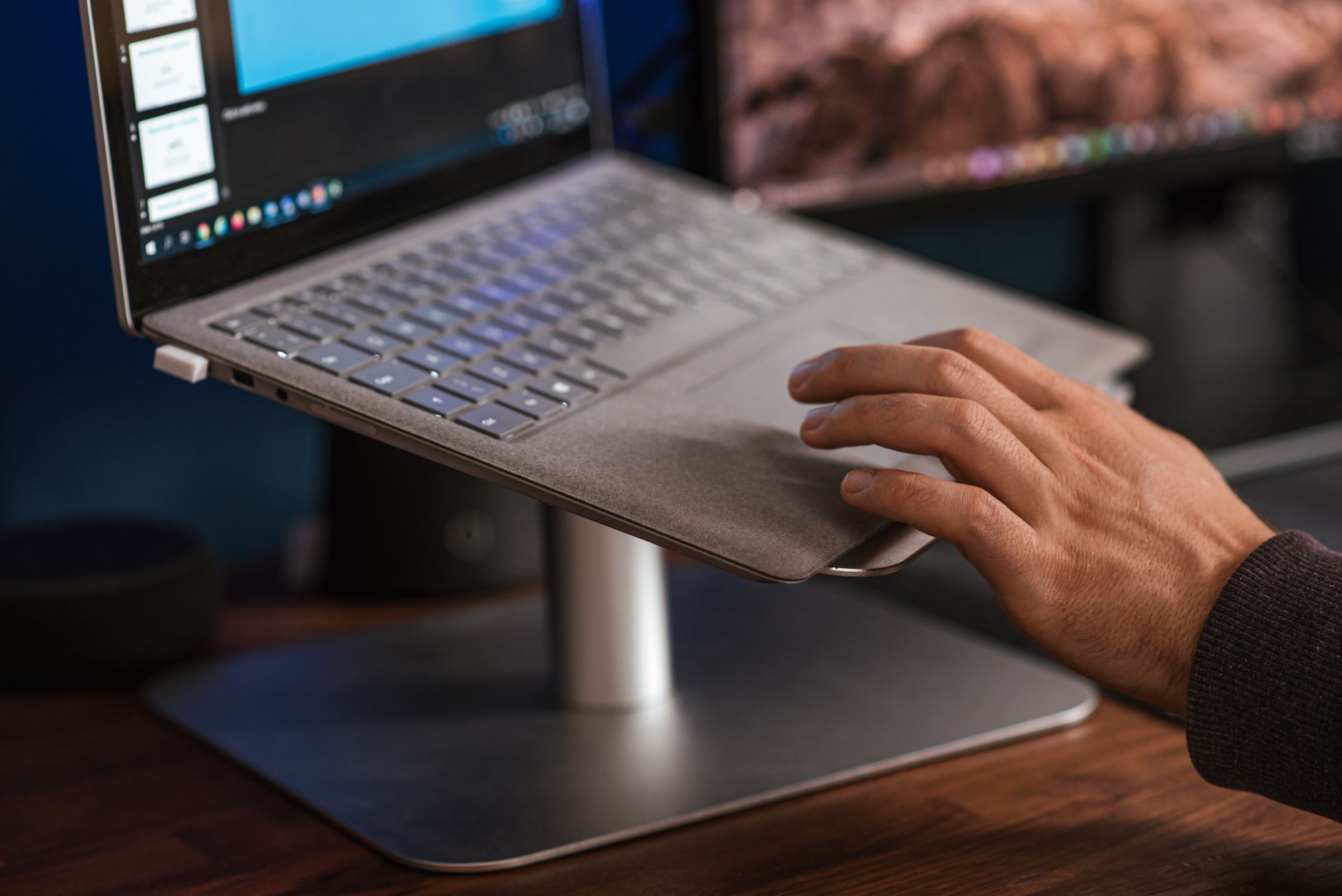
A laptop screen sits low by design. When the display sits on a desk, the top edge often lands below your collarbone, forcing your neck into 20 to 35 degrees of flexion. The Occupational Safety and Health Administration recommends positioning the top of your screen at or slightly below eye level so your gaze falls naturally about 15 to 20 degrees below horizontal. That simple change reduces sustained cervical spine load, which is why a laptop stand is not a luxury accessory. Before you buy one, read our how to set up an ergonomic workstation guide so the stand fits into a larger chair, desk, keyboard, and monitor plan.
In 2026, more workers split time between home desks, coworking spaces, and travel. A laptop stand that works on a fixed desk may be useless in a hotel room, while an ultraportable stand may feel too flimsy for a permanent setup. We compared stands on three criteria: adjustability, portability, and build quality. Height ranges matter just as much as folded dimensions. Cornell University’s Ergonomics Web notes that the exact height depends on your seated eye height, seat height, and screen size, so a one-size stand rarely fits everyone. You may also want to pair it with one of our best standing desks 2026 picks if you want the option to stand.
Adjustability is not just marketing. A stand with a 6 inch to 12 inch height range gives a taller user more room than a fixed 5.9 inch aluminum block. Portability comes down to folded thickness, weight, and setup time. Build quality involves material choice, hinge tolerance, and whether the stand wobbles when you type on your laptop. A stand made from 3 mm aluminum will outlast a thin plastic folding bracket. We also looked at cable routing, rubber pads, and heat dissipation because lifting a laptop off a desk changes how it cools. Our other guide on home office ergonomic mistakes neck back pain explains why screen height alone won’t fix poor seating.
Every stand in this comparison was evaluated with a 13 inch and 16 inch laptop, an external keyboard, and a tape measure. We noted real adjustability ranges, folded dimensions, weight, and material thickness. Prices were checked at publication time and will drift. The table below gives a quick overview. The detailed reviews follow, with honest cons for each unit.
How Do the Top Options Compare?
| Product | Best For | Height Range | Material | Price |
|---|---|---|---|---|
| Roost Laptop Stand V3 | Travel foldable | 6 to 12 in | Glass-filled nylon, stainless steel | Check price |
| Rain Design mStand | Fixed aluminum desk | 5.9 in fixed | Sandblasted aluminum | Check price |
| Twelve South Curve Flex | Adjustable desk/travel | 2.5 to 20.9 in | Aluminum and steel | Check price |
| Soundance LS1 | Budget desk | 5.9 in fixed | Aluminum alloy, silicone | Check price |
| MOFT Invisible Stand | Ultraportable adhesive | Two angles: 15 and 25 degrees | PU and fiberglass | Check price |
Prices are approximate and change at Amazon. Height ranges are manufacturer specs and may vary with device size.
1. Roost Laptop Stand V3 , Best for Travel and Foldable Use
The Roost V3 collapses to 13 inches long, 1.3 inches wide, and 0.8 inches thick. It weighs 5.8 ounces. That is less than a paperback book. When you unfold it, the tripod-style legs give you a vertical height range from roughly 6 to 12 inches, depending on how high you set the rear support. The width fits most 11 to 15.6 inch laptops, and the silicone pads keep the front edge from sliding. Check the Roost Laptop Stand V3 on Amazon if you want the current price.
This stand makes sense for people who travel with a laptop and a separate keyboard. Once you raise the screen, typing on the laptop keyboard becomes uncomfortable because your wrists have to float. Pair the Roost with one of our recommended best ergonomic keyboards 2026 and a compact mouse. The combination creates a workstation anywhere. The Roost is fast to set up, under 15 seconds once you learn the hinge.
The build uses glass-filled nylon legs with stainless steel fasteners. The joints hold firmly. But it is not a chunk of aluminum, and aggressive typists may notice a slight flex if they pound on the laptop itself. Use an external keyboard and that concern mostly disappears.
Key strengths:
- ✅ Weighs 5.8 ounces, smaller than a water bottle when folded
- ✅ Sets up in seconds and holds laptops up to 15.6 inches
- ✅ Vertical height range from 6 to 12 inches for taller users
- ✅ Includes a travel pouch to protect the joints
- ❌ Price is high for a folding plastic and steel stand
- ❌ Expect some flex if you type directly on the laptop
- ❌ Needs an external keyboard and mouse for comfortable use
Who it’s for: Choose the Roost Laptop Stand V3 if you travel often and already carry an external keyboard.
2. Rain Design mStand , Best Fixed Aluminum Desk Mount
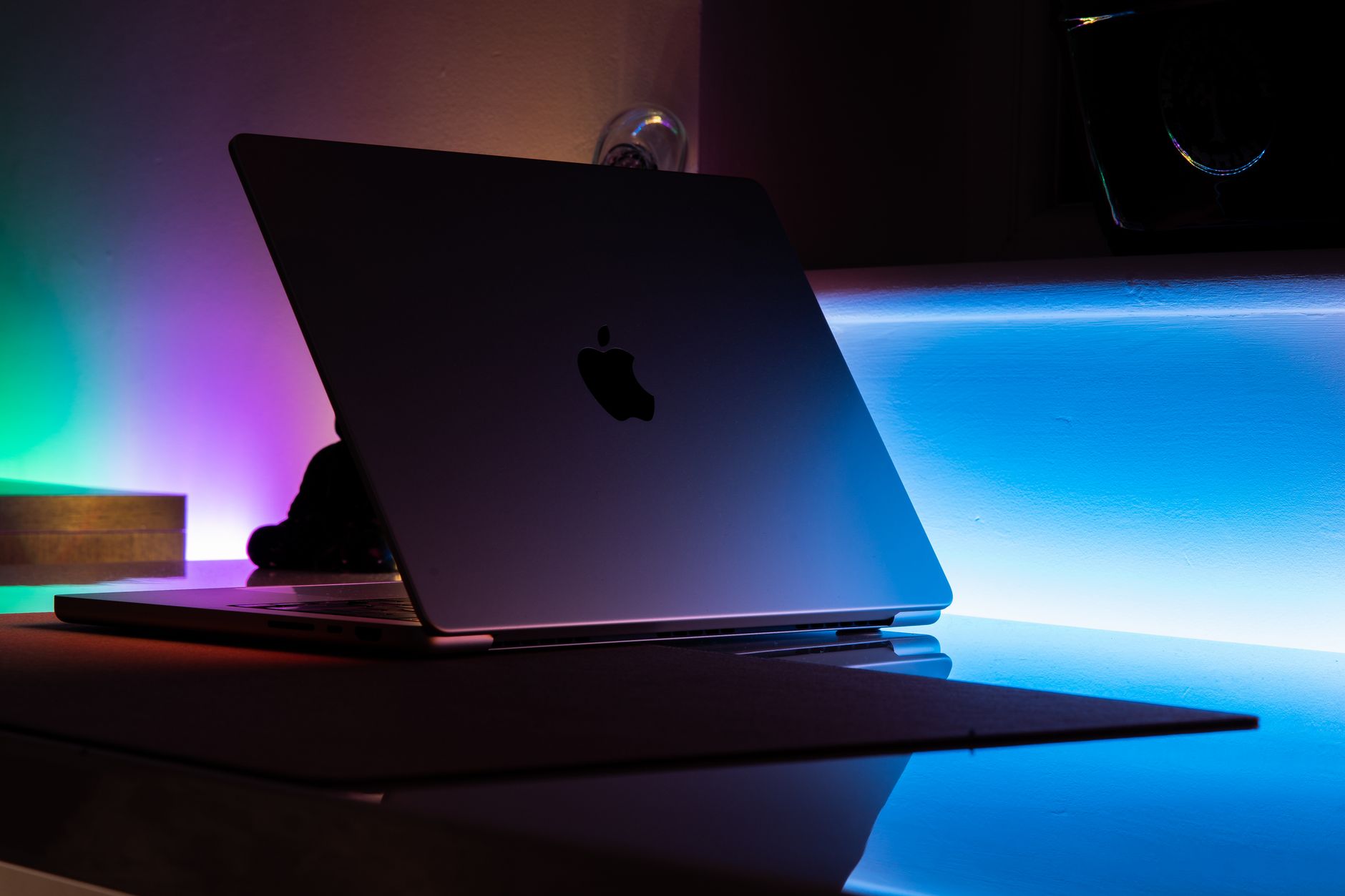
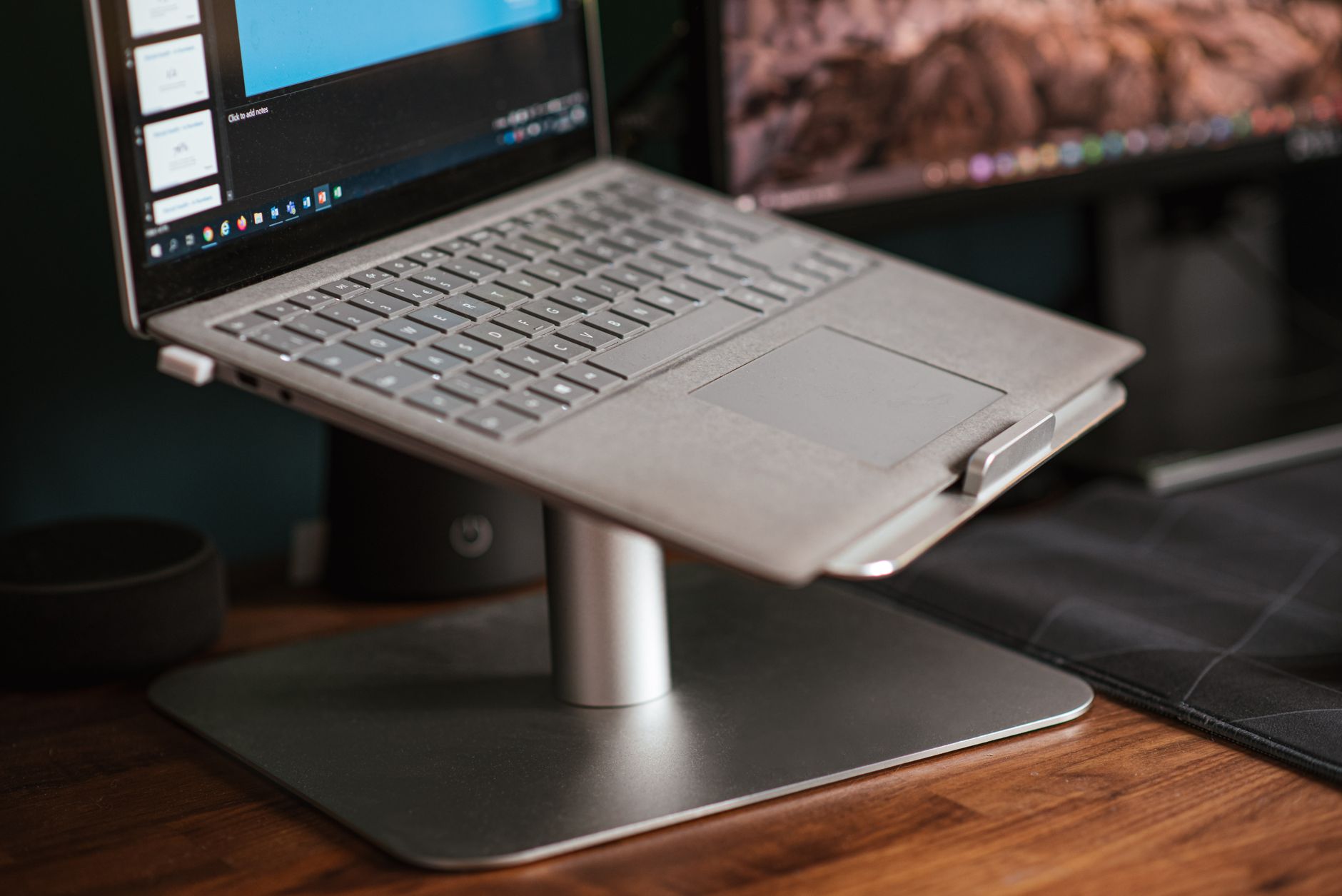
The mStand is a single piece of sandblasted aluminum cut and bent into a stable shelf. It raises a laptop 5.9 inches off the desk, which typically brings a 15 inch MacBook display to eye level for users around 5 foot 6 to 5 foot 10. The tilt angle sits at roughly 18 degrees, a reasonable compromise for screen gaze. At 2.7 pounds, the stand stays put when you plug in cables.
Cable management through the rear cutout keeps the desktop tidy. The open front edge gives your laptop room to pull in cool air, and the aluminum acts as a passive heatsink. If you use an external display, the mStand still works as a second screen lifter, but many users prefer a dedicated best monitor arm 2026 for that job. Check the Rain Design mStand on Amazon.
Downsides: fixed height. If you are 6 foot 2, the screen may still sit too low. The angle is also non-adjustable, so you can’t fine-tune for glare or a standing desk. Still, the build quality is the main reason to buy.
Key strengths:
- ✅ Sandblasted aluminum feels durable and premium
- ✅ 5.9 inch lift with 18 degree fixed tilt
- ✅ Rear cable opening reduces desktop clutter
- ✅ Weighted base prevents sliding while you type
- ❌ Fixed height and angle do not fit all body sizes
- ❌ At 2.7 pounds it is not a travel stand
- ❌ Price sits above budget plastic elevators
Who it’s for: Choose the Rain Design mStand if you want a permanent aluminum stand on a dedicated desk.
3. Twelve South Curve Flex , Adjustable Desk and Travel Hybrid
The Curve Flex adjusts in two ways. You can set multiple height positions from about 2.5 to 20.9 inches and flip the angle to several stops. That range covers sitting, tall stools, and even semi-standing work when paired with a standing desk. The stand folds flat to about 0.9 inches and weighs 1.8 pounds, so it can ride in a backpack without much bulk.
Aluminum arms with stainless steel hinges feel stronger than the Roost’s plastic legs, but the Curve Flex costs about the same or slightly less. The angled front lip holds laptops from 11 to 16 inches. Its silicone grips keep the device centered. Check the Twelve South Curve Flex on Amazon if you need a single stand for both desk and travel. Twelve South also includes a one-year limited warranty, typical for this category.
The main compromise is stability at maximum height. A 16 inch laptop sitting 20 inches high on a narrow folding stand can wobble if you bump the desk. Use it with an external keyboard for comfort, and pair it with a quality best ergonomic chairs 2026 pick for full posture support.
Key strengths:
- ✅ Height range from about 2.5 to 20.9 inches
- ✅ Folds flat to 0.9 inches for travel
- ✅ Aluminum and steel construction feels solid
- ✅ Angle stops reduce glare and aim the screen
- ❌ Taller settings make the base trade some stability
- ❌ Weighs almost two pounds, heavier than pure travel stands
- ❌ Price is near premium range for a folding unit
Who it’s for: Choose the Twelve South Curve Flex if you need one stand that handles both travel and desk use with wide adjustability.
4. Soundance LS1 Aluminum Laptop Stand , Best Budget Fixed Desk Stand
The Soundance LS1 is a simple sheet of aluminum bent into a Z shape. It lifts a laptop about 5.9 inches and holds devices up to 17.3 inches. At around $30, it is often the cheapest stable metal option. The top edge has large silicone pads, while the bottom uses two rubber strips to prevent slipping.
There is no adjustment. The angle is fixed at about 18 degrees, which suits many desk workers but not taller users or standing-desk work. Build quality is fine for the price. The aluminum is thick enough not to flex under a 4 pound laptop, and the open back allows heat to dissipate. The hollow underside also works as a small cable pass-through.
If you are not sure a laptop stand will help, the Soundance is a low-risk place to start. Use it with a separate keyboard and mouse. For more guidance, see our best ergonomic mouse 2026 article if you plan to keep your hands comfortable.
Key strengths:
- ✅ Budget price under $35
- ✅ Sturdy Z shape aluminum holds 17 inch laptops
- ✅ Open design aids cooling and cable access
- ✅ Rubber pads protect both the desk and laptop
- ❌ Fixed height and angle cannot be personalized
- ❌ Aluminum edges may feel sharp to some users
- ❌ Not designed for travel or compact storage
Who it’s for: Choose the Soundance LS1 if you want a simple, stable aluminum riser on a budget.
5. MOFT Invisible Laptop Stand , Best Ultraportable Adhesive Stand
MOFT attaches directly to the bottom of a laptop with a reusable adhesive pad. It folds flat when not in use and flips into two support angles: roughly 15 degrees and 25 degrees. That is an angle change, not a tall vertical lift, so it works best for bringing a low laptop screen closer to a comfortable viewing line on a desk.
The stand weighs under 4 ounces and does not change your laptop’s footprint. It supports up to 18 pounds, far more than most Ultrabooks. The construction uses a fiberglass composite and PU leather, which feels decent but will not match aluminum. Expect to replace the adhesive if you switch laptops.
This is not a true desk mount. It does not raise the screen six inches. If you need real height, choose the Rain Design or Soundance. But for coffee shops, library tables, and tight workspaces, the MOFT is surprisingly useful. For travel ergonomics, also pair it with a best ergonomic keyboards 2026 if you can carry one.
Key strengths:
- ✅ Weighs under 4 ounces and folds flat to the laptop base
- ✅ Supports up to 18 pounds
- ✅ Two viewing angles for low and medium lift
- ✅ Adhesive pad is reusable and leaves little residue
- ❌ Does not provide inches of vertical height
- ❌ Fiberglass and PU leather feel less rigid than aluminum
- ❌ Adhesive must be reapplied if you move it between laptops
Who it’s for: Choose the MOFT Invisible Laptop Stand if you need an always-there angle boost for travel and small desks.
Frequently Asked Questions
How high should a laptop stand raise my screen?
Position the top of the screen at or slightly below eye level. For most users, this means raising a laptop 6 to 12 inches off the desk, depending on your seated eye height and screen size. Use an external keyboard and mouse once the laptop keyboard is raised.
Can I use a laptop stand without an external keyboard?
You can, but it is not comfortable. Raising the laptop moves the keyboard into an awkward wrist position. Use a separate keyboard and mouse for longer typing sessions.
Are portable laptop stands stable enough for daily desk work?
High-quality portable stands like the Roost V3 are stable for normal typing on an external keyboard. They may flex if you type directly on the raised laptop. Aluminum desk stands feel more rigid for permanent setups.
What is the difference between a laptop stand and a monitor arm?
A laptop stand holds your open or closed laptop and raises its built-in display. A monitor arm mounts an external monitor on a desk. If you use a laptop plus an external monitor, a stand and arm solve different problems.
Do laptop stands help with overheating?
Yes. Elevating a laptop increases air circulation under the chassis, and aluminum stands can act as a passive heat sink. Still, use the laptop in a clean, dust-free environment.
What material is best for a laptop stand?
Aluminum offers the best stiffness, heat dissipation, and long-term durability for desk stands. Glass-filled nylon and fiberglass composites are better for portable stands because they weigh less.
What Should You Remember?
- Eye-level rule: Set the top of the screen at or slightly below eye level to cut neck strain.
- External gear: Use a separate keyboard and mouse once you raise a laptop.
- Portability tradeoff: Folding stands save weight but flex more than fixed aluminum mounts.
- Height range: A 6 to 12 inch range covers most users; taller workers may need more.
- Build materials: Aluminum wins for stability and cooling, nylon or fiberglass for travel.
- Budget path: A $30 fixed stand can fix posture if the height matches your body.
- Desk integration: Pair a laptop stand with a standing desk or monitor arm for a complete setup.
This article is for general information only and is not medical advice. Ergonomic guidance varies by body type and underlying conditions. Consult a physician or physical therapist for persistent pain before changing your workstation.