Wrist pain among desk workers is not rare. Many people ignore early aches until simple tasks like typing an email or clicking a mouse become painful. The problem often builds slowly. Hours of small repetitive movements can overload tendons and nerves in the wrist and hand. According to the Mayo Clinic, carpal tunnel syndrome affects roughly 3 to 6 percent of adults, and desk-based repetitive work is one contributing factor. But carpal tunnel is only one possible cause. Tendonitis, ganglions, and muscle strain are also common.
Poor workstation setup is often the main driver. A keyboard placed too high forces the wrists to extend upward. A mouse positioned far from the body makes the shoulder and forearm work harder. A standard flat keyboard can increase pronation in the forearm, which puts pressure on the carpal tunnel. Even small angles matter after eight hours. Office work may look light, but the wrists are not built for nonstop small motions.
The good news is that most wrist pain responds well to ergonomic changes. Shifting to a vertical mouse, lowering the keyboard, adding forearm support, and taking movement breaks can make a meaningful difference. This guide explains what causes wrist pain, how to prevent it, which ergonomic fixes help for mouse and keyboard strain, and when to see a doctor. You will also find links to equipment guides that can help you choose the right tools.
What Causes Wrist Pain in Desk Workers?
Wrist pain usually starts with mechanical overload. The wrist is a narrow passage packed with tendons, nerves, and blood vessels. When you hold a mouse for hours, small muscles in the forearm and hand work continuously. If the wrist is bent or twisted, those tendons rub against nearby tissue. That friction can lead to swelling and pain. The two most common diagnoses are carpal tunnel syndrome and tendonitis. Carpal tunnel syndrome happens when the median nerve is compressed inside the carpal tunnel. Tendonitis is inflammation of a tendon, often from repetitive motion. Another condition, de Quervain’s tenosynovitis, affects the tendons on the thumb side of the wrist. All three can be aggravated by a poor desk setup. The Occupational Safety and Health Administration, OSHA, reports that work-related musculoskeletal disorders account for about 30 percent of all worker injury and illness cases involving days away from work. That includes wrist and hand injuries. Many desk workers do not connect their pain to their mouse, keyboard, or chair height until symptoms become difficult to ignore.
- Wrist extension from a keyboard that sits too high.
- Ulnar deviation when using a mouse placed far to the side.
- Gripping the mouse too tightly.
- Resting the wrist on a hard desk edge.
- Working for hours without short breaks.
How Can You Prevent Wrist Pain Before It Starts?

The best prevention is to keep the wrist in neutral alignment. Neutral means the forearm, wrist, and hand form a straight line. Your wrist should not bend up, down, or sideways while typing or mousing. Small posture changes matter more than most people think. Start with your chair and desk height. Your elbows should rest at about 90 degrees, and your forearms should be supported either by the chair armrests or the desk surface. If the keyboard is too high, your wrists will extend upward. If it is too low, your wrists will drop. You can learn the full setup in how to set up an ergonomic workstation. Movement is also a prevention tool. The Canadian Centre for Occupational Health and Safety, CCOHS, explains that repetitive strain injuries develop when tasks demand repeated movements, awkward postures, or sustained force without enough recovery. Microbreaks give tendons and nerves a chance to recover. Set a timer to move every 30 minutes. Shake out your hands, open and close your fingers, and roll your wrists. Even one minute of movement helps.
- Keep your wrists straight and in line with your forearms.
- Use a light grip on the mouse.
- Let your arms hang relaxed from the shoulders.
- Take microbreaks every 30 minutes.
- Adjust your chair armrests to support your forearms without pushing your shoulders up.
What Are the Best Ergonomic Fixes for Mouse and Keyboard Strain?

Mouse strain often responds quickly to a change in equipment. A standard flat mouse forces the forearm into pronation, meaning the palm faces down. This position increases pressure inside the carpal tunnel. A vertical mouse places the hand in a handshake position. That reduces pronation and lets the forearm muscles relax. The Logitech MX Vertical is a widely used option for this reason. Check the Logitech MX Vertical on Amazon. For a broader comparison of vertical mice, trackballs, and ergonomic shapes, see best ergonomic mouse 2026 and ergonomic mouse for carpal tunnel. Keyboard strain is different. Flat keyboards often require you to bend your wrists outward to keep your fingers on the home row. Split keyboards and tented keyboards reduce ulnar deviation and wrist extension. The Logitech Ergo K860 has a curved split design that supports a more natural hand position. Check the Logitech Ergo K860 on Amazon. You can compare more options in best ergonomic keyboards 2026. You do not need to replace every piece of gear at once. Start with the item that causes the most pain. If mousing hurts most, try a vertical mouse first. If typing hurts, lower the keyboard and consider a split model. Small adjustments like moving the mouse closer to your body can offer immediate relief.
- Use a vertical mouse to reduce forearm pronation.
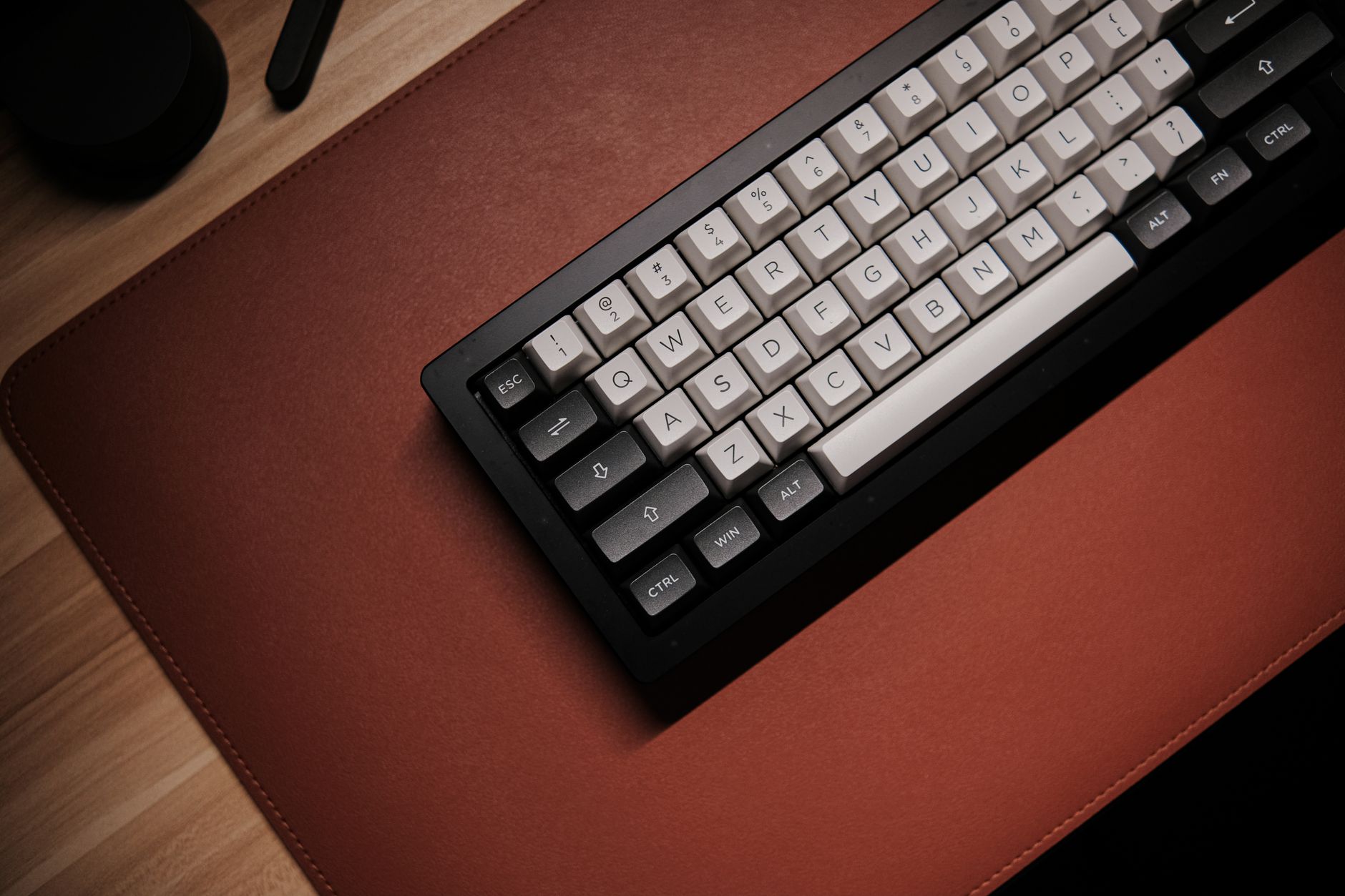
- Switch to a split or tented keyboard to reduce wrist deviation.
- Move the mouse next to the keyboard, not far to the side.
- Lighten your grip and use keyboard shortcuts when possible.
- Add a padded mouse pad or desk mat for soft support.
When Should You See a Doctor for Wrist Pain?
Most mild wrist pain improves with rest and better ergonomics. But some symptoms should not be ignored. If you have numbness, tingling, or burning that persists beyond two weeks, see a healthcare provider. The same is true if pain wakes you at night or makes it hard to grip a cup or turn a doorknob. Red flags include sudden swelling, severe pain after an injury, loss of coordination, or weakness in the hand. A doctor can examine your wrist, review your work habits, and order nerve tests if needed. Medical treatment may include splinting, activity changes, physical therapy, or medication. Ergonomic equipment supports recovery, but it does not replace medical care. If your pain is linked to your job, report it early. Your employer may have an ergonomics program or workers compensation process. Document your symptoms, your desk setup, and the tasks that trigger pain. Early reporting often leads to faster accommodations and better outcomes.
- Numbness or tingling in the thumb and first two fingers.
- Pain that wakes you at night.
- Hand weakness or dropping objects.
- Swelling, redness, or warmth around the wrist.
- Pain that lasts more than two weeks despite rest.
How Do You Set Up an Ergonomic Workstation for Wrist Health?

A wrist-friendly workstation starts from the floor up. Your feet should rest flat on the floor or a footrest. Your chair height should let your knees bend at about 90 degrees. Armrests should support your forearms without lifting your shoulders. If armrests cannot adjust low enough, they can push your wrists into awkward angles. Our guide to best ergonomic chairs 2026 explains what to look for in adjustable armrests and seat height. Then place the keyboard and mouse at elbow height. Your wrists should stay flat. The keyboard should be directly in front of you, and the mouse should sit next to it. If your desk is too high, lower it or use a keyboard tray. If it is too low, raise your chair and use a footrest. A padded desk mat can reduce pressure when your wrist contacts the surface. See best desk mats 2026 for options with built in wrist support. Finally, position your monitor so you do not lean forward or crane your neck. Neck and shoulder tension often changes how you hold your arms and hands. Keep the screen at eye level and about an arm’s length away. Keep frequently used items within easy reach so you do not repeatedly stretch. The fewer awkward reaching motions you make, the happier your wrists will be.
- Feet flat on floor or footrest.
- Knees and elbows at about 90 degrees.
- Keyboard and mouse at elbow height.
- Monitor at eye level and an arm’s length away.
- Wrists straight, not bent up or down.
What Are the Most Common Mistakes That Worsen Wrist Pain?
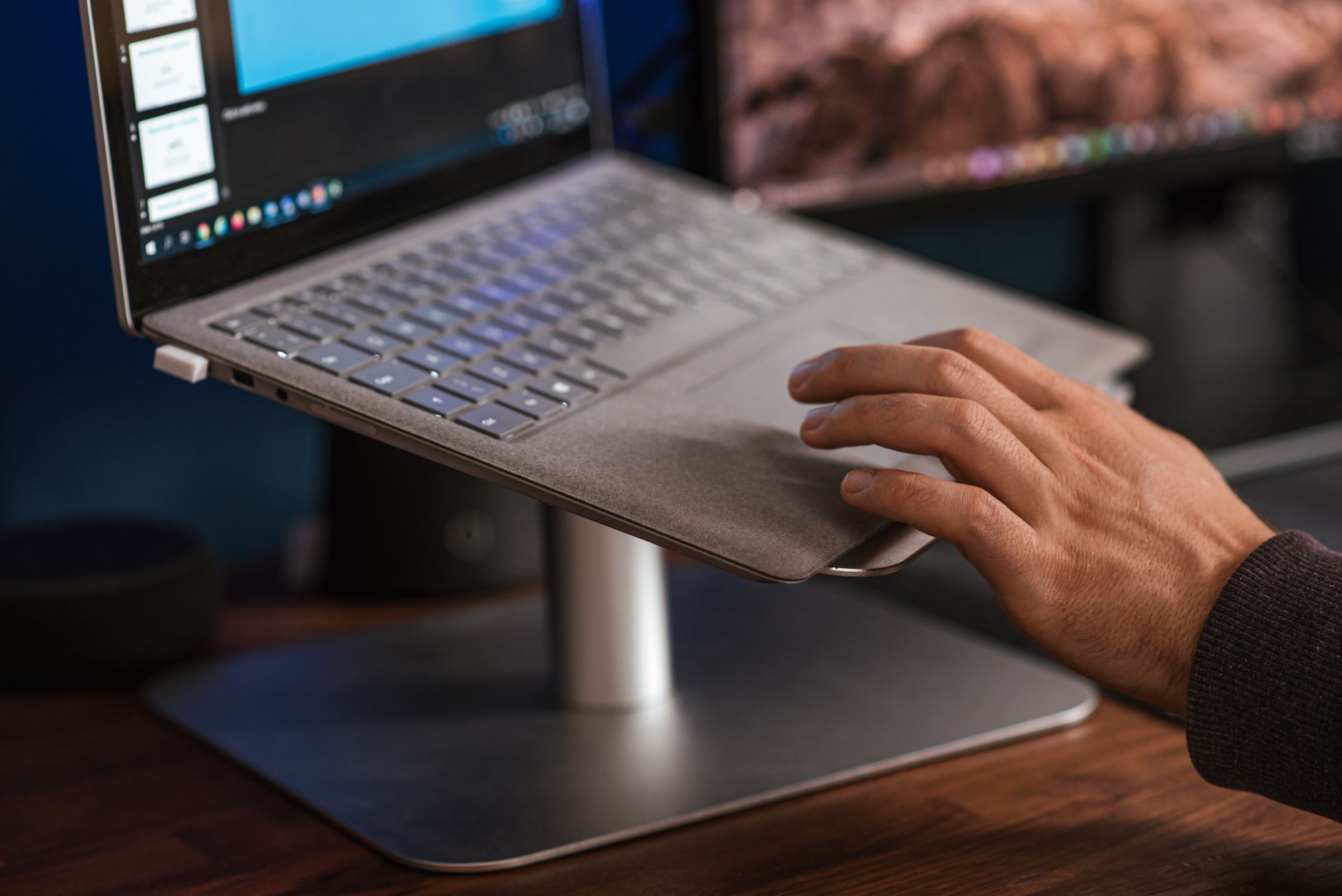
One common mistake is ignoring early pain. Many desk workers wait until they cannot type or click. By then, the tissue may already be inflamed and the nerve irritated. Treating pain early is faster and easier than treating a chronic injury. Another mistake is using a laptop on the couch or at a kitchen table. Laptop keyboards force a cramped posture. The trackpad encourages repetitive thumb and finger motions. If you use a laptop daily, add an external keyboard and mouse, and raise the laptop screen with a stand. This keeps your wrists in a better position. Finally, do not rely on a wrist rest as a fix all solution. Many people rest their wrists on hard or thick pads while typing. That increases pressure on the carpal tunnel. The same applies to using the little legs on the back of a keyboard. They tilt the keyboard up and increase wrist extension. Keep the keyboard flat or use a negative tilt.
- Ignoring pain and pushing through it.
- Using a laptop keyboard and trackpad all day.
- Resting wrists on the hard edge of the desk.
- Tilting the keyboard up with the back legs.
- Placing the mouse too far from the keyboard.
- Gripping the mouse too hard while concentrating.
Frequently Asked Questions
How do I know if my wrist pain is carpal tunnel syndrome?
Carpal tunnel often causes numbness, tingling, or burning in the thumb, index, middle, and part of the ring finger. Pain may wake you at night or increase with gripping. A doctor can diagnose it with a physical exam and sometimes nerve tests.
Can a vertical mouse really reduce wrist pain?
Yes. A vertical mouse keeps the forearm in a neutral handshake position, which reduces forearm pronation and pressure on the wrist. Many desk workers feel less pain within a few weeks, but it may take time to adjust.
Should I use a wrist rest while typing?
A wrist rest can help when used for brief pauses, but you should not lean on it while typing. Continuous pressure on the underside of the wrist can compress nerves and tendons. Better to float your hands or rest the base of the palm only.
How often should I take breaks to prevent wrist pain?
Aim for a 1 to 2 minute break every 30 minutes. Stand up, shake out your hands, and stretch your fingers and forearms. Even short pauses reduce cumulative strain.
What kind of doctor should I see for wrist pain?
Start with your primary care provider. They may refer you to a physical therapist, occupational therapist, orthopedist, or rheumatologist. If symptoms are severe or work-related, an occupational medicine specialist can also help.
Is wrist pain at work a workers compensation issue?
It can be, but this depends on your local laws and whether the pain is work-related. Report symptoms early to your employer and document your workstation setup and tasks. Early reporting can help you get ergonomic accommodations.
What Should You Remember?
- Neutral wrist posture is the goal. Keep wrists straight, not bent up, down, or sideways.
- Frequent microbreaks reduce cumulative strain. Move every 30 minutes.
- A vertical mouse can reduce forearm pronation and wrist pressure better than a flat mouse.
- Keyboard height matters. Your elbows should be close to 90 degrees and wrists in line with forearms.
- Do not ignore numbness or tingling. See a doctor if symptoms persist beyond two weeks or worsen.
- Ergonomic equipment helps, but posture and movement habits matter just as much.
This article is for general information only and is not medical advice. Ergonomic guidance varies by body type and underlying conditions. Consult a physician or physical therapist for persistent pain before changing your workstation.