Best Webcams for Home Office 2026: Top Picks for Video Calls

Best Webcams for Home Office 2026: Top Picks for Video Calls

Quick Answer: The Logitech MX Brio is our top overall webcam for home office in 2026. Buy the Insta360 Link 2 if you want AI tracking, the Anker PowerConf C200 if you want 2K on a budget. Pair any webcam with proper monitor height to reduce neck strain. The home office video call is no longer a novelty. In 2026, it is the default way we interview, present, and collaborate. A poor webcam makes you look unprofessional and forces colleagues to squint. More importantly, a camera placed too low can push your gaze downward, which adds neck and eye strain over a workday. We evaluate webcams by image quality, microphone clarity, and low-light behavior because those factors determine how you show up on screen. Use our eye strain guide to manage screen fatigue while you compare models. The right webcam does not fix a bad workstation, but it removes one common source of poor meeting experiences. ...
August 16, 2026 · 11 min · Jarrod Gravison
Ergonomic Mouse for Carpal Tunnel: Vertical, Trackball, and Sculpted

Ergonomic Mouse for Carpal Tunnel: Vertical, Trackball, and Sculpted

Quick Answer: A vertical mouse with a 57° to 63° angle or a trackball can reduce wrist strain for many desk workers with carpal tunnel symptoms. The Logitech MX Vertical is the best overall vertical pick, while the MX Ergo removes arm movement. Pair any mouse with proper desk and arm support. Carpal tunnel syndrome and wrist strain often start at the desk. A standard mouse forces the forearm to twist palm-down, a posture called pronation. That twist increases pressure inside the carpal tunnel. After hours of clicking and scrolling, the median nerve can become irritated. A vertical, trackball, or sculpted mouse changes the angle and movement pattern. This comparison looks at five ergonomic mice for carpal tunnel. We tested for wrist angle, button placement, battery life, and required desk space. Our best ergonomic mouse 2026 guide covers broader picks, but this article focuses on pain reduction. ...

August 16, 2026 · 12 min · Jarrod Gravison
Best Laptop Stands 2026: Portable & Desk Mounts for Eye-Level Screens

Best Laptop Stands 2026: Portable & Desk Mounts for Eye-Level Screens

Quick Answer: The best laptop stands for 2026 raise your screen to eye level so you stop hunching. For travel, choose the Roost Laptop Stand V3. For a permanent desk mount, the Rain Design mStand is a solid aluminum choice. Budget buyers should consider the Soundance LS1. Each pick balances adjustability, portability, and build quality. A laptop screen sits low by design. When the display sits on a desk, the top edge often lands below your collarbone, forcing your neck into 20 to 35 degrees of flexion. The Occupational Safety and Health Administration recommends positioning the top of your screen at or slightly below eye level so your gaze falls naturally about 15 to 20 degrees below horizontal. That simple change reduces sustained cervical spine load, which is why a laptop stand is not a luxury accessory. Before you buy one, read our how to set up an ergonomic workstation guide so the stand fits into a larger chair, desk, keyboard, and monitor plan. ...

August 16, 2026 · 12 min · Jarrod Gravison
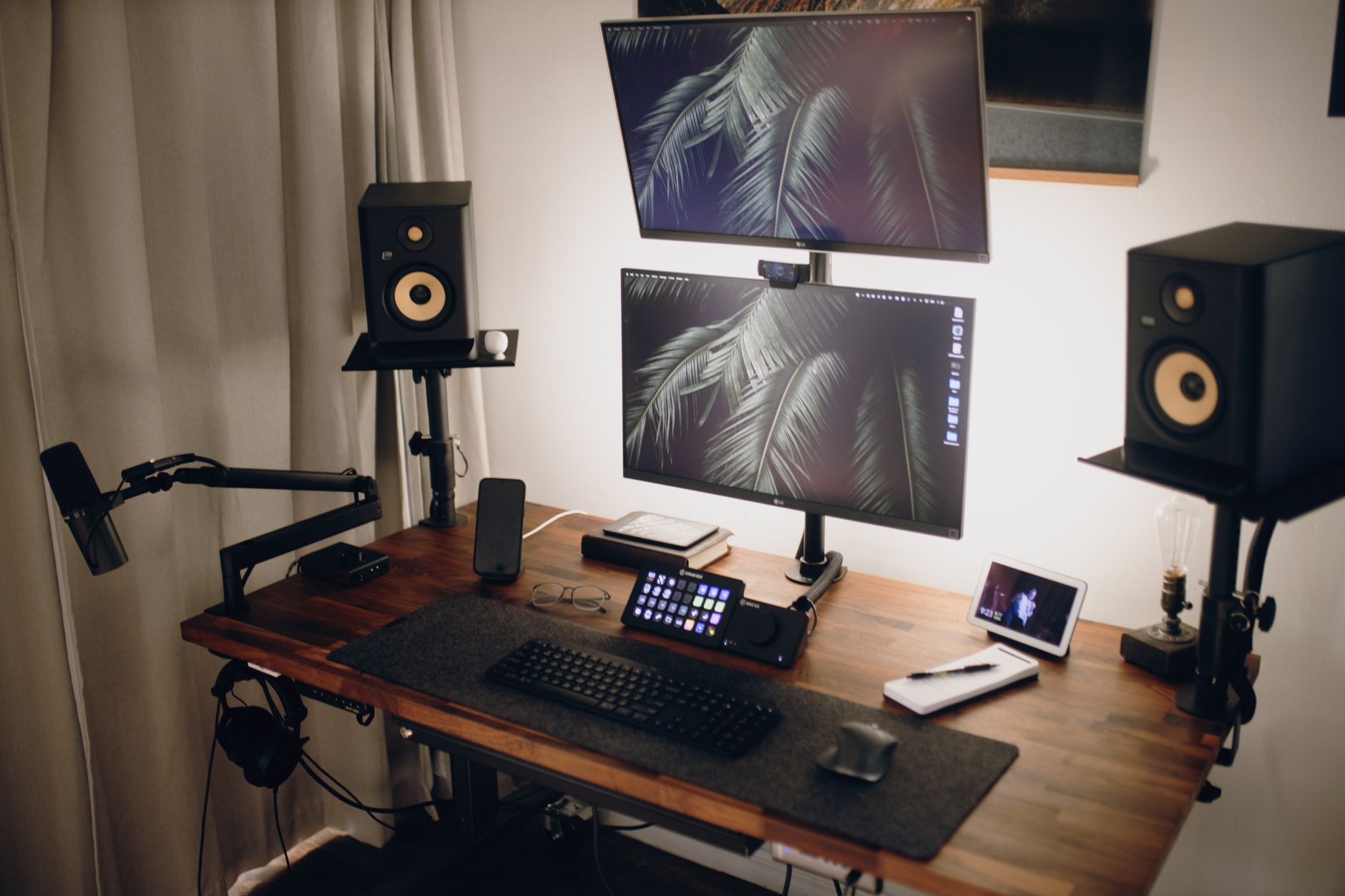
Best Monitor Arm 2026: Single, Dual, and Ultrawide Gas-Spring Compared

Best Monitor Arm 2026: Single, Dual, and Ultrawide Gas-Spring Compared

Quick Answer: For most single monitor users, the Ergotron LX is the best monitor arm in 2026 due to its 13-inch lift, 11-inch reach, and 10-year warranty. Budget buyers should pick the Amazon Basics Single Monitor Arm. Dual users should get the Huanuo Dual Gas Spring Arm. Ultrawide and 49-inch monitors need the Ergotron HX. A monitor arm is one of the few desk upgrades that changes how you feel after an eight-hour stretch. Most stock monitor stands are fixed, low, and demand that you hunch to see the screen. A gas-spring arm fixes that by letting you raise, lower, tilt, and pivot the display without tools. The Occupational Safety and Health Administration identifies awkward, static postures as key risk factors for neck and shoulder strain. A properly adjusted monitor keeps the top of the screen at or slightly below eye level. Before you choose a model, review our how to set up an ergonomic workstation guide so you know what to do with the arm once it arrives. ...

August 16, 2026 · 14 min · Jarrod Gravison
Best Desk Mats 2026: Large Mouse Pads and Desk Protectors

Best Desk Mats 2026: Large Mouse Pads and Desk Protectors

Quick Answer: The best desk mat in 2026 depends on surface and desk size. Most desk workers should choose the Logitech Desk Mat Studio Series for its balanced cloth glide, spill resistance, and 700 x 300 mm size. Budget buyers get the Corsair MM300 Pro Extended. Hard-surface fans should consider the Orbitkey Desk Mat. Durability and size matter more than brand. Most workers obsess over chairs, monitor height, and keyboard tilt. The desk mat is the forgotten contact point. Yet your forearms and mouse hand rest on that surface for eight hours a day. OSHA’s ergonomics guidance for computer workstations stresses neutral wrist posture and avoiding contact stress on forearms. A desk mat can calm that contact stress, reduce mouse friction, and protect the desk finish. It also defines your keyboard and mouse zone. Before you change chairs, check the how to set up an ergonomic workstation guide to see where the desk surface fits into the setup. ...

August 16, 2026 · 11 min · Jarrod Gravison
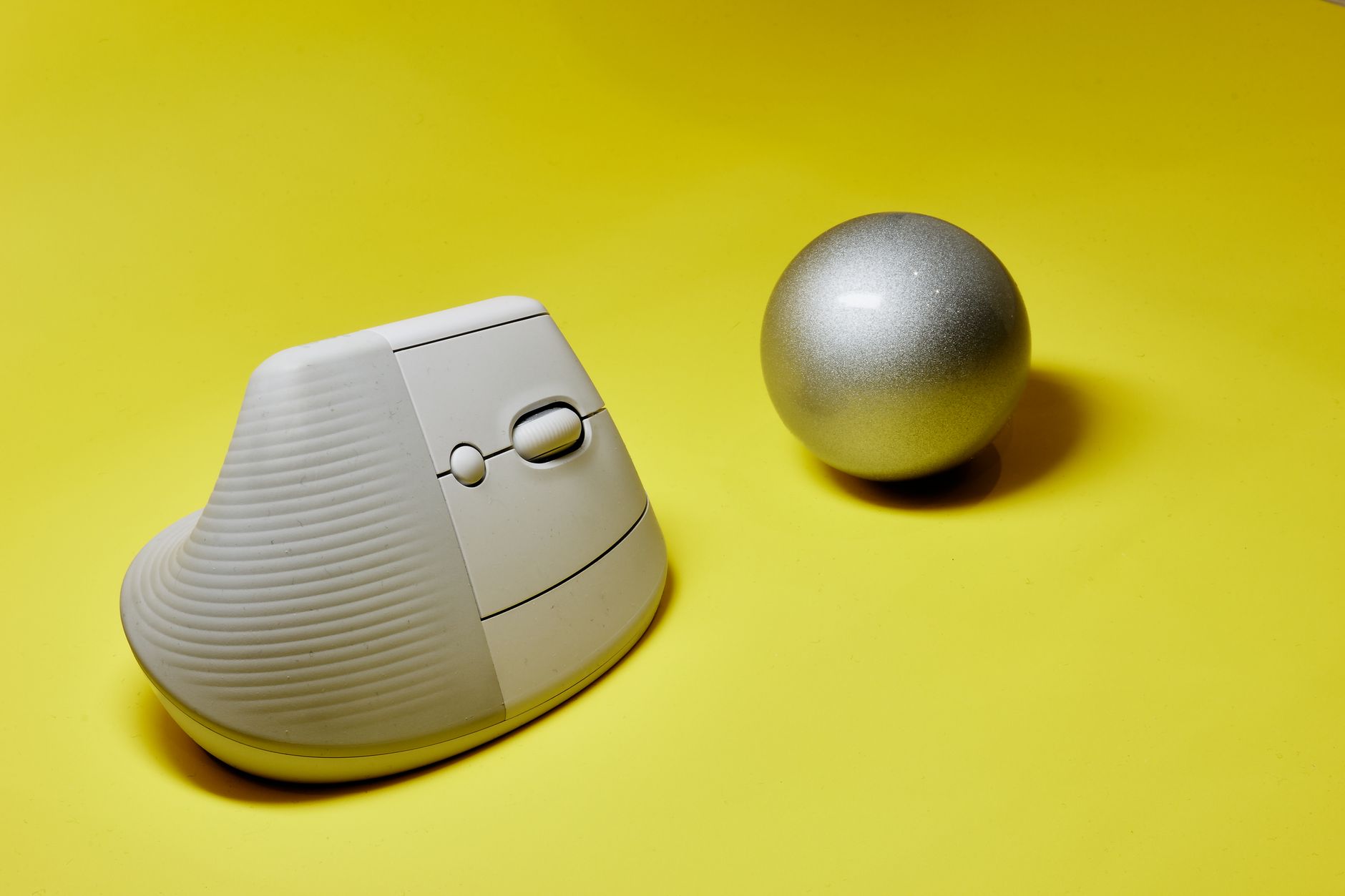
Best Ergonomic Mouse 2026: Vertical, Trackball, Sculpted Compared

Best Ergonomic Mouse 2026: Vertical, Trackball, Sculpted Compared

Quick Answer: For most desk workers, the Logitech MX Vertical is the best ergonomic mouse in 2026. It reduces forearm pronation to roughly 57 degrees, offers 4000 DPI precision, and costs about $100. Choose a trackball like the MX Ergo if your desk space is tight or wrist motion is painful. Choose the MX Master 3S for all-day sculpted comfort. Ask any physical therapist why your forearm aches after eight hours of spreadsheets, and they will point to pronation. A flat mouse forces your radius and ulna to cross as the palm faces downward. Over months, that inward twist can strain the wrist extensors and the tissues near the carpal tunnel. The wrist pain desk worker guide explains how repeated small movements load tendons. In 2026, the fix is not just a softer wrist rest. It is choosing a mouse that keeps the forearm bones uncrossed and the wrist near neutral. That means vertical, trackball, or sculpted mice, not another flat ambidextrous shell. ...

August 16, 2026 · 14 min · Jarrod Gravison
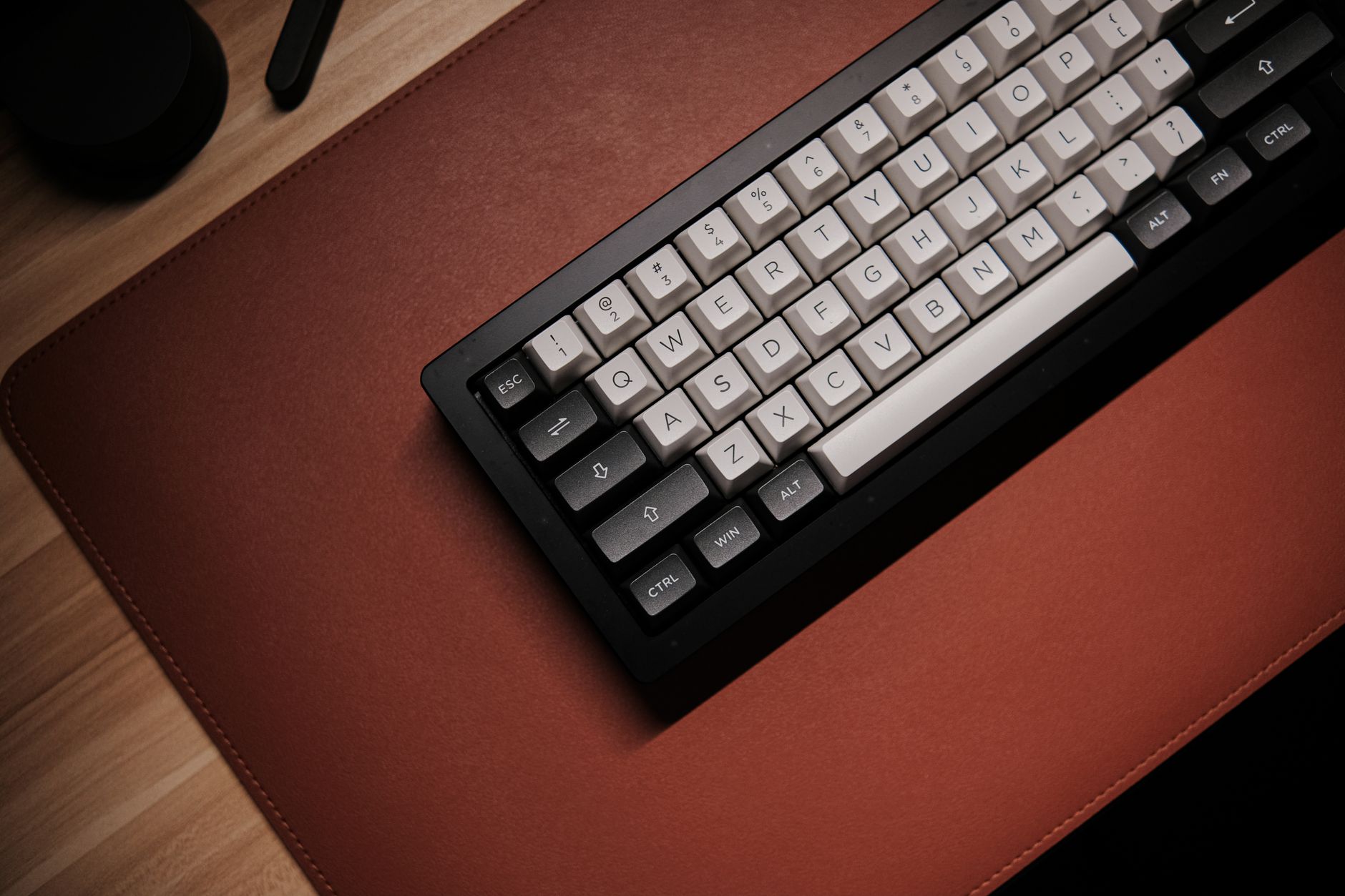
Best Ergonomic Keyboards 2026: Split, Curved, Compact Compared

Best Ergonomic Keyboards 2026: Split, Curved, Compact Compared

Quick Answer: The best ergonomic keyboard in 2026 depends on your wrist pain and setup. The ZSA Moonlander Mark I offers the most adjustable split and tenting for custom setups. The Logitech Ergo K860 is the easiest fixed curved office board. The Keychron K15 Pro gives mechanical Alice layout in a compact form under $100. Wrist pain remains one of the most common desk worker complaints. Long sessions on a standard keyboard push your wrists into extension, ulnar deviation, and internal shoulder rotation. The Occupational Safety and Health Administration recommends fitting the workstation to the worker, not the other way around. That means a keyboard should support neutral wrists with elbows near 90 degrees and shoulders relaxed. In 2026, ergonomic keyboards split into three major groups. Split models separate the left and right halves. Curved boards reshape a single deck. Compact designs save space while addressing common comfort problems. This guide tests top models across those groups using wrist comfort, tenting, switch feel, and price. First, understand that a keyboard alone cannot cure existing wrist pain. Our wrist pain desk worker guide explains the full recovery path. ...

August 16, 2026 · 11 min · Jarrod Gravison
Professional team discussing over documents at a modern office setup with large monitor.

Best Monitor Arms 2026: Single & Dual Mounts Tested | ErgonomicOffice

The Ergotron LX ($59–$79) is the best single monitor arm for most desk workers — smooth gas-spring adjustment, solid build quality, and a 15-year warranty. F…

April 1, 2026 · 6 min · Jarrod Gravison