How to Create the Best Ergonomic Dual Monitor Setup
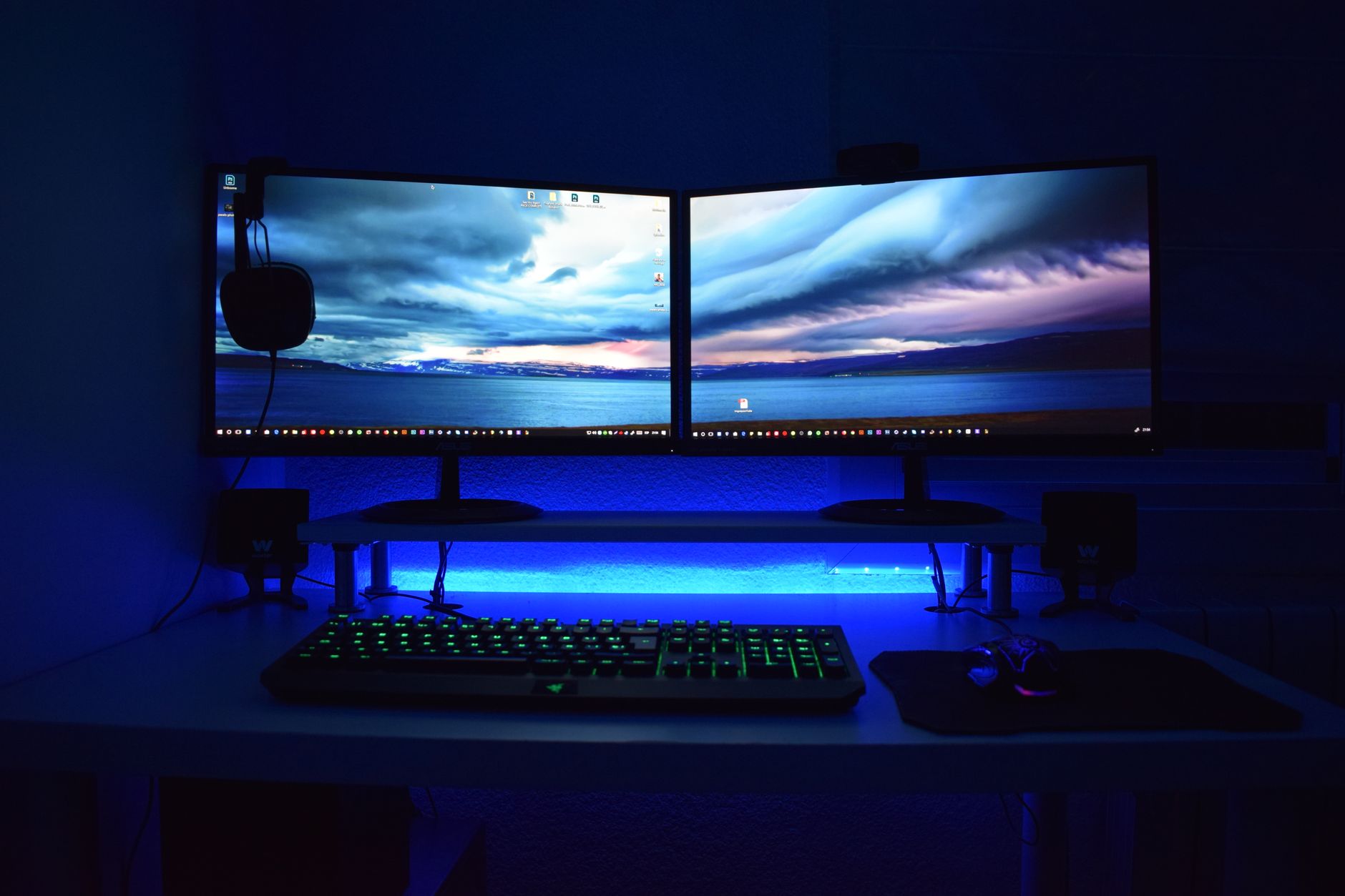
Quick Answer: Place the primary monitor directly in front of you at 20 to 30 inches away, with the top of the screen at or slightly below eye level. Angle the secondary monitor next to it so both screens form a shallow arc. Use monitor arms to adjust height, depth, and tilt independently. This reduces neck rotation and strain. Dual monitors can double your screen space, but they can also double your neck problems if they are arranged like a wall of glowing panels. Most desk workers place two monitors side by side and then spend the day rotating or tilting the head to see the screen edges. This creates uneven loading on cervical muscles and can trigger tension, headaches, and chronic neck strain. A proper dual monitor setup makes the screens work around your neutral posture, not the other way around. Before you buy or mount anything, review the full ergonomic workstation guide to understand how your chair, desk, keyboard, and monitors interact. ...