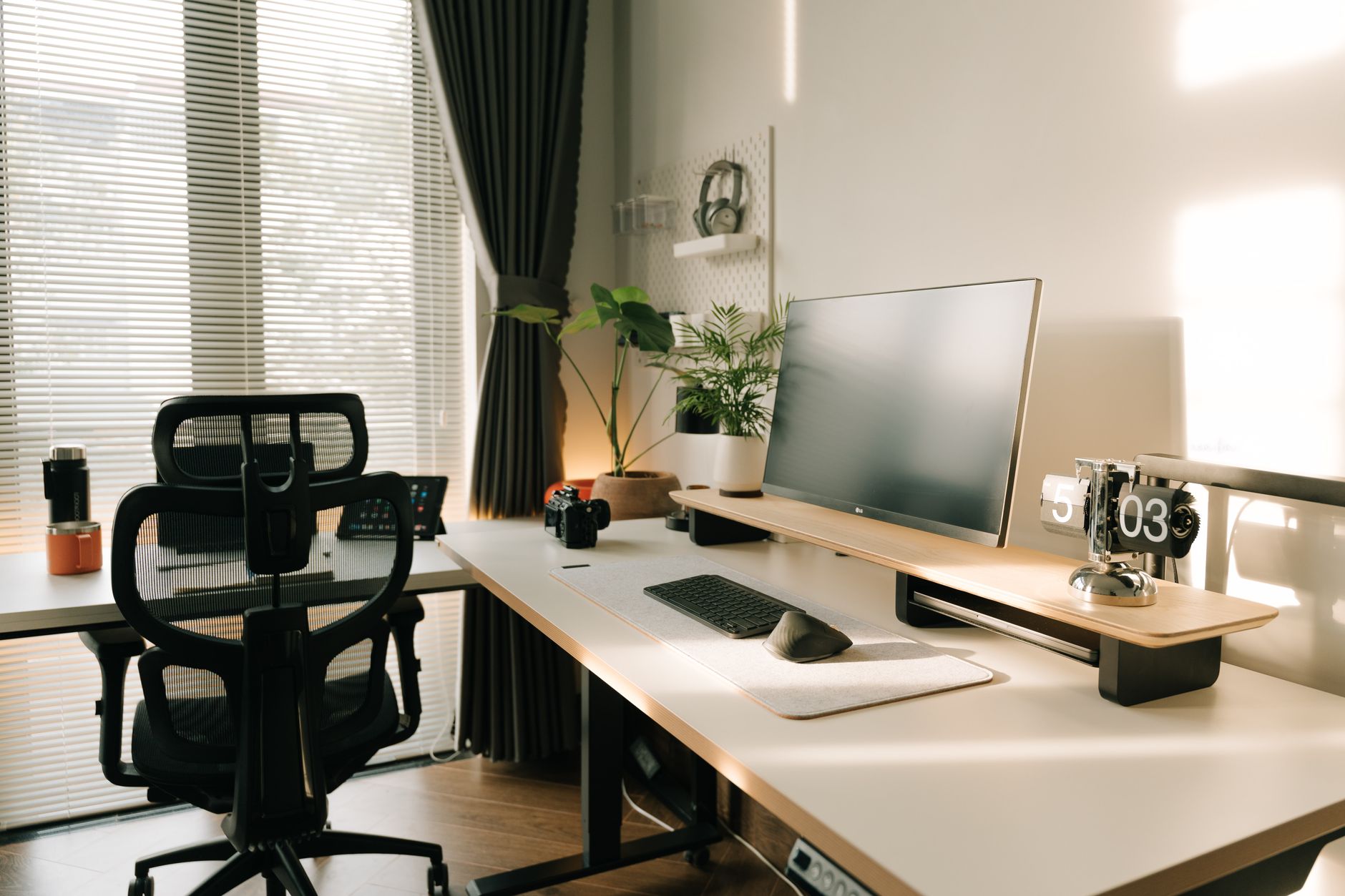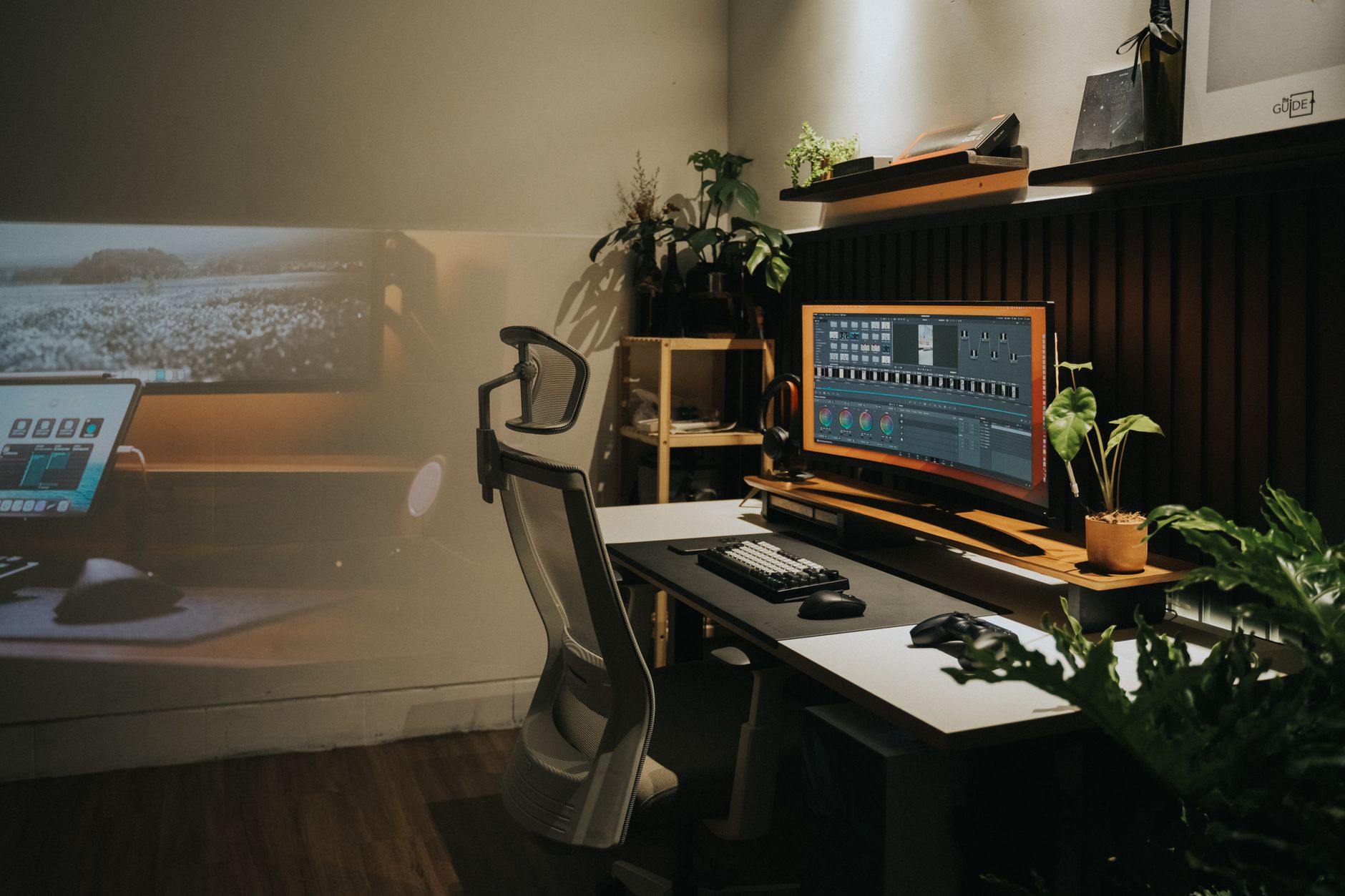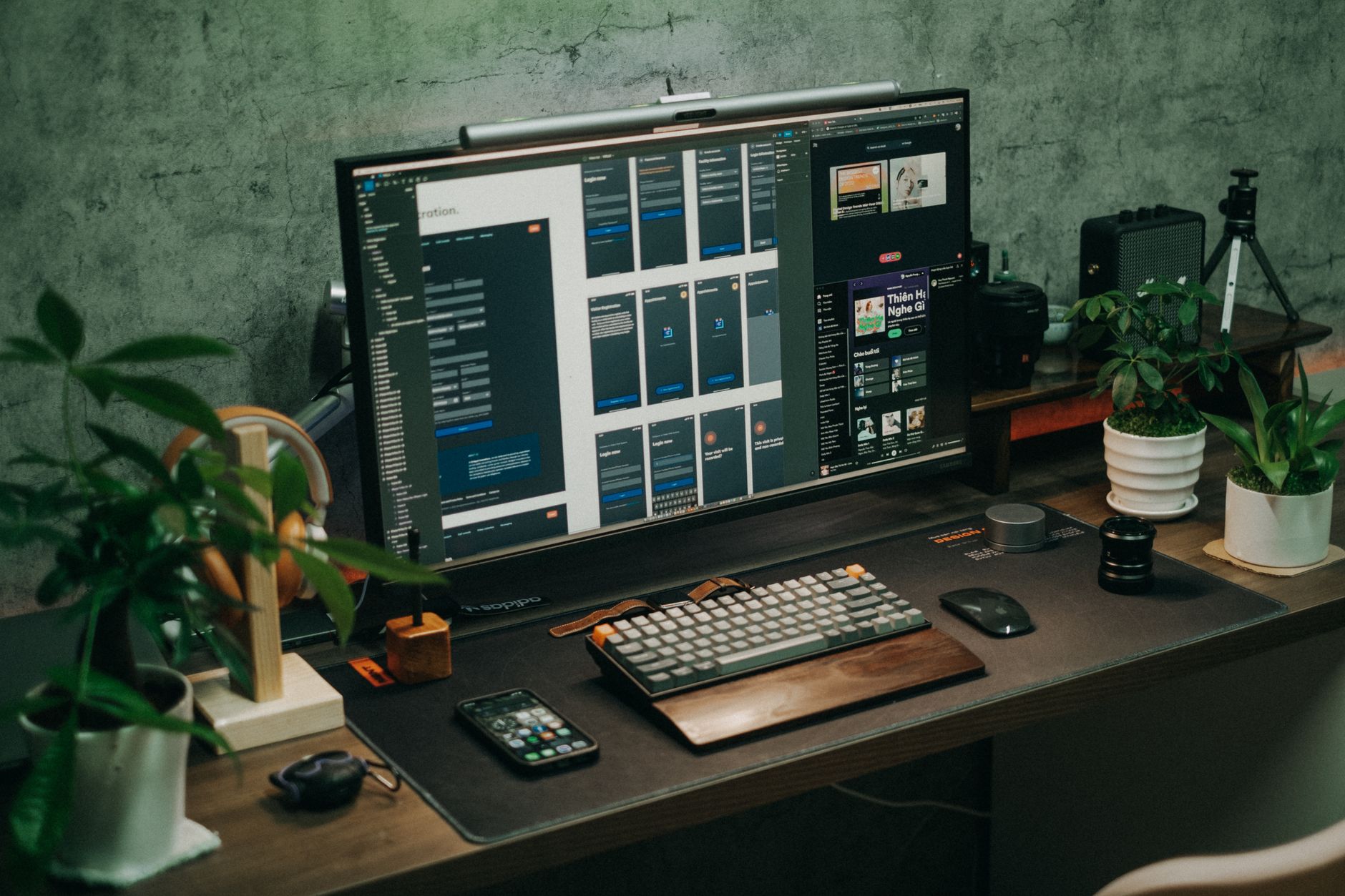
How to Set Up an Ergonomic Workstation a Physical Therapist Recommends

How to Set Up an Ergonomic Workstation a Physical Therapist Recommends

Quick Answer: Set your chair so feet rest flat and knees bend near 90 degrees. Position your monitor an arm's length away with the top of the screen at eye level. Keep your elbows close to your body and wrists neutral. Take a 1 to 2 minute microbreak every 30 minutes. These habits reduce neck, back, and wrist strain at your desk. As a physical therapist, I see desk workers who have tried expensive chairs and still struggle with back pain. The missing piece is usually not the product. It is the setup. Your body needs alignment, movement, and support at the same time. This guide walks through every station adjustment from the floor to the screen. If you already have persistent pain, start with our back pain from sitting guide. ...


August 16, 2026 · 17 min · Jarrod Gravison
Eye Strain from Computer Screens: The Complete Relief Guide

Eye Strain from Computer Screens: The Complete Relief Guide

Quick Answer: Eye strain from computer screens, or computer vision syndrome, improves when you change focal habits, screen position, brightness, and ambient light. Follow the 20-20-20 rule every 20 minutes, keep the screen slightly below eye level, match brightness to the room, and blink more often. Small changes usually bring fast relief. Computer eye strain, also called digital eye strain or computer vision syndrome, is a group of vision-related problems that result from prolonged screen use. Many desk workers describe the same cluster of symptoms: tired, dry, or burning eyes, blurred vision, headaches, and neck or shoulder discomfort. The Mayo Clinic notes that staring at a digital screen reduces your blink rate, which can leave the surface of the eye unprotected and dry. The problem is widespread. The Canadian Centre for Occupational Health and Safety reports that visual discomfort is one of the most common health complaints among computer operators. Understanding why your eyes hurt is the first step toward relief. ...

August 16, 2026 · 12 min · Jarrod Gravison
Wrist Pain for Desk Workers: Causes, Prevention, and Ergonomic Fixes

Wrist Pain for Desk Workers: Causes, Prevention, and Ergonomic Fixes

Quick Answer: Wrist pain in desk workers usually comes from awkward mouse positioning, a keyboard that is too high or flat, and long periods without rest. Changing your setup can help, including using a vertical mouse, a split keyboard, and proper arm support. See a doctor if you have persistent numbness, tingling, or weakness. Wrist pain among desk workers is not rare. Many people ignore early aches until simple tasks like typing an email or clicking a mouse become painful. The problem often builds slowly. Hours of small repetitive movements can overload tendons and nerves in the wrist and hand. According to the Mayo Clinic, carpal tunnel syndrome affects roughly 3 to 6 percent of adults, and desk-based repetitive work is one contributing factor. But carpal tunnel is only one possible cause. Tendonitis, ganglions, and muscle strain are also common. ...

August 16, 2026 · 10 min · Jarrod Gravison
Why Does Sitting All Day Cause Back Pain? Relief and Prevention

Why Does Sitting All Day Cause Back Pain? Relief and Prevention

Quick Answer: Sitting for hours compresses spinal discs, weakens core muscles, and shortens hip flexors, which together trigger lower back pain. Relief starts with movement breaks every 30 to 45 minutes, a neutral spine posture, and an ergonomic setup that supports your lower back, feet, and screen height. You do not need a physically demanding job to wreck your back. In many cases, the culprit is the chair you sit in for eight hours a day. Sitting itself is not evil. The problem is prolonged, static sitting with poor posture. When you stay in one position for hours, your spine, discs, muscles, and ligaments all pay a price. The result is a dull ache that starts in your lower back and can travel into your hips, glutes, or legs. According to the Canadian Centre for Occupational Health and Safety, back pain is one of the most common reasons for missed work in office environments. ...

August 16, 2026 · 11 min · Jarrod Gravison
How to Fix 5 Ergonomic Mistakes Causing Neck and Back Pain

How to Fix 5 Ergonomic Mistakes Causing Neck and Back Pain

Quick Answer: The five common ergonomic mistakes are a monitor set too high or low, unsupported chair settings, reaching for keyboard or mouse, static sitting, and poor desk height. Fix each by aligning your eyes with the top third of the screen, adjusting lumbar support, keeping input devices close, taking short movement breaks, and setting desk or chair height to support elbows at 90 degrees. Most neck and back pain at a desk does not start with a single injury. It builds slowly from small workstation errors repeated for hours every day. A monitor that is four inches too low, a chair with no lumbar contact, or a mouse placed just out of reach can all add strain. This guide explains five ergonomic mistakes that commonly cause neck and back pain, along with concrete fixes you can make this afternoon. The same changes often reduce shoulder tightness and headaches too. ...

August 16, 2026 · 13 min · Jarrod Gravison
How to Set Up an Ergonomic Home Office Workstation Step by Step

How to Set Up an Ergonomic Home Office Workstation Step by Step

Quick Answer: Set your chair height first so your feet rest flat and knees bend near 90 degrees. Place your monitor at arm's length with the top of the screen at or slightly below eye level. Keep your keyboard and mouse at elbow height with wrists flat. Add task lighting that reduces glare. Take a 5 to 10 minute movement break every hour. A home office that feels fine for 20 minutes can become painful after eight hours. Neck strain, lower back fatigue, and wrist aches usually trace back to a workstation that does not fit your body. The fix is not just a new chair or a bigger monitor. It is the order in which you adjust your chair, screen, keyboard, mouse, and lighting. This guide walks through each adjustment in sequence. You can use it with the equipment you already own or shop for upgrades later. If you want a deeper baseline, see how to set up an ergonomic workstation. ...

August 16, 2026 · 13 min · Jarrod Gravison
Armchair near wooden shelf between white cupboards and comfortable sofa with pillow in light stylish room with window at home

Ergonomic Office Statistics 2026: 47 Key Facts, Trends & Data Points

The global ergonomic office chair market is valued at $15.27 billion in 2026. Back pain costs U.S. employers over $100 billion annually in lost productivity …

April 1, 2026 · 14 min · Jarrod Gravison