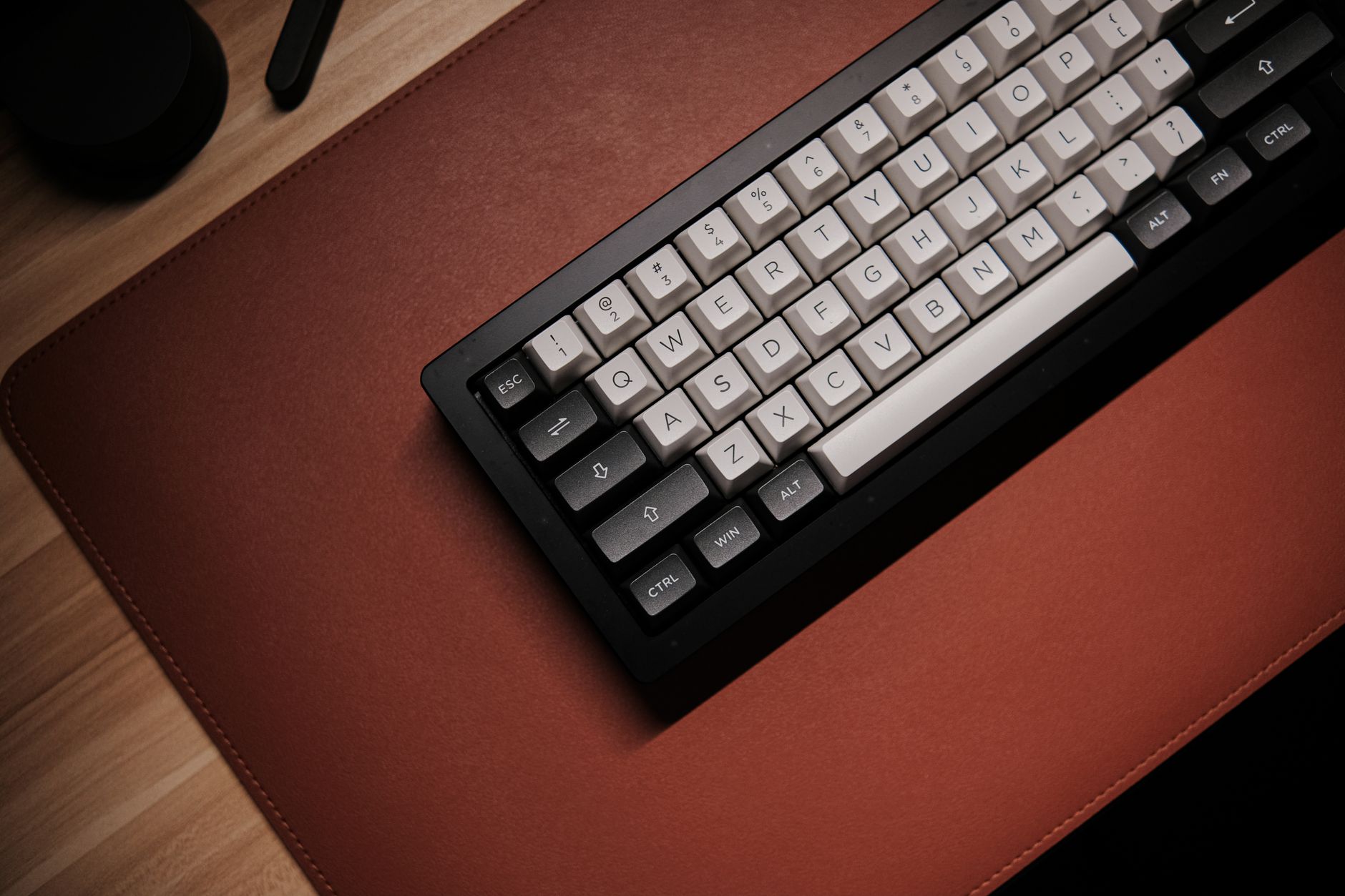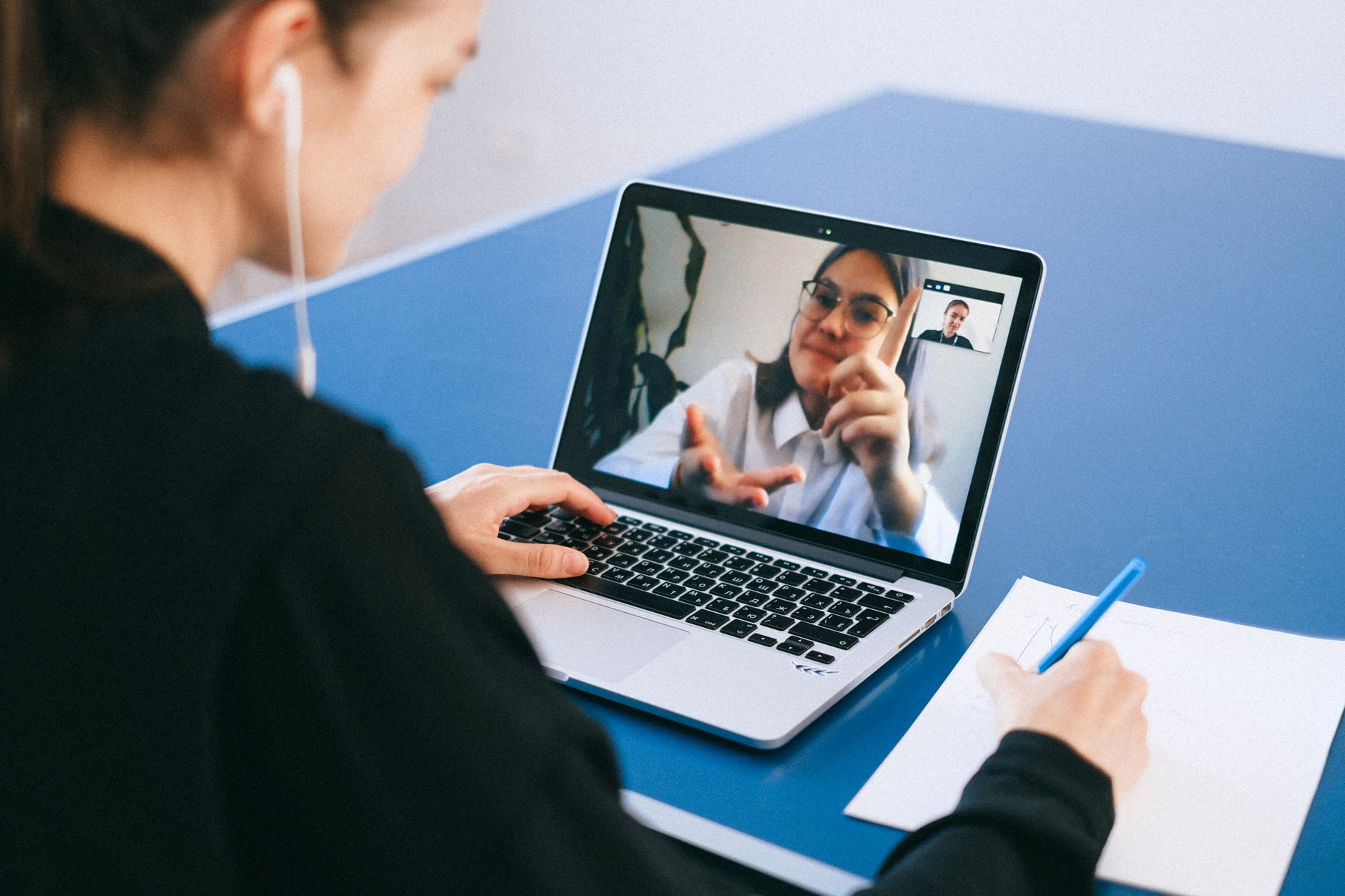
The home office video call is no longer a novelty. In 2026, it is the default way we interview, present, and collaborate. A poor webcam makes you look unprofessional and forces colleagues to squint. More importantly, a camera placed too low can push your gaze downward, which adds neck and eye strain over a workday. We evaluate webcams by image quality, microphone clarity, and low-light behavior because those factors determine how you show up on screen. Use our eye strain guide to manage screen fatigue while you compare models. The right webcam does not fix a bad workstation, but it removes one common source of poor meeting experiences.
Methodology matters. We looked at resolution, frame rate, field of view, microphone pickup, low-light exposure, mounting options, price, and warranty. We did not just read spec sheets. We considered how real home offices behave: windows that change light, shared rooms with keyboard noise, laptops that run hot, and desks that are too low. The Canadian Centre for Occupational Health and Safety reminds workers that repeated awkward postures, including craning toward a screen, can build into muscle fatigue. Our testing also accounts for simple ergonomic setup fixes, which we explain in our how to set up an ergonomic workstation article. That baseline keeps camera choice tied to body mechanics, not just pixel count.
Webcams now split into two groups. Fixed cameras, like the Logitech C920x and Anker PowerConf C200, sit still and capture a predictable frame. Tracking cameras, like the Insta360 Link 2, follow you as you stand or shift. That distinction matters if you use a sit-stand desk or move to a whiteboard during calls. Resolution has also jumped. A 4K camera is no longer overkill for home offices, especially when you crop the frame or record a training video. But resolution alone does not save a dim room. Sensor size and aperture often matter more after dark. We kept low-light performance as a separate scoring factor because so many home workers take calls at 7 a.m. or after dinner.
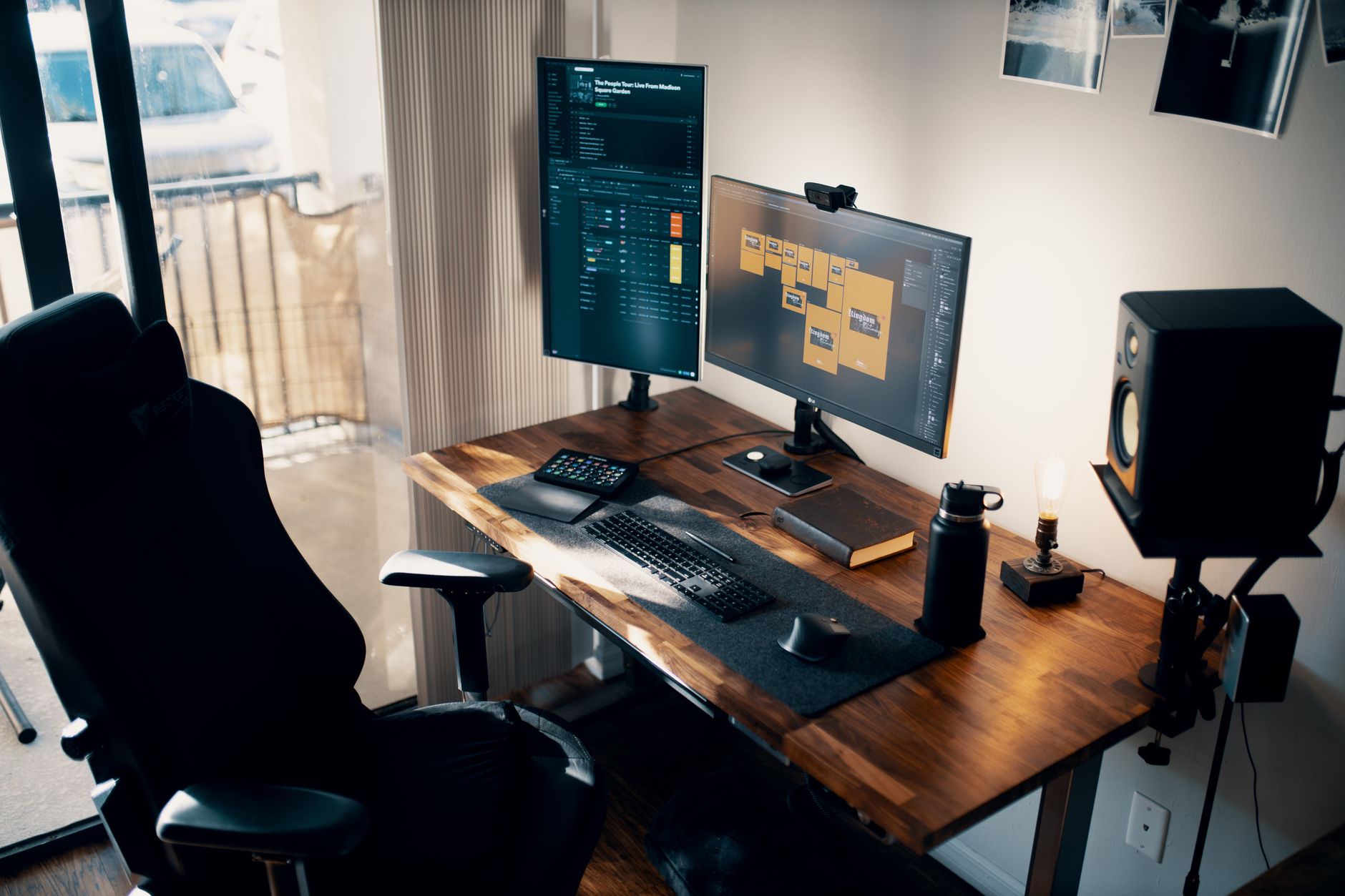
One ergonomic rule repeats across our guides: the camera should sit near eye level. OSHA advises arranging equipment to avoid sustained awkward neck positions. A separate webcam makes that possible because you can place it on a monitor arm or laptop stand instead of the fixed laptop camera. That is why this list includes mounting and adjustability details alongside image specs. If you are already redesigning your desk, our best monitor arm guide covers one simple upgrade. Once the camera is at eye height, image quality and microphone clarity determine whether you look and sound composed. Let’s get into the top picks.
How Do the Top Options Compare?
| Model | Best For | Price | Max Resolution | Field of View | Mic | Low Light |
|---|---|---|---|---|---|---|
| Logitech MX Brio | Most home office workers | $199 (Check) | 4K at 30fps, 1080p at 60fps | 90 degrees | Dual beamforming | Excellent |
| Insta360 Link 2 | AI tracking and movement | $299 (Check) | 4K at 30fps | Tracking gimbal | AI noise reduction | Excellent |
| Logitech C920x HD Pro | Budget 1080p | $69 (Check) | 1080p at 30fps | 78 degrees | Dual microphones | Fair |
| Anker PowerConf C200 | Budget 2K wide view | $79.99 (Check) | 2K at 30fps | 95 degrees | Dual microphones | Good |
| Elgato Facecam Pro | Creator-grade 4K at 60fps | $299 (Check) | 4K at 60fps | 90 degrees | None built in | Good, manual tuning |
Prices are typical street prices and may change. Specs reflect manufacturer listings as of 2026 and may vary by firmware or region.
1. Logitech MX Brio , Most home office workers
The Logitech MX Brio is our top overall pick for 2026. It records 4K at 30fps or 1080p at 60fps, which gives you flexibility for sharp meetings or smooth motion. The 90-degree field of view is wide enough for a two-person frame. Logitech pairs the sensor with auto light correction and dual beamforming microphones. Check the Logitech MX Brio on Amazon.
Low-light performance is this camera’s strongest point. You can sit near a bright window with changing glare and still keep a balanced face. The lens adjusts faster than many fixed webcams, so you do not disappear when clouds pass. It also handles mixed office lamps better than the C920x or Anker PowerConf C200.
Price is the main compromise. At $199, the MX Brio costs roughly three times the C920x. If you only make one call per week, that is hard to justify. But daily video callers will notice the difference. The included privacy shutter and tripod thread add practical value. For placement, a monitor arm keeps the camera near eye level, which reduces neck strain.
Key strengths:
- ✅ 4K at 30fps and 1080p at 60fps keeps motion smooth
- ✅ Strong low-light adjustment handles window glare
- ✅ Dual beamforming mics reduce background noise
- ✅ Privacy shutter and tripod thread included
- ❌ At $199, price is high for occasional callers
- ❌ 90-degree field of view may show more office than you want
- ❌ USB-C cable may require an adapter on older laptops
Who it’s for: Choose the MX Brio if you take daily video calls and want the best balance of image, mic, and low-light quality.
2. Insta360 Link 2 , AI tracking and frequent movement
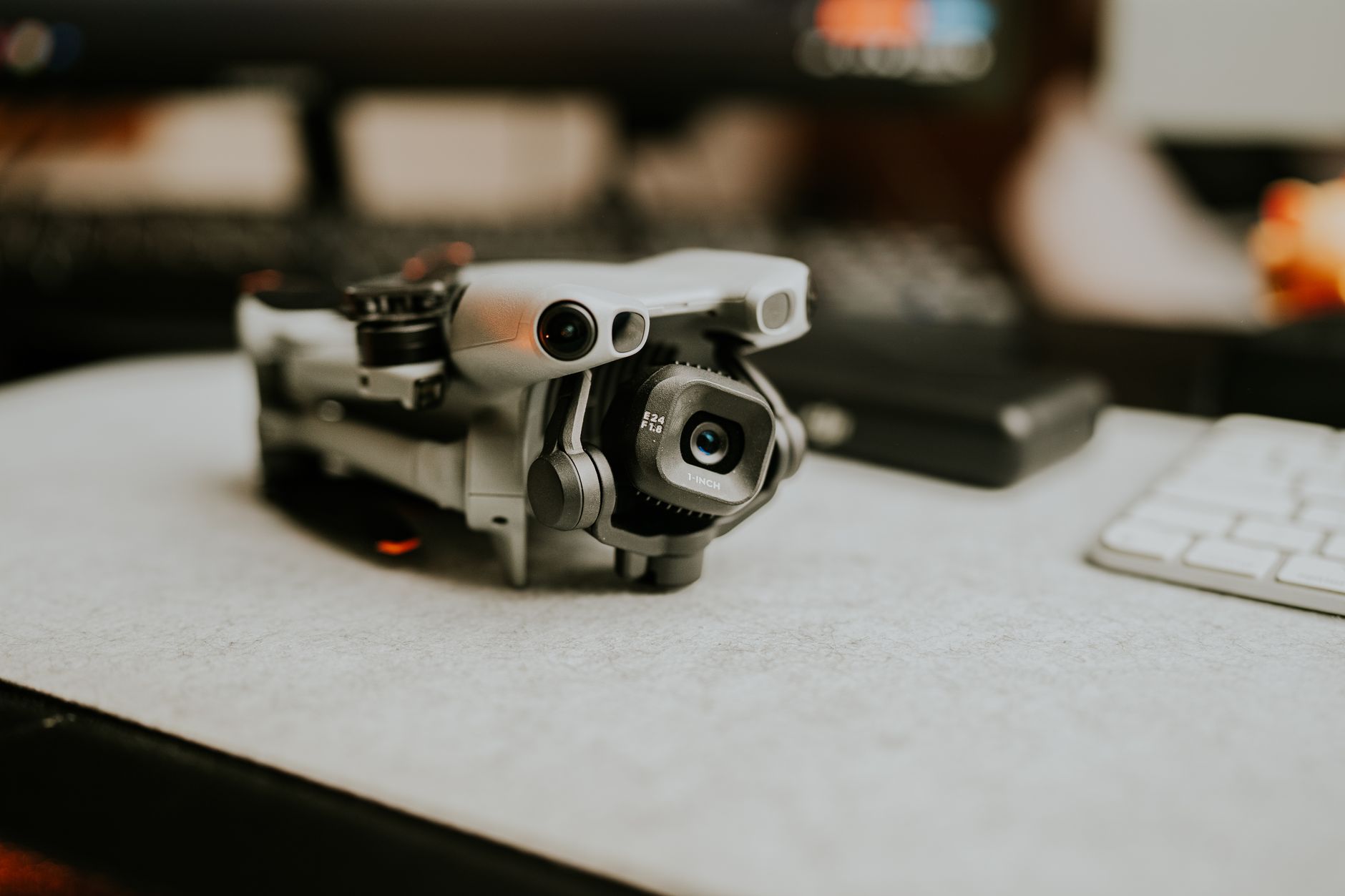
The Insta360 Link 2 solves a problem fixed webcams ignore. Its two-axis gimbal follows you as you stand, sit, or walk toward a whiteboard. The camera records 4K at 30fps and uses a 1/2-inch sensor, which collects more light than the smaller sensors in budget models. Check the Insta360 Link 2 on Amazon.
Low-light capture is excellent because of the f/1.8 lens and larger pixels. The microphone array uses AI noise reduction to cut keyboard clicks and room tone. Gesture controls let you start tracking without reaching for software. If you use a sit-stand desk, a best standing desk converter guide can help you choose stable hardware.
The price is the main hurdle. At $299, it is the most expensive webcam in this list. If you sit still at a monitor all day, you pay for tracking you will not use. OSHA recommends keeping the camera near eye level, and this camera keeps you framed as you move. The gimbal can also feel twitchy if you fidget, but most workers adapt within a few calls.
Key strengths:
- ✅ Two-axis gimbal tracks you during standing or pacing
- ✅ 1/2-inch sensor with f/1.8 lens handles dim rooms
- ✅ AI noise reduction for microphones reduces keyboard clatter
- ✅ 4K at 30fps with gesture controls
- ❌ $299 price is high for basic video calls
- ❌ Gimbal movement can distract if you fidget
- ❌ App required for some advanced settings
Who it’s for: Pick the Insta360 Link 2 if you move during calls or use a standing desk.
3. Logitech C920x HD Pro , Budget 1080p
The Logitech C920x HD Pro is the budget baseline. It records 1080p at 30fps and costs $69. The 78-degree field of view frames one person well. For a first external webcam, it is reliable and simple. You plug it in, select it in your meeting app, and look far better than most laptop cameras.
Microphone quality is clear at close range but not exceptional. It picks up voice well within three feet. In an empty room, you may hear a slight echo. Low-light performance is acceptable, not strong. You can use it in a dim office, but the image gets grainy faster than the MX Brio or Insta360 Link 2.
The fixed field of view is a limitation. You cannot crop or widen the shot without physically moving the camera. The 5-foot cable limits placement on large desks. Still, this is the cheapest webcam worth buying in 2026. Raise it to eye height with a laptop stand to improve posture. Our best laptop stands guide shows how.
Key strengths:
- ✅ 1080p at 30fps with accurate color under good light
- ✅ Low $69 price makes it an easy first upgrade
- ✅ Dual microphones perform well at close range
- ✅ Clip mounts on laptops and monitors without tools
- ❌ Low-light image has visible grain
- ❌ Fixed 78-degree field of view cannot be adjusted
- ❌ No privacy shutter in older packaging
Who it’s for: Get the C920x if you want a reliable 1080p webcam for under $80.
4. Anker PowerConf C200 , Budget 2K with wide view
The Anker PowerConf C200 turns 2K resolution into a budget feature. At $79.99, it undercuts 4K cameras while giving you more detail than 1080p models. The 95-degree field of view is the widest in this list. It can fit you and a colleague, or show more of your office without feeling distorted. Check the Anker PowerConf C200 on Amazon.
Low-light output is better than expected for the price. Anker biases the exposure toward your face, so you stay visible against a dark background. The dual microphones use noise reduction to reduce fan and keyboard sounds. A built-in privacy cover is a welcome touch. It keeps the lens clean and gives you control when calls end.
The design is bulkier than the Logitech C920x. The clip can feel stiff on thin laptop lids. The camera records 2K at 30fps, so fast movements may blur. Mayo Clinic notes that eye strain can increase when images flicker or blur, so keep the camera steady and well lit. If you work with two screens, our best ergonomic setup for dual monitors article can help center the camera.
Key strengths:
- ✅ 2K resolution for under $80
- ✅ 95-degree field of view fits two people
- ✅ Noise-reducing dual microphones help in shared offices
- ✅ Built-in privacy cover protects the lens
- ❌ Bulkier clip can fight thin bezels
- ❌ 2K at 30fps may stutter on older USB ports
- ❌ No 60fps mode for fast motion
Who it’s for: Choose the PowerConf C200 if you want sharper 2K video on a tight budget.
5. Elgato Facecam Pro , Creator-grade 4K at 60fps
The Elgato Facecam Pro is a creator’s webcam. It captures 4K at 60fps, which gives you the smoothest image in this group. The 90-degree field of view and Sony sensor produce sharp detail in bright rooms. If you record training videos or livestream, the image quality is worth the extra setup.
Low-light performance is good but manual. You may need to adjust exposure and white balance in the Camera Hub software to get the best result. That is fine for creators but overkill for most office calls. The biggest limitation is audio. The Facecam Pro has no built-in microphone. You must add a USB mic or headset.
At $299, the camera is expensive before you buy a microphone. For a standard home office, the Logitech MX Brio is a better all-in-one value. But if you already own a good mic, the Facecam Pro delivers studio-grade video. Avoid hunching while adjusting settings. Common posture problems start when you lean toward a fixed laptop camera.
Key strengths:
- ✅ 4K at 60fps provides the smoothest image in this list
- ✅ Sony sensor produces sharp detail in good light
- ✅ Manual exposure controls allow fine tuning
- ✅ 90-degree field of view works for recording
- ❌ No built-in microphone is a real limitation
- ❌ $299 price plus external mic cost adds up
- ❌ Low-light auto mode is weaker than rivals
Who it’s for: Pick the Facecam Pro if you create content and already own a separate microphone.
Frequently Asked Questions
What resolution do I need for home office video calls?
1080p is enough for Zoom and Microsoft Teams. 4K helps if you crop the frame or record training videos, but it uses more bandwidth and storage.
Do webcam microphones pick up keyboard noise?
Some do. Models with AI noise reduction, like the Insta360 Link 2 and Anker PowerConf C200, reduce keyboard clicks and fan noise. A headset or desk mic still sounds cleaner.
How should I position my webcam for good posture?
Place the camera at eye level or slightly above. Use a monitor arm or laptop stand. Avoid looking down at a laptop camera for long calls.
Can I use a 4K webcam on slow internet?
Yes. Meeting apps usually downscale the image automatically. You can also set the camera to 1080p in software to save bandwidth.
Are external webcams better than laptop cameras?
Usually. They have larger lenses, better sensors, and can be positioned independently. That improves both image quality and neck posture.
What low-light performance should I expect for under $100?
You can find 2K and 1080p models with decent low-light image quality, but grainy footage is still common. Higher prices generally buy larger sensors and brighter lenses.
What Should You Remember?
- Logitech MX Brio is the best overall webcam for daily home office video calls.
- Insta360 Link 2 works best for standing desk users and people who move during meetings.
- Anker PowerConf C200 gives you 2K resolution for under $80.
- Camera height can reduce neck strain more than any software filter.
- Low-light quality depends on sensor size and aperture, not just resolution.
- Built-in microphones vary widely; some cameras need an external mic for clear voice.
This article is for general information only and is not medical advice. Ergonomic guidance varies by body type and underlying conditions. Consult a physician or physical therapist for persistent pain before changing your workstation.